172 Configuring System Information
In some networks, the RADIUS server is responsible for assigning traffic to a particular VLAN. The
RADIUS enhancements include the Authorization Network RADIUS feature that allows the switch to
accept VLAN assignment by the RADIUS server.
The RADIUS server maintains a user database, which contains per-user authentication information.
RADIUS servers provide a centralized authentication method for:
•Telnet Access
• Web Access
• Console to Switch Access
• Access Control Port (802.1x)
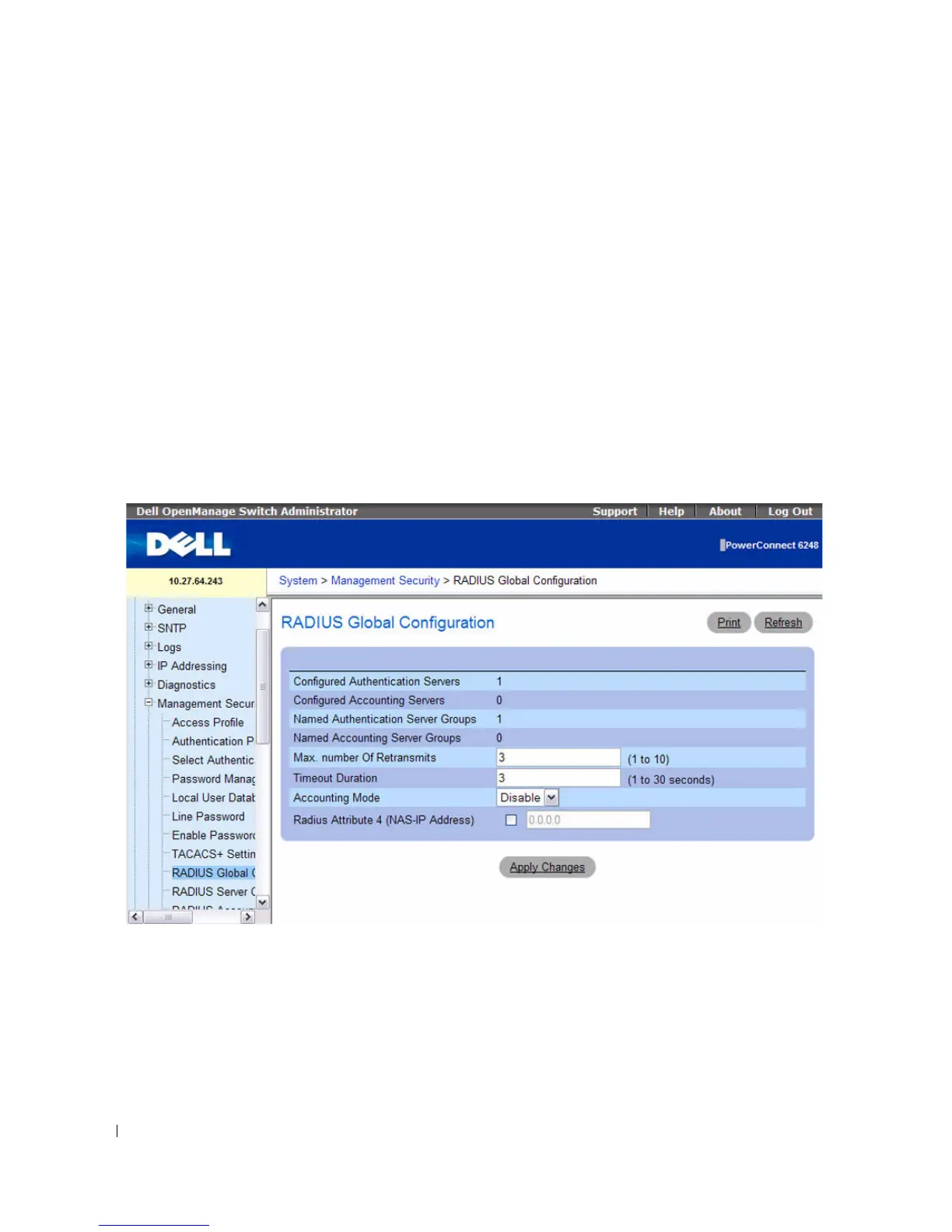
To display t he RADIUS Global Configuration page, click System > Management Security > RADIUS
Global Configuration in the tree view.
Figure 6-56. RADIUS Global Configuration
The RADIUS Global Configuration page contains the following fields:
•
Configured Authentication Servers
— The number of RADIUS authentication servers configured on
the system. The value can range from 0 to 32.
•
Configured Accounting Servers
— The number of RADIUS accounting servers configured on the
system. The value can range from 0 to 32.



 To Next Page