178 Configuring System Information
Adding a RADIUS Accounting Server
1.
Open the
RADIUS Accounting Server Configuration
page.
2.
Click
Add
.
The
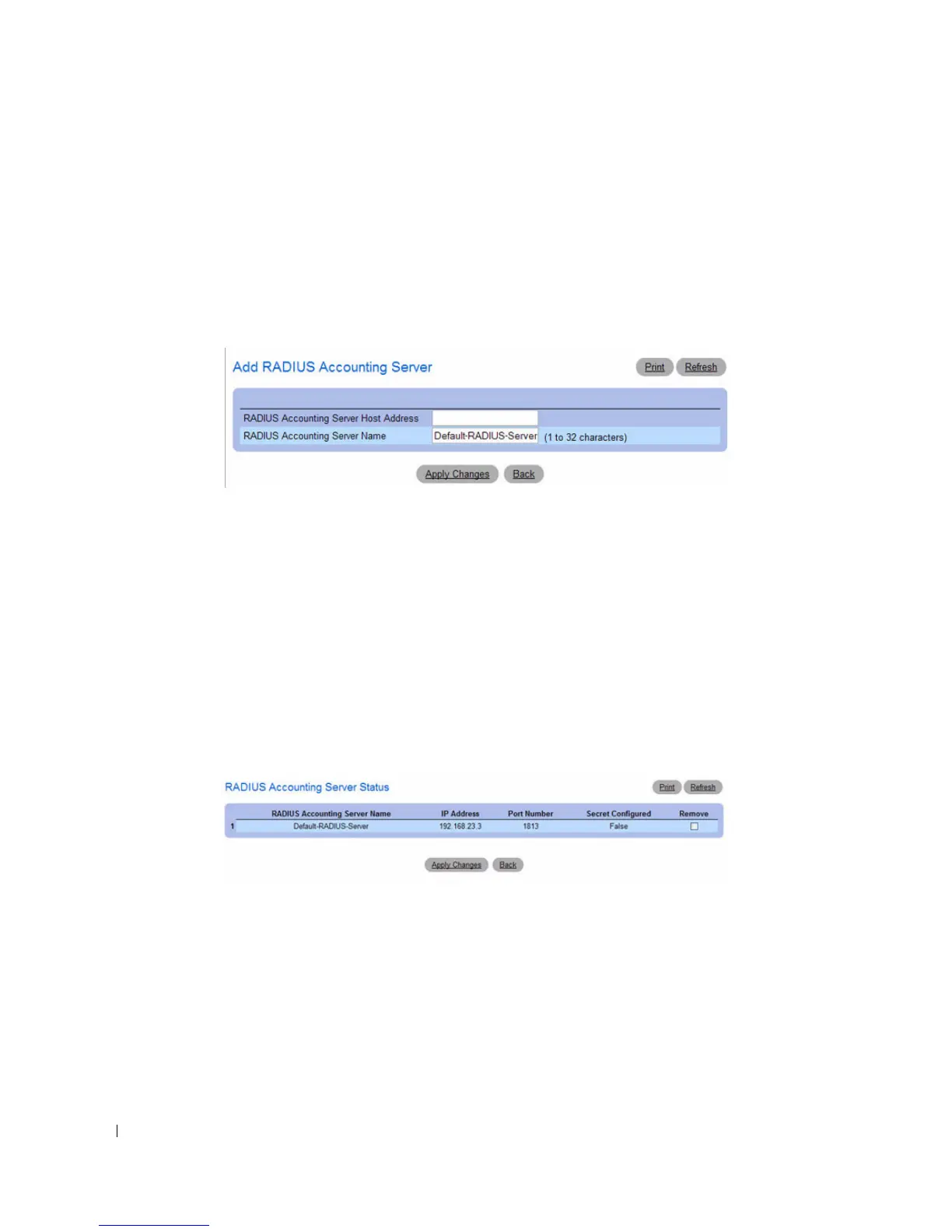
Add RADIUS Accounting Server
page displays.
Figure 6-61. Add RADIUS Accounting Server
3.
Enter an IP address and name for the RADIUS accounting server to add.
4.
Click
Apply Changes
.
The new RADIUS server is added, and the device is updated.
Viewing RADIUS Accounting Server Status and Removing a Accounting Named Server
1.
Open the
RADIUS Accounting Server Configuration
page.
2.
Click
Show All
.
The
RADIUS Named Accounting Server Status
page displays.
Figure 6-62. RADIUS Accounting Server Status
3.
To remove a named accounting server, select the check box in the
Remove
column.
4.
Click
Apply Changes
.
The RADIUS accounting server is removed from the list
.



 To Next Page