190 Configuring System Information
Adding a Captive Portal Configuration
1.
Open the
Captive Portal Configuration
page.
2.
Click
Add
.
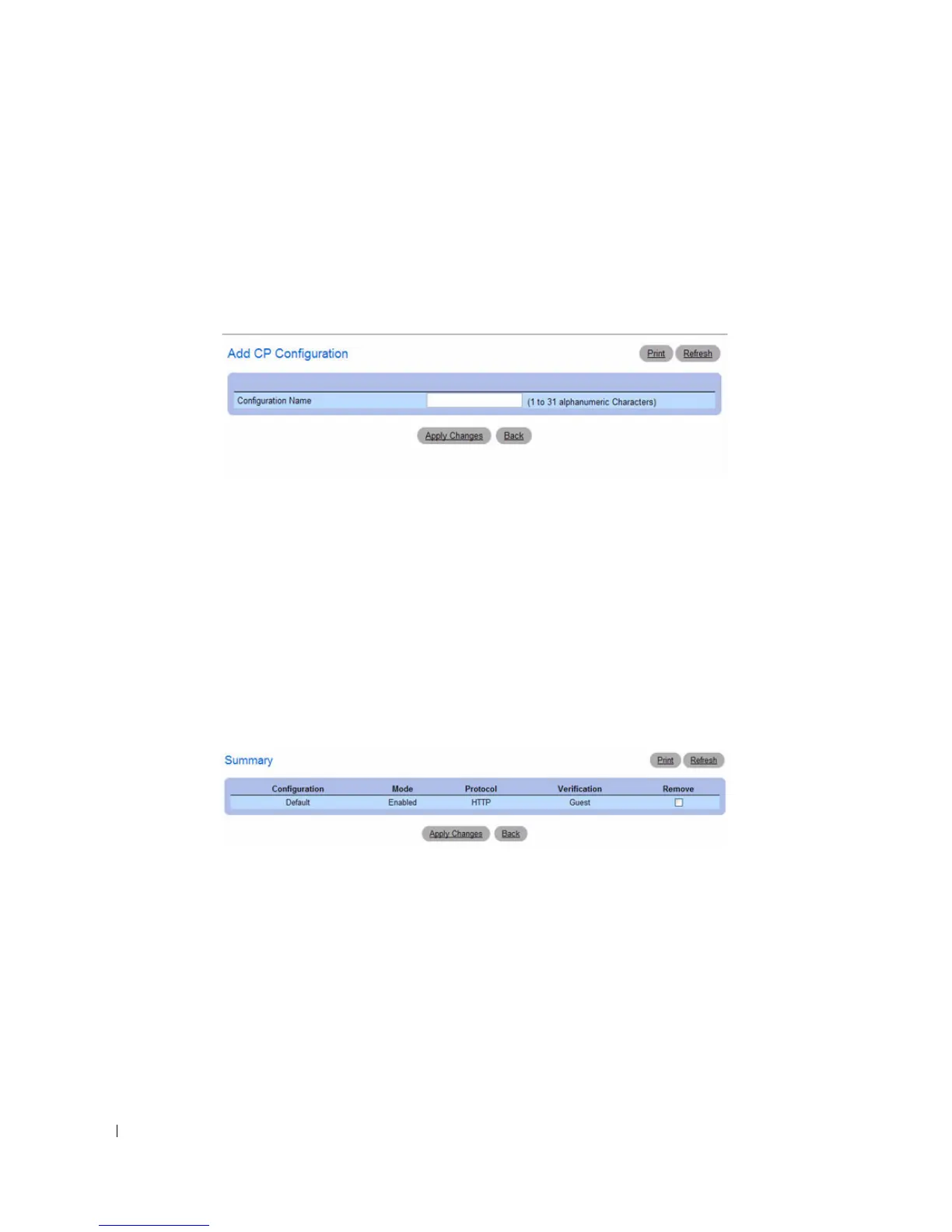
The
Add CP Configuration page
displays:
Figure 6-70. Add CP Configuration
3.
Enter a name for the new CP configuration.
4.
Click
Apply Changes
.
The CP configuration is added, and the device is updated.
Displaying the CP Configuration Summary
1.
Open the Captive Portal
Configuration
page.
2.
Click
Show
All
.
The
CP Summary
page displays:
Figure 6-71. CP Summary
3.
To remove a CP configuration, select the
Remove
option in the CP configuration row and click
Apply
Changes
.



 To Next Page