210 Configuring System Information
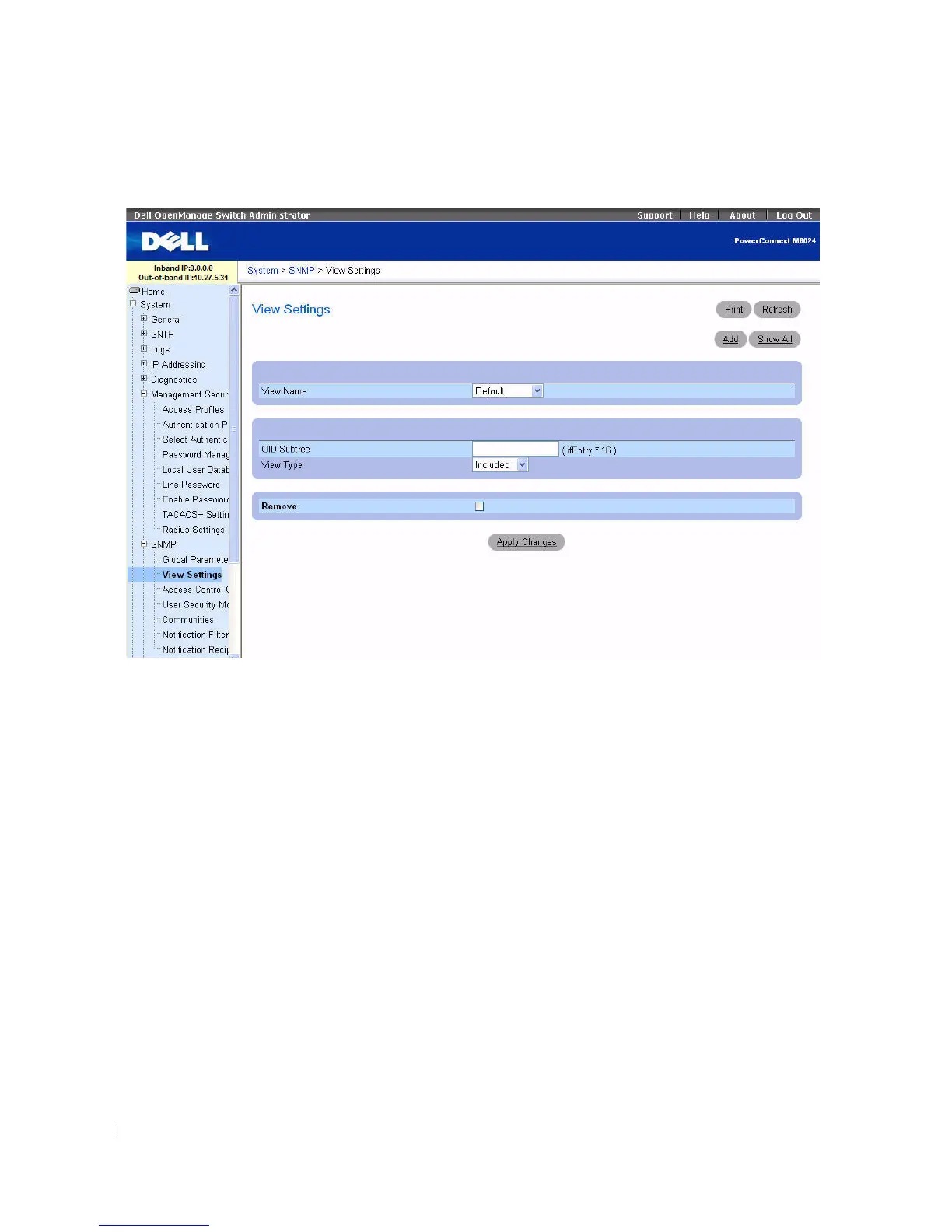
Figure 6-90. SNMP View Settings
The SNMP View Settings page contains the following fields:
•
View Name
— Contains a list of user-defined views. A view name can contain a maximum of 30
alphanumeric characters.
•
OID Subtree
— Specifies a valid SNMP OID string that can include meta characters like *.
•
View Type —
Specifies whether the objectIDs in the view are included or excluded.
•
Remove
—
Check to remove displayed view type.
Adding a View
1.
Open the
SNMP View Settings
p
age
.
2.
Click
Add
.
The
Add View
page displays:



 To Next Page