Configuring System Information 221
Adding a New Community
1.
Open the
SNMPv1, 2 Community
page.
2.
Click
Add
.
The
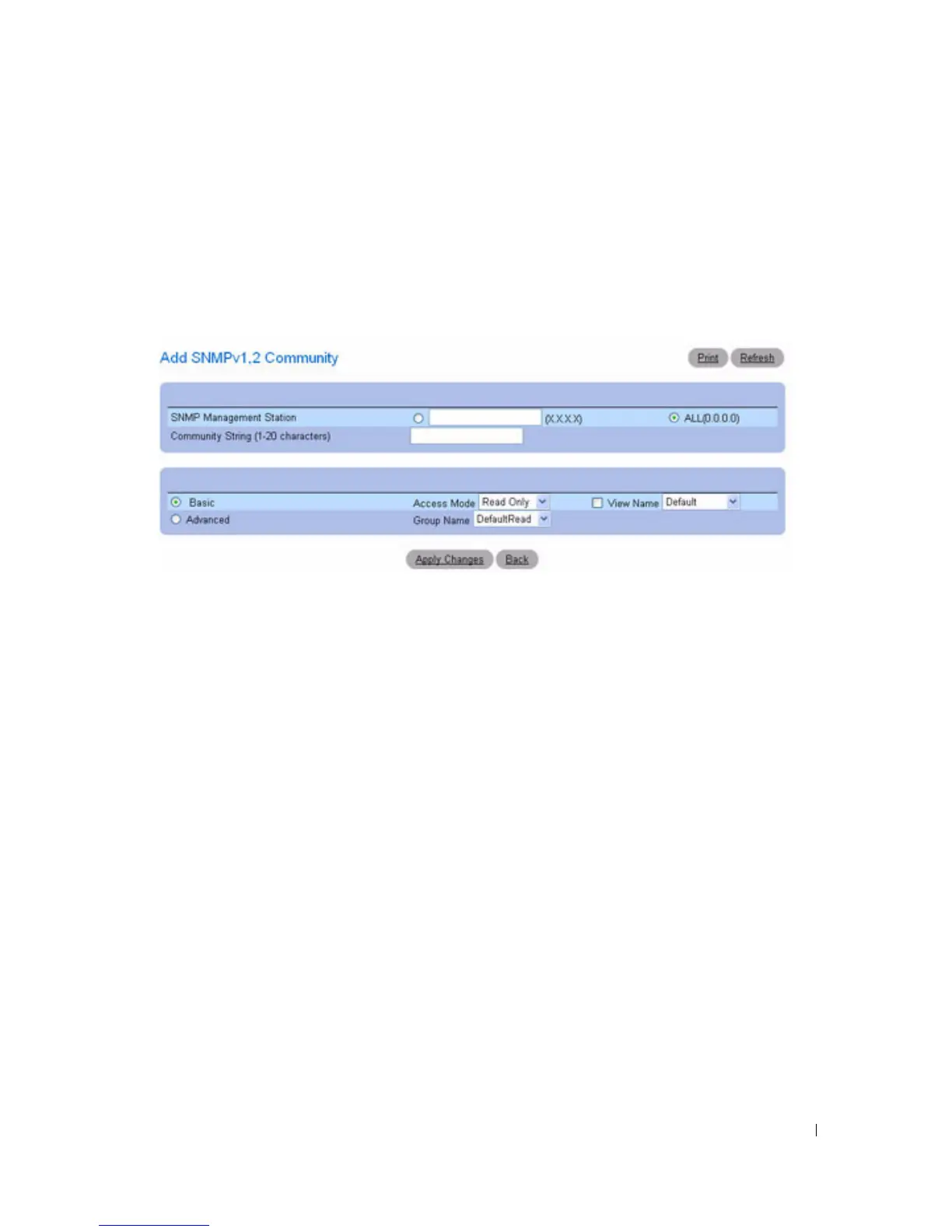
Add SNMPv1,2 Community
page displays:
Figure 6-101. Add SNMPv1,2 Community
3.
Complete the
relevant
fields.
In addition to the fields in the
SNMPv1, 2 Community
page, the
Add SNMPv1,2 Community
page
contains the
All (0.0.0.0)
field, which indicates that the community can be used from any
management station.
4.
Click
Apply Changes
.
The new community is saved, and the device is updated.
Displaying Communities
1.
Open the
SNMPv1, 2 Community
page.
2.
Click
Show All
.
The
Basic and Advanced Table
page displays.



 To Next Page