Configuring System Information 235
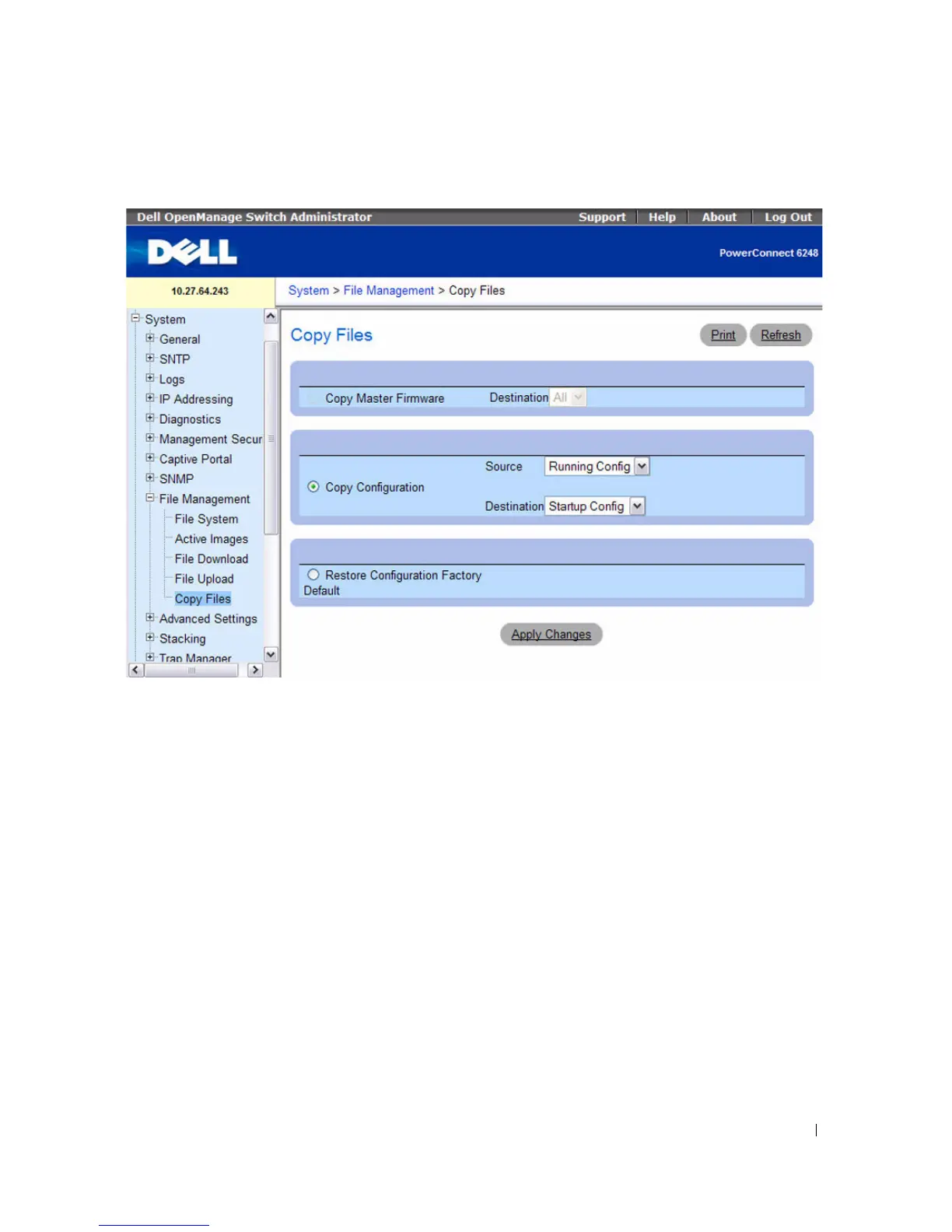
Figure 6-113. Copy Files
The Copy Files page contains the following fields:
•
Copy Master Firmware —
Specifies that a software image file should be copied.
•
Destination —
The destination unit(s) (within the stack) to which the file is copied. Select from the
menu one of the following values:
–
All —
All units in the stack.
–
Unit —
Specified unit within the stack, unit 1 for example.
•
Copy Configuration —
Specifies that a configuration file should be copied.
•
Source —
The configuration source file from which the file is copied. Select from the menu one of the
following possible values:
–
Running Config —
Uploads the running configuration file.
–
Startup Config —
Uploads the startup configuration file.
–
Backup Config —
Uploads the backup configuration file.
•
Destination —
The destination configuration file to which the file is copied. Select from the menu
one of the following:



 To Next Page