242 Configuring System Information
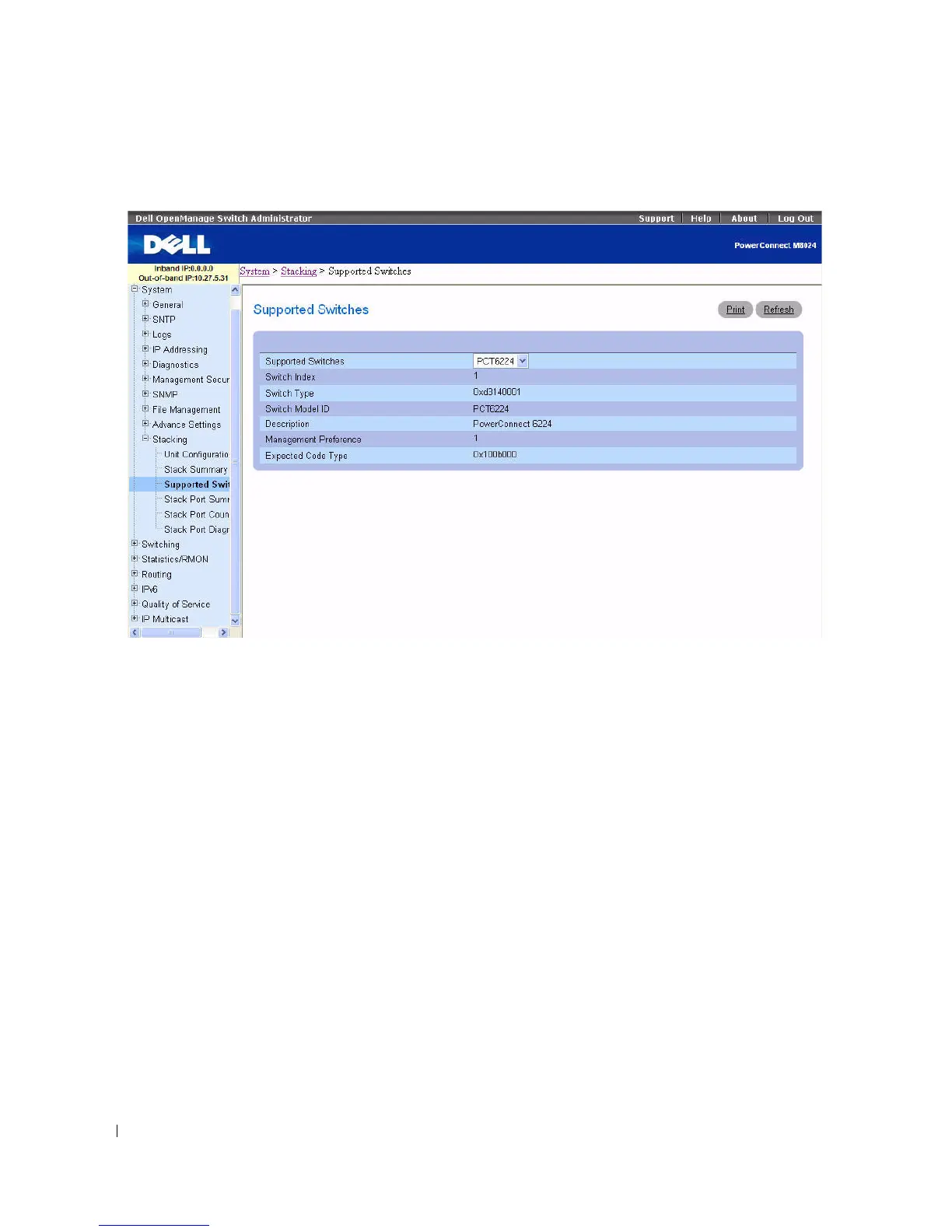
Figure 6-117. Supported Switches
The Supported Switches page contains the following fields:
•
Supported Switches —
Drop-down list permits selection of switches supported.
•
Switch Index
—
Specifies the index into the database of the supported switch types.
•
Switch Type —
Hardware ID given to the switch.
•
Switch Model ID —
Displays a 16-byte character string to identify the model of the supported switch.
•
Description —
Displays a 256-byte data field used to identify the device.
•
Management Preference —
Determines whether this unit is capable of becoming the master switch. If
the value is set to zero then the unit cannot support Master Switch function. The higher value means
that the unit is more desirable than another unit with lower value for running the management
function. The device manufacturer sets the initial value of this field.
•
Expected Code Type —
Displays the release number and version number of the code expected.
Viewing Supported Switch Characteristics
1.
Open the
Supported Switches
page.
2.
Select desired switch from the
Supported Switch
drop-down list.



 To Next Page