Configuring Switching Information 293
•
LAG
— Contains a list of LAG numbers.
•
LAG Type
— The port types that comprise the LAG.
•
Description (0–64 Characters)
— Description of the port.
•
Admin Status
— Enables or disables traffic forwarding through the selected LAG.
•
Current LAG Status
— Indicates whether the selected LAG is Up or Down.
Defining LAG Parameters
1.
Open the
LAG Configuration
page.
2.
Select a LAG in the
LAG
field.
3.
Define the available fields on the screen.
4.
Click
Apply Changes
.
The LAG parameters are saved to the switch.
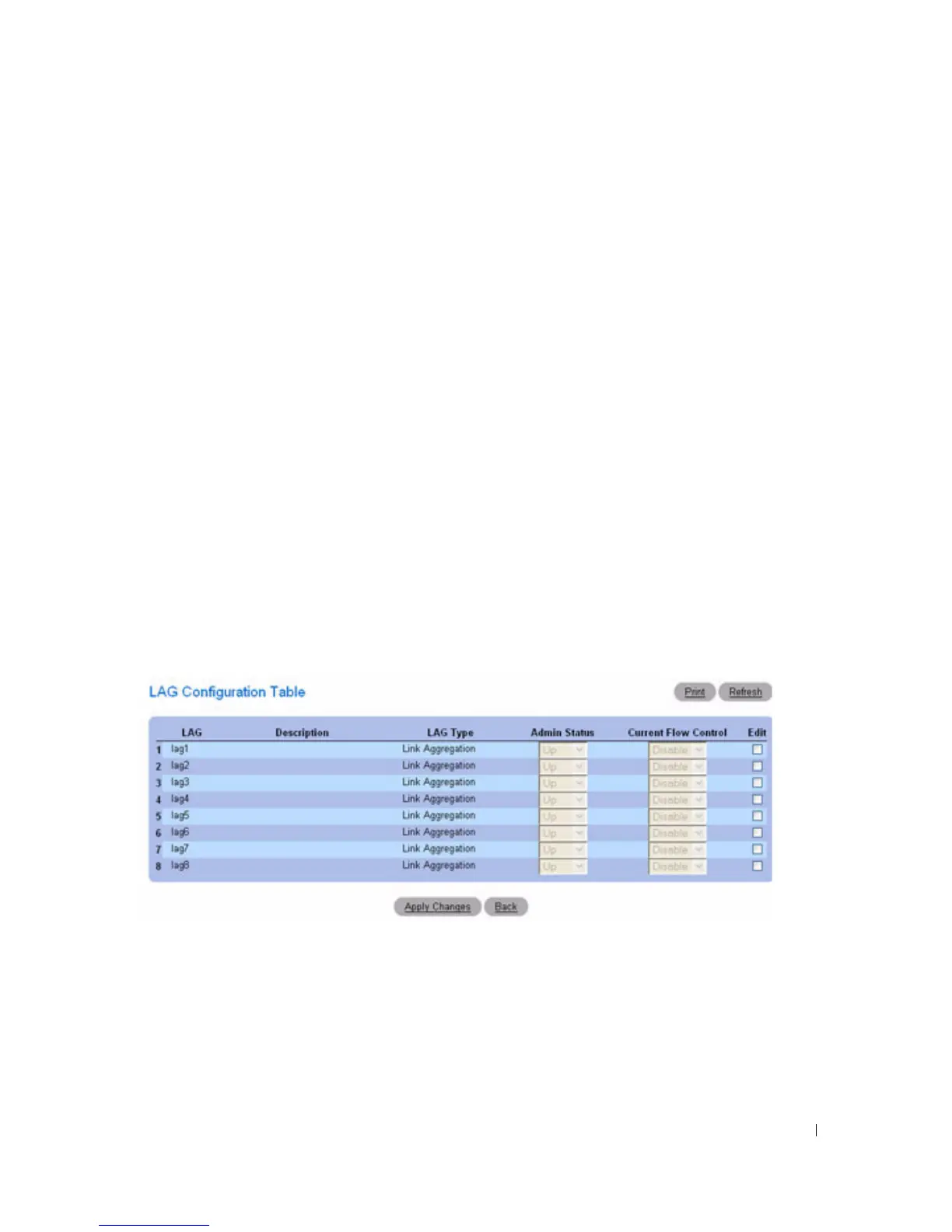
Displaying the LAG Configuration Table
1.
Open the
LAG Configuration
page.
2.
Click
Show All
.
3.
The
LAG Configuration Table
displays.
Figure 7-26. LAG Configuration Table
Editing LAG Parameters
1.
Open the
LAG Configuration
page.
2.
Click
Show All
.
3.
The
LAG Configuration Table
displays.
4.
Check
Edit
for all LAGs to be modified.



 To Next Page