298 Configuring Switching Information
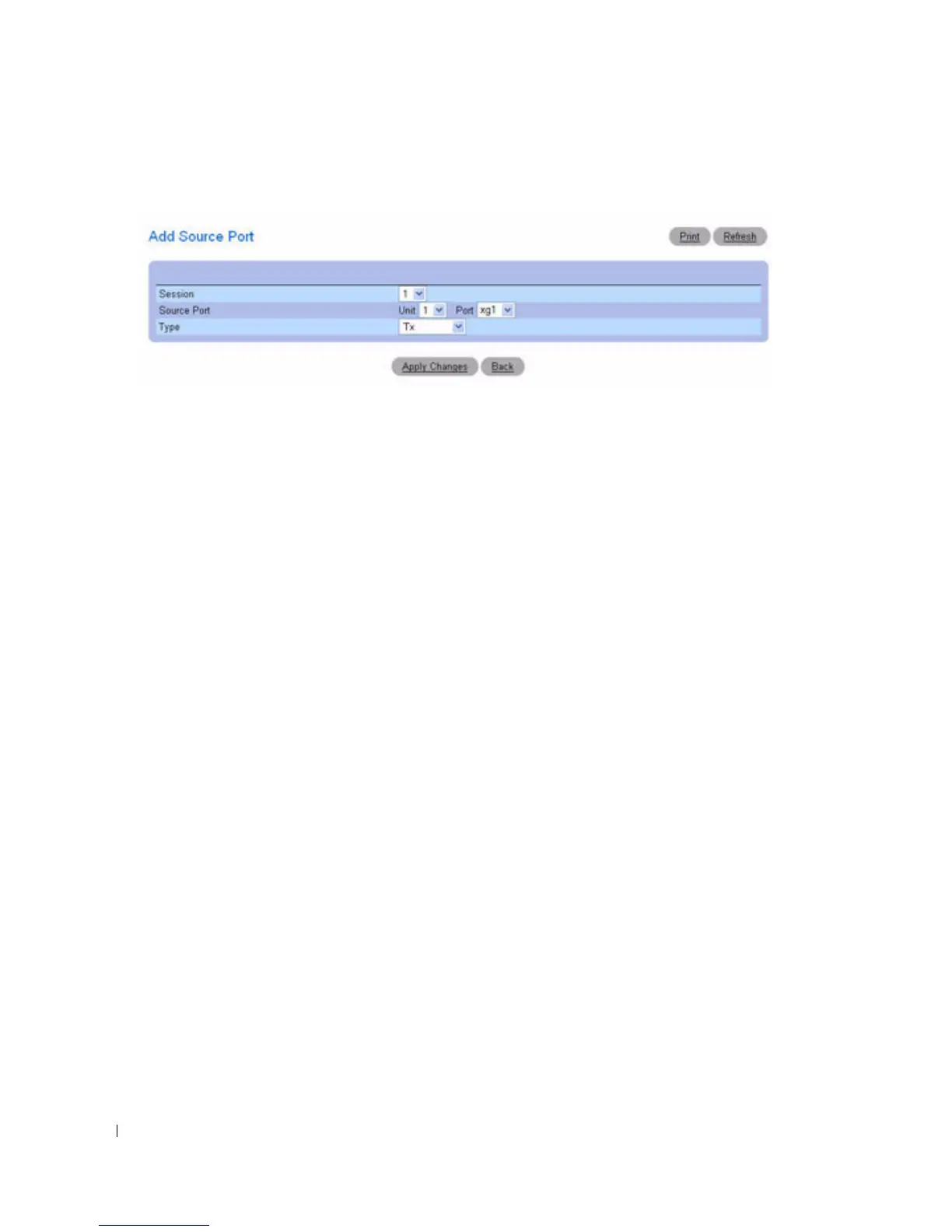
Figure 7-30. Add Source Port
3.
Configure the following fields:
Session
— Select the session to monitor.
Source Port
—Select the unit and port from which traffic is mirrored. Up to four source ports can be
mirrored to a destination port.
Ty p e
— Specifies the type of traffic monitored. Possible field values are:
TX
— Monitors transmitted packets only.
RX
— Monitors received packets only.
TX and RX
— Monitors transmitted and received packets.
4.
Click
Apply Changes
.
The new port mirroring session is enabled for the unit and port, and the device is updated. The source
port appears in the Source Port table on the Port Mirroring page.
Modifying a Port Mirroring Session
1.
Open the
Port Mirroring
page.
2.
Modify the fields.
3.
Click
Apply Changes
.
The port mirroring session fields are modified, and the device is updated.
Removing a Port Mirroring Session
1.
Open the
Port Mirroring
page.
2.
Select the
Reset Session
check box.
3.
Click
Apply Changes
.
The port mirroring session is removed, and the device is updated.



 To Next Page