302 Configuring Switching Information
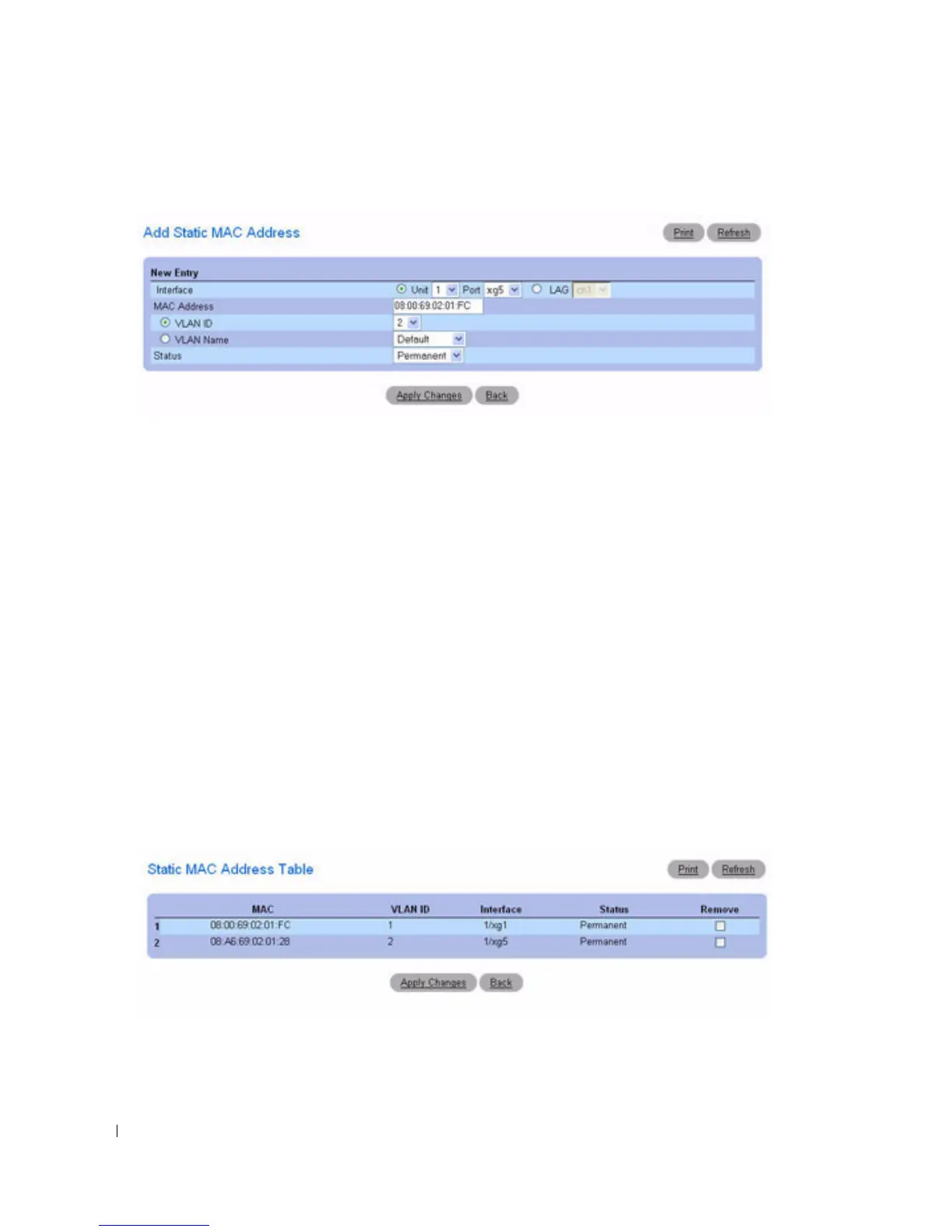
Figure 7-33. Adding Static MAC Address
3.
Complete the fields as needed.
4.
Click
Apply Changes
.
The new static address is added to the
Static MAC Address Table
, and the device is updated.
Modifying a Static Address in the Static MAC Address Table
1.
Open the
Static MAC Address
page
.
2.
Modify the fields.
3.
Click
Apply Changes
.
The static MAC address is modified, and the device is updated.
Displaying the Static MAC Address Table
1.
Open the
Static MAC Address
page
.
2.
Click
Show All
.
The
Static MAC Address Table
displays all existing static MAC addresses.
Figure 7-34. Static MAC Address Table



 To Next Page