Configuring Switching Information 343
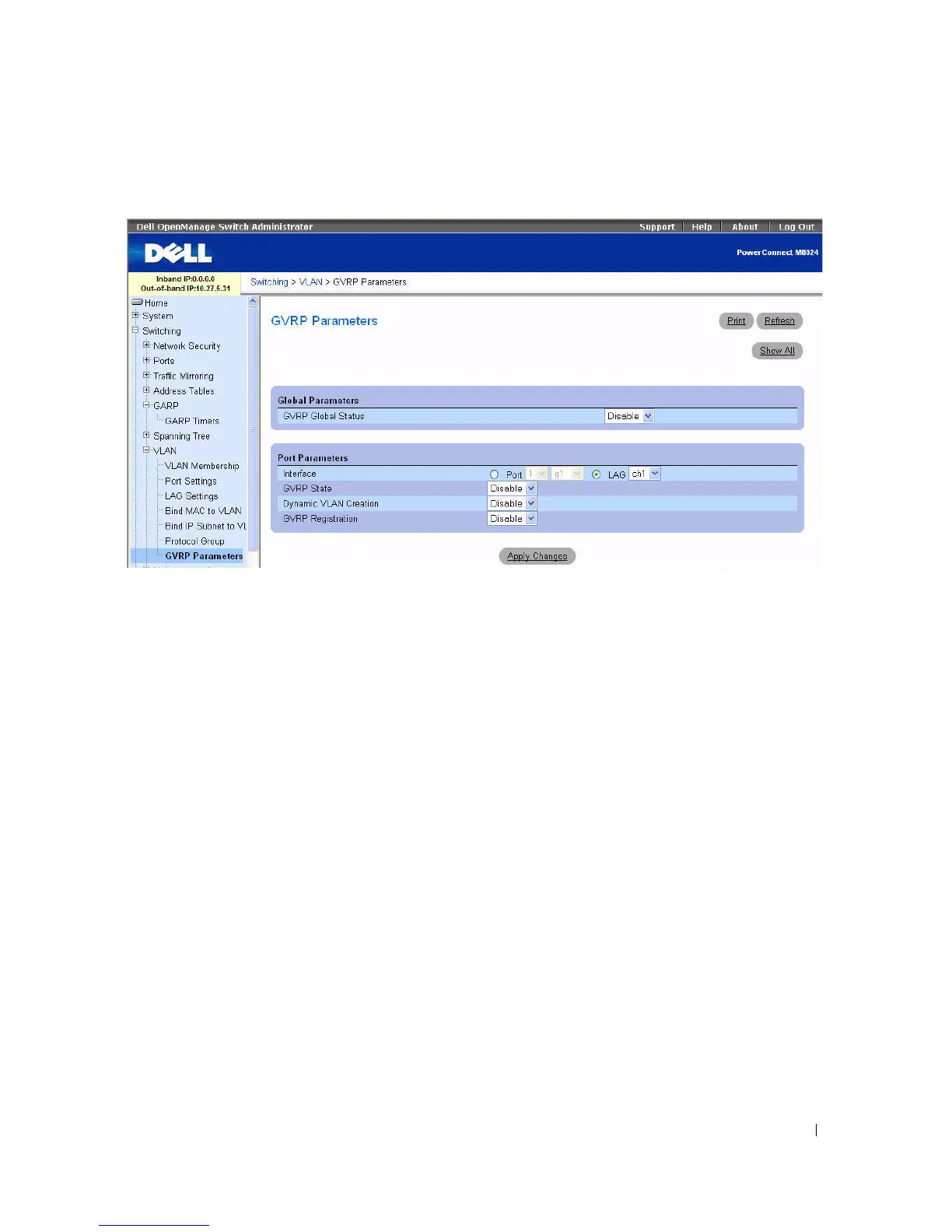
Figure 7-65. GVRP Global Parameters
The GVRP Global Parameters page contains the following fields:
•
GVRP Global Status
— Enables or disables GVRP on the switch. GVRP is disabled by default.
•
Interface
— Specifies the Unit and Port or LAG for which GVRP is enabled.
•
GVRP State
— Enables or disables GVRP on the specified interface.
•
Dynamic VLAN Creation
— Enables or disables VLAN creation through GVRP.
•
GVRP Registration
— Enables or disables GVRP Registration.
Enabling GVRP On the Switch
1.
Open the
GVRP Global Parameters
page.
2.
Select
Enable
in the
GVRP Global Status
field.
3.
Click
Apply Changes
.
GVRP is enabled on the switch.
Enabling VLAN Registration Through GVRP
1.
Open the
GVRP Global Parameters
page.
2.
Select
Enable
in the
GVRP Global Status
field for the desired interface.
3.
Select
Enable
in the
GVRP Registration
field.
4.
Click
Apply Changes
.
GVRP VLAN Registration is enabled on the port, and the device is updated.



 To Next Page