Configuring Switching Information 385
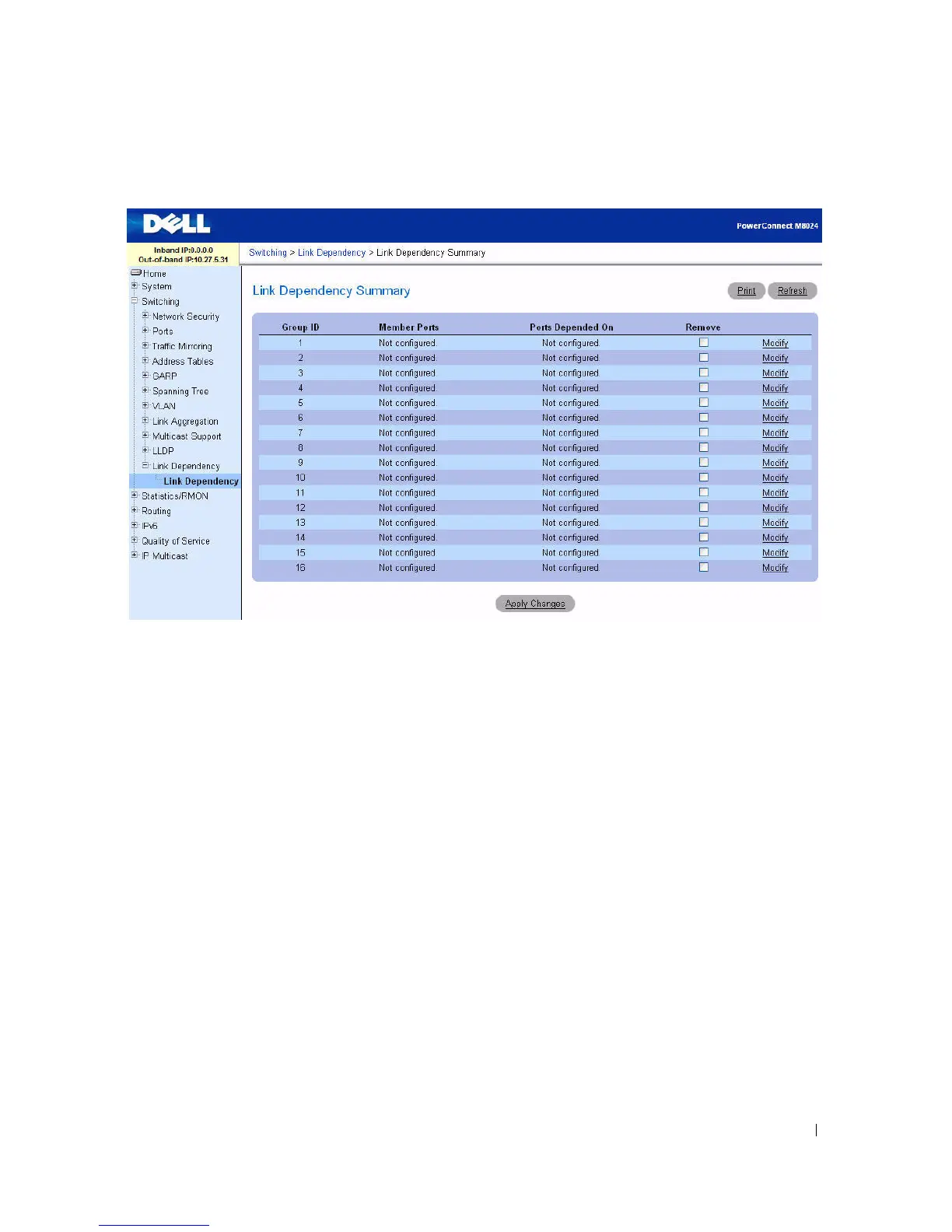
Figure 7-99. Link Dependency Summary
The Link Dependency Summary page contains the following fields:
•
Group ID
— The ID number of the group.
•
Member Ports
— The list of member ports belonging to the group.
•
Ports Depended On
— The list of ports upon which the group depends.
•
Remove
— A check box for removing the configuration for a group.
•
Modify
— A link for modifying the configuration of a group. Click the Modify link to access the
configuration page for the group.
Modifying a Link Dependency Group
1.
Open the
Link Dependency Summary
page.
2.
From the Group ID row for the Link Dependency group to configure, click the
Modify
link.
The
Link Dependency Group Configuration
page displays.



 To Next Page