416 Configuring Switching Information
Configuring Port Aggregator Groups
You can assign each port to an aggregator group from the Port Configuration page, which is accessible
from the Port Configuration Summary page. By default, all ports are in aggregator group 1.
1.
Open the
Port Configuration Summary
page.
2.
Click any
Modify
link to access the
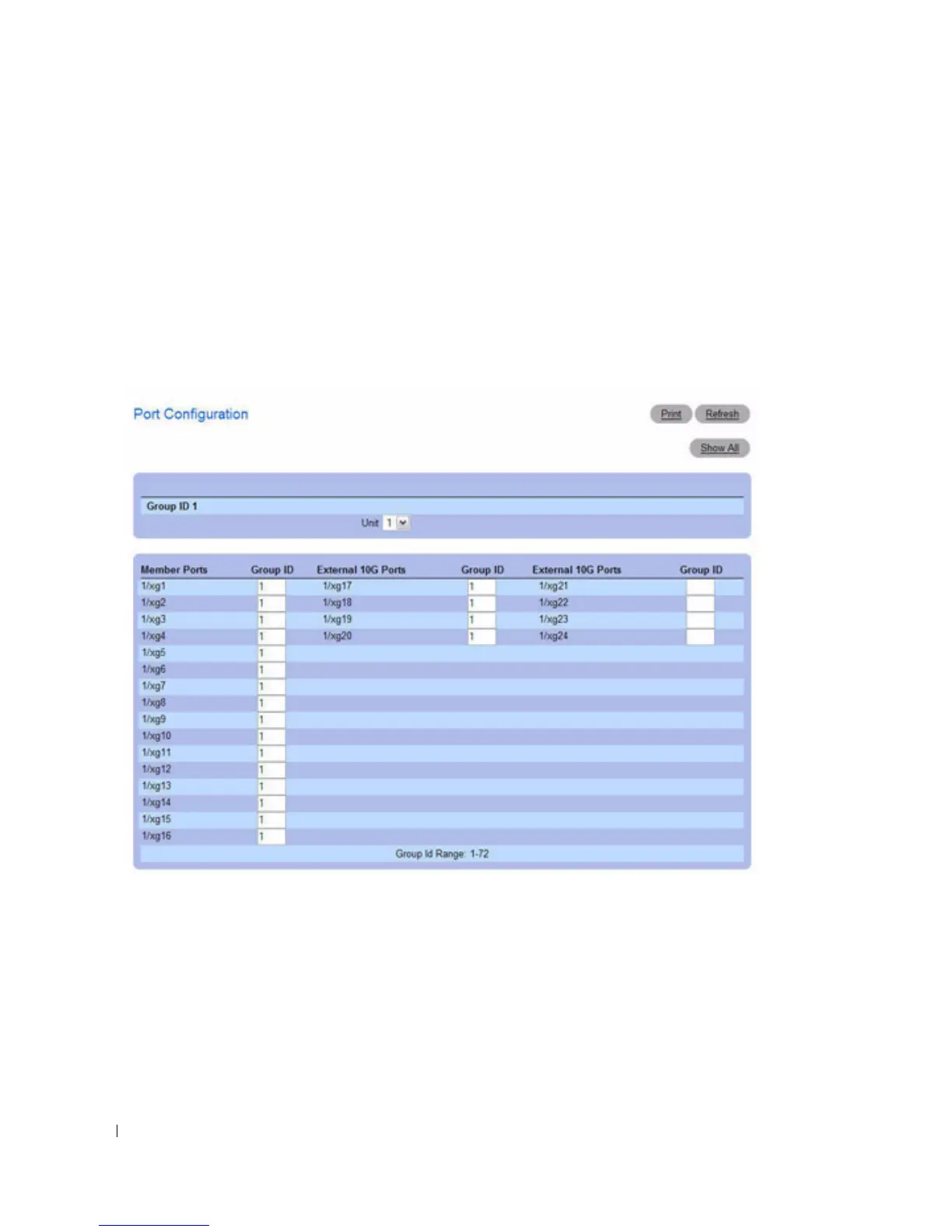
Port Configuration
page.
The
Port Configuration
page displays.
Figure 7-130. Port Aggregator Group Port Configuration
3.
If the system supports stacking, select the stack member to configure.
4.
Enter the Port Aggregator Group ID in the Group ID field for the ports to add to a group.
Each port can only belong to one Port Aggregator group.
5.
Click
Apply Changes
.
6.
To return to the
Port Configuration Summary
page, click
Show All
.



 To Next Page