Configuring Switching Information 419
•
Duplex
— Identifies the group duplex mode, which is either Full or Half.
–
Full
— Indicates that the
group
supports transmission between the switch and the client in both
directions simultaneously.
–
Half
— Indicates that the
group
supports transmission between the switch and the client in only
one direction at a time.
Configuring a Port Aggregator Group
1.
Open the
Group Configuration Summary
page.
2.
For the group to configure, click the
Modify
link at the end of the row.
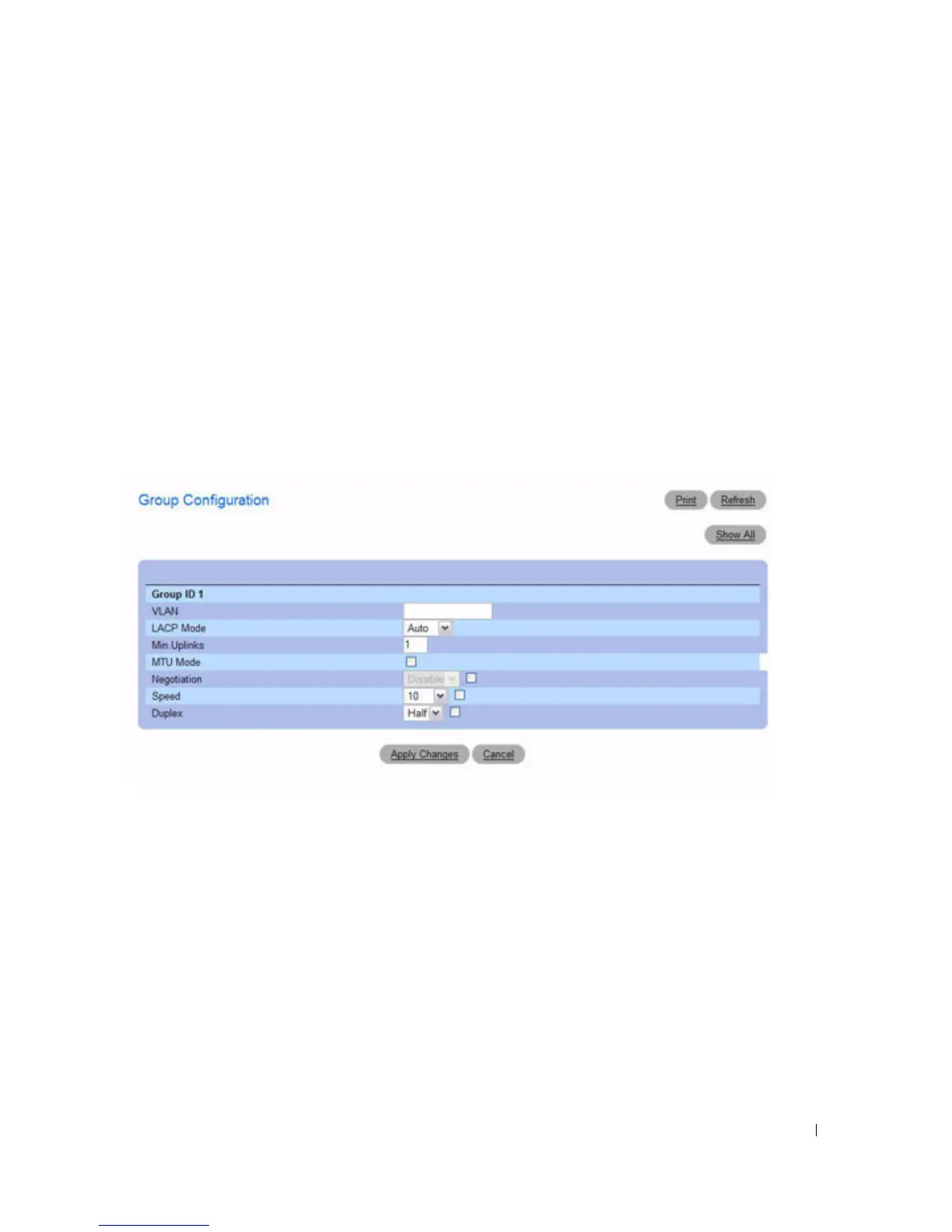
The
Group Configuration
page for the group displays.
Figure 7-132. Group Configuration
3.
Edit the fields as needed.
For more information about the fields and the available options, see the field descriptions for the
Group Configuration Summary
page.
4.
Click
Apply Changes
.
The settings for the Port Aggregator group are modified, and the device is updated.
5.
To return to the
Group Configuration Summary
page, click
Show All
.
Configuring Group Configuration Summary Settings with CLI Commands
For information about the CLI commands that perform this function, see the following chapter in the
CLI Reference Guide
:
• Port Aggregator Commands



 To Next Page