Viewing Statistics and Remote Monitoring 425
•
Internal MAC Receive Errors
— Displays number of internal MAC received errors on the selected
interface.
•
Received Pause Frames
— Displays number of received paused frames on the selected interface.
Transmitted Pause Frames — Displays number of transmitted paused frames on the selected interface.
Displaying Etherlike Statistics for an Interface
1.
Open the
Etherlike Statistics
page.
2.
Specify an interface.
Statistics for the specified interface display.
GVRP Statistics
Use the
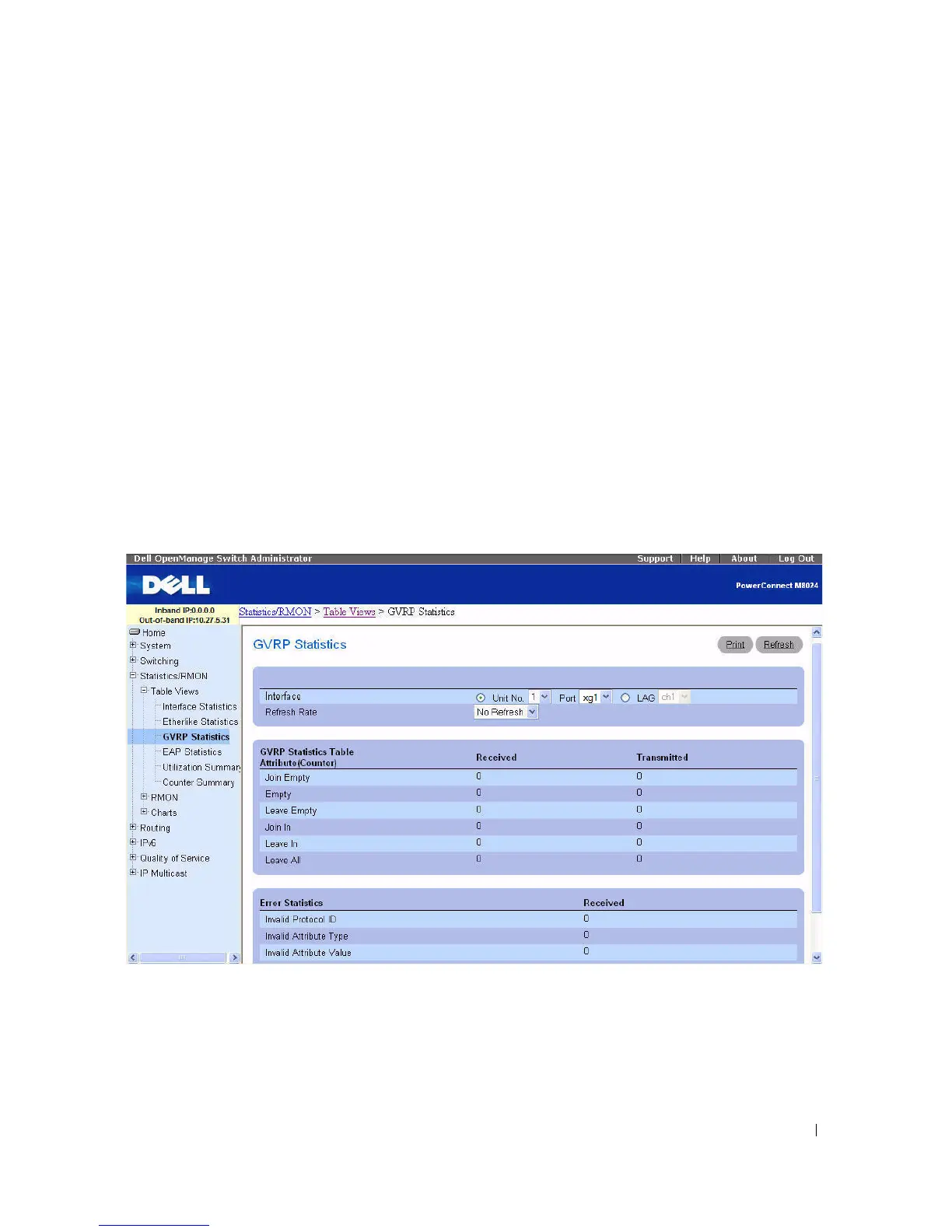
GVRP Statistics page to display switch statistics for GVRP.
To display the page, click Statistics/RMON > Table Views > GVRP Statistics in the tree view.
Figure 8-3. GVRP Statistics



 To Next Page