Viewing Statistics and Remote Monitoring 427
EAP Statistics
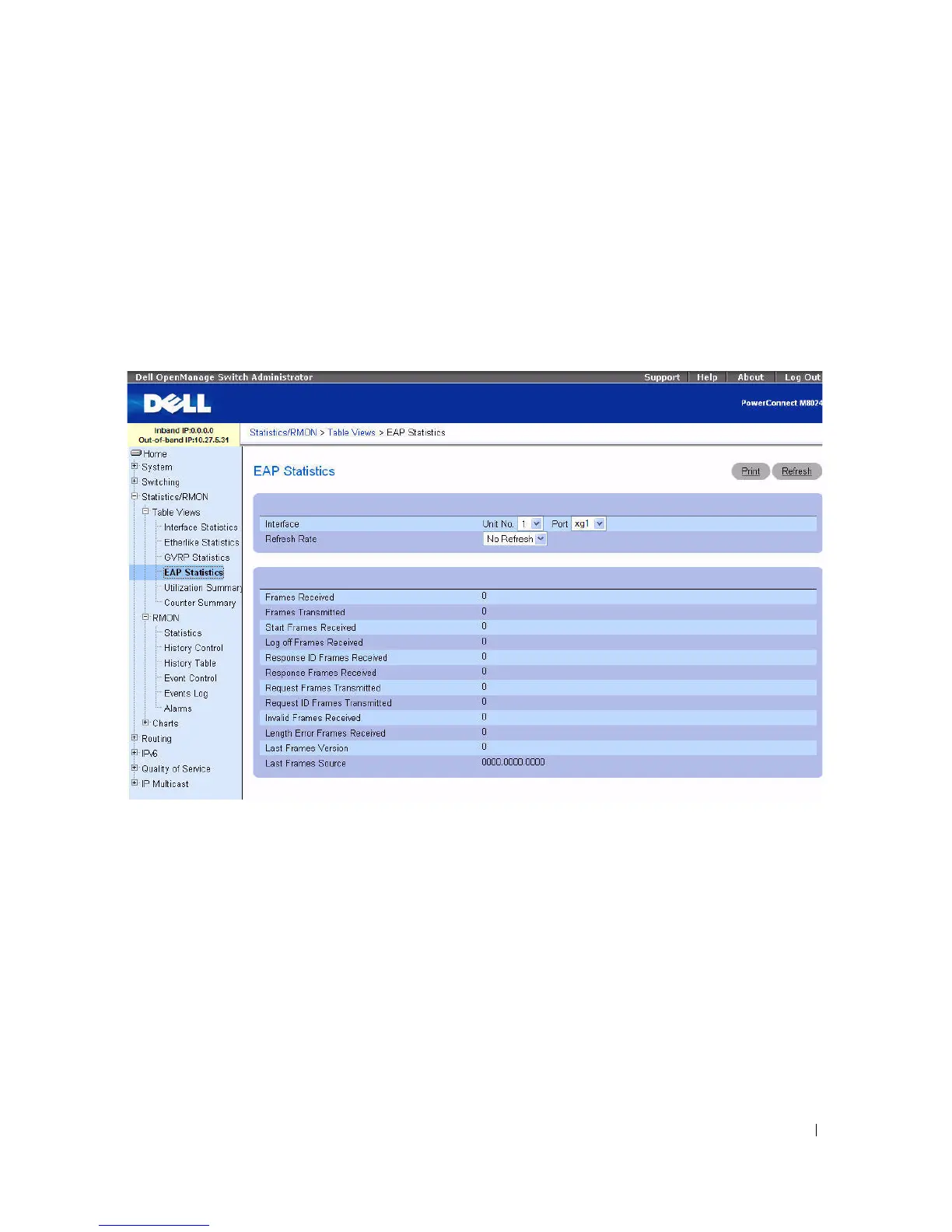
Use the EAP Statistics page to display information about EAP packets received on a specific port. For
more information about EAP, see "Dot1x Authentication."
To display the EAP Statistics page, click Statistics/RMON > Table Views > EAP Statistics in the tree
view
.
Figure 8-4. EAP Statistics
The EAP Statistics page contains the following fields:
•
Interface
— Specifies the interface which is polled for statistics.
•
Refresh Rate
— Specifies amount of time that passes before statistics are refreshed. The possible field
values are No Refresh, 15, 30, and 60 seconds. Default is No Refresh.
•
Frames Received
— Displays the number of valid EAPOL frames received on the port.
•
Frames Transmitted
— Displays the number of EAPOL frames transmitted through the port.
•
Start Frames Received
— Displays the number of EAPOL Start frames received on the port.
•
Log off Frames Received
— Displays the number of EAPOL Log off frames that have been received
on the port.
•
Respond ID Frames Received
— Displays the number of EAP Respond ID frames that have been
received on the port.



 To Next Page