Configuring Routing 461
Refreshing IP Statistics
1.
Open the
IP Statistics
page.
2.
Click
Refresh
.
The screen displays with the present state of the data in the switch.
Displaying IP Statistics using the CLI Command
For information about the CLI command that performs this function, see the following chapter in the
CLI Reference Guide:
• IP Routing Commands
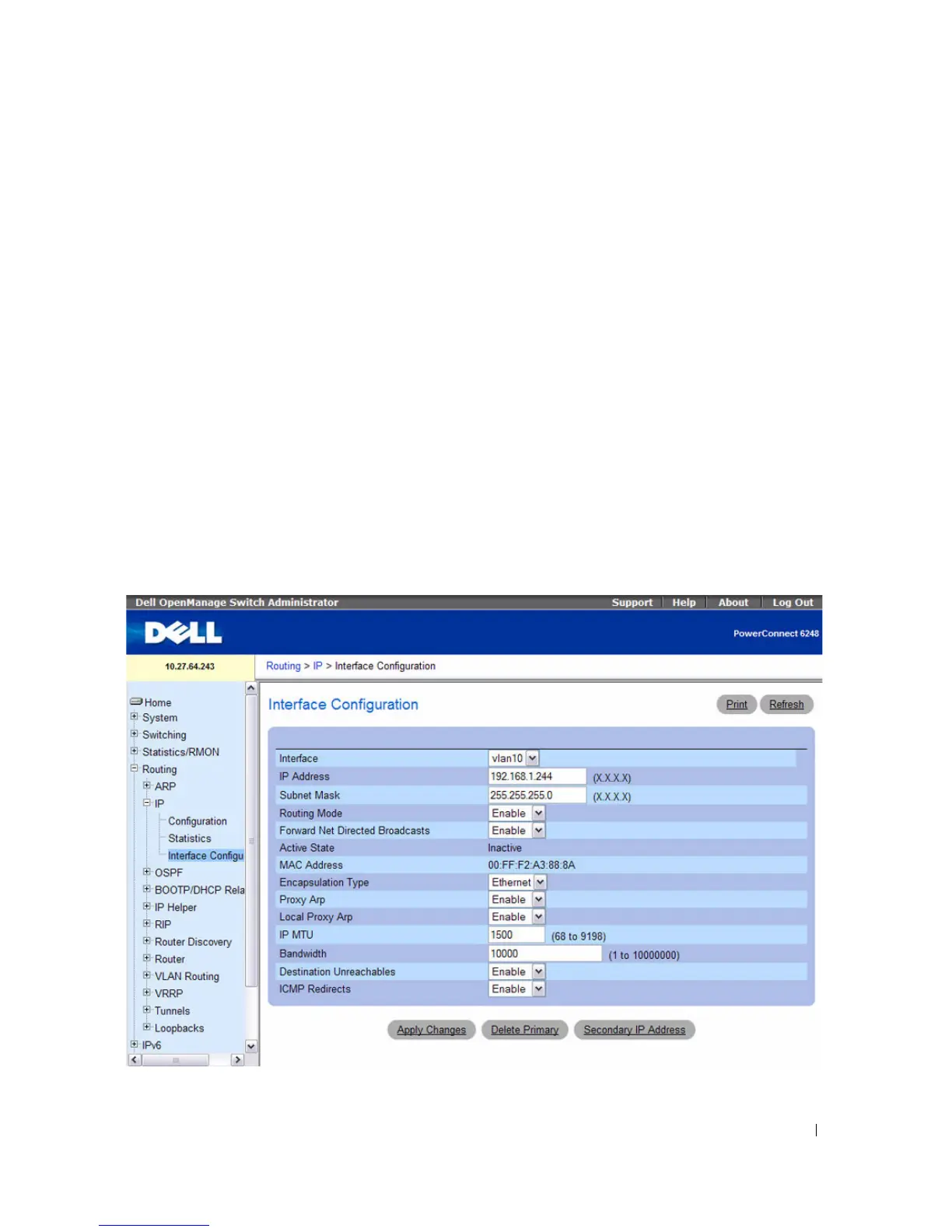
IP Interface Configuration
Use the IP Interface Configuration
page to update IP interface data for this switch. The IP interface
configuration includes the ability to configure the bandwidth, Destination Unreachable messages, and
ICMP Redirect messages.
To display the page, click Routing > IP > Interface Configuration in the tree view.
Figure 9-5. IP Interface Configuration



 To Next Page