512 Configuring Routing
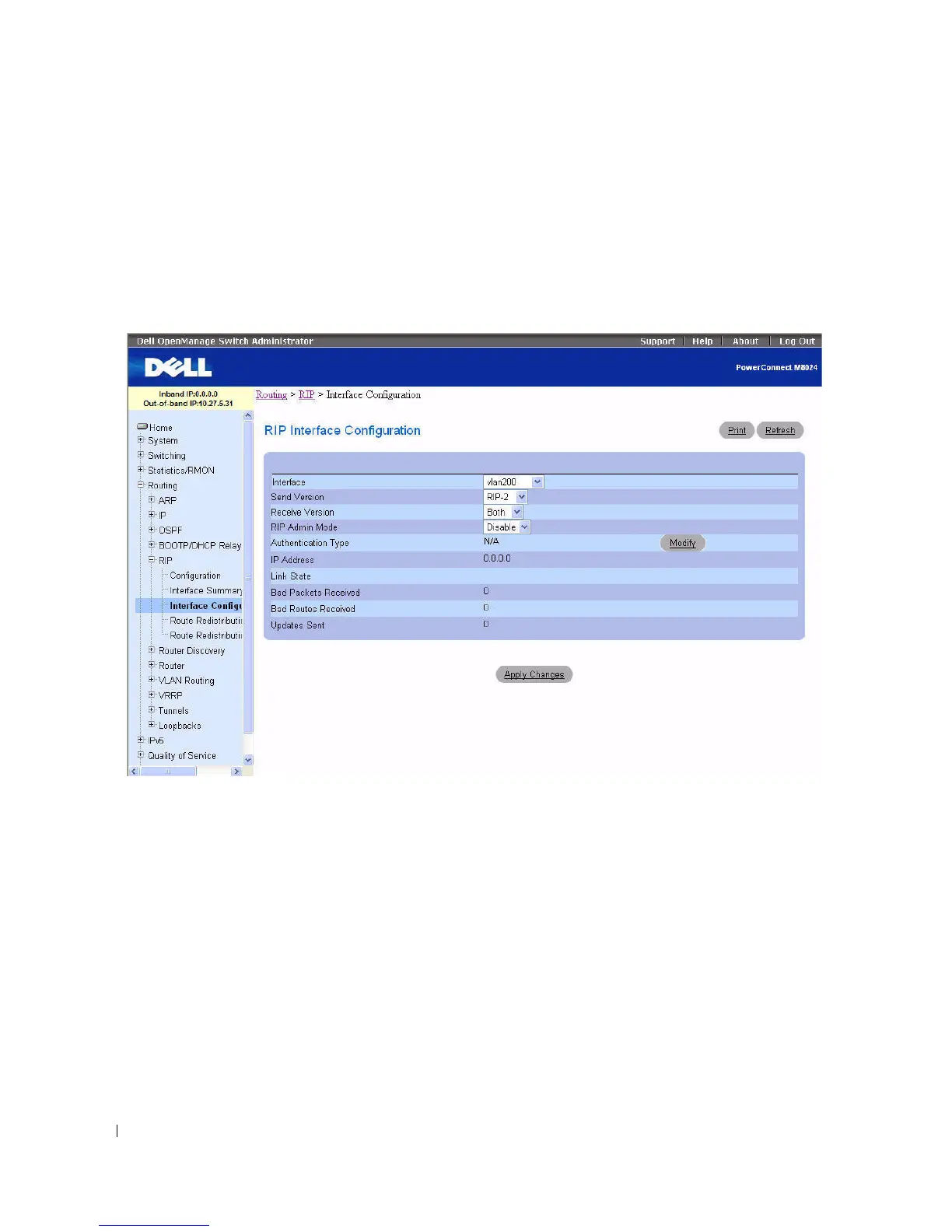
RIP Interface Configuration
Use the RIP Interface Configuration
page to enable and configure or to disable RIP on a specific
interface.
To display the page, click Routing > RIP > Interface Configuration in the tree view.
Figure 9-30. RIP Interface Configuration
The RIP Interface Configuration page contains the following fields:
•
Interface
— Select the interface for which data is to be configured from the drop-down menu.
•
Send Version
— RIP Version that router sends with its routing updates. The default is RIP-2. Possible
values are:
–
RIP-1
— send RIP version 1 formatted packets through broadcast.
–
RIP-1c
— RIP version 1 compatibility mode. Send RIP version 2 formatted packets through
broadcast.
–
RIP-2
— send RIP version 2 packets using multicast.
–
None
— no RIP control packets are sent.
•
Receive Version
— RIP Version of the routing updates that the router must accept. The default is
Both. Possible values are:
–
RIP-1
— accept only RIP version 1 formatted packets.



 To Next Page