52 Hardware Description
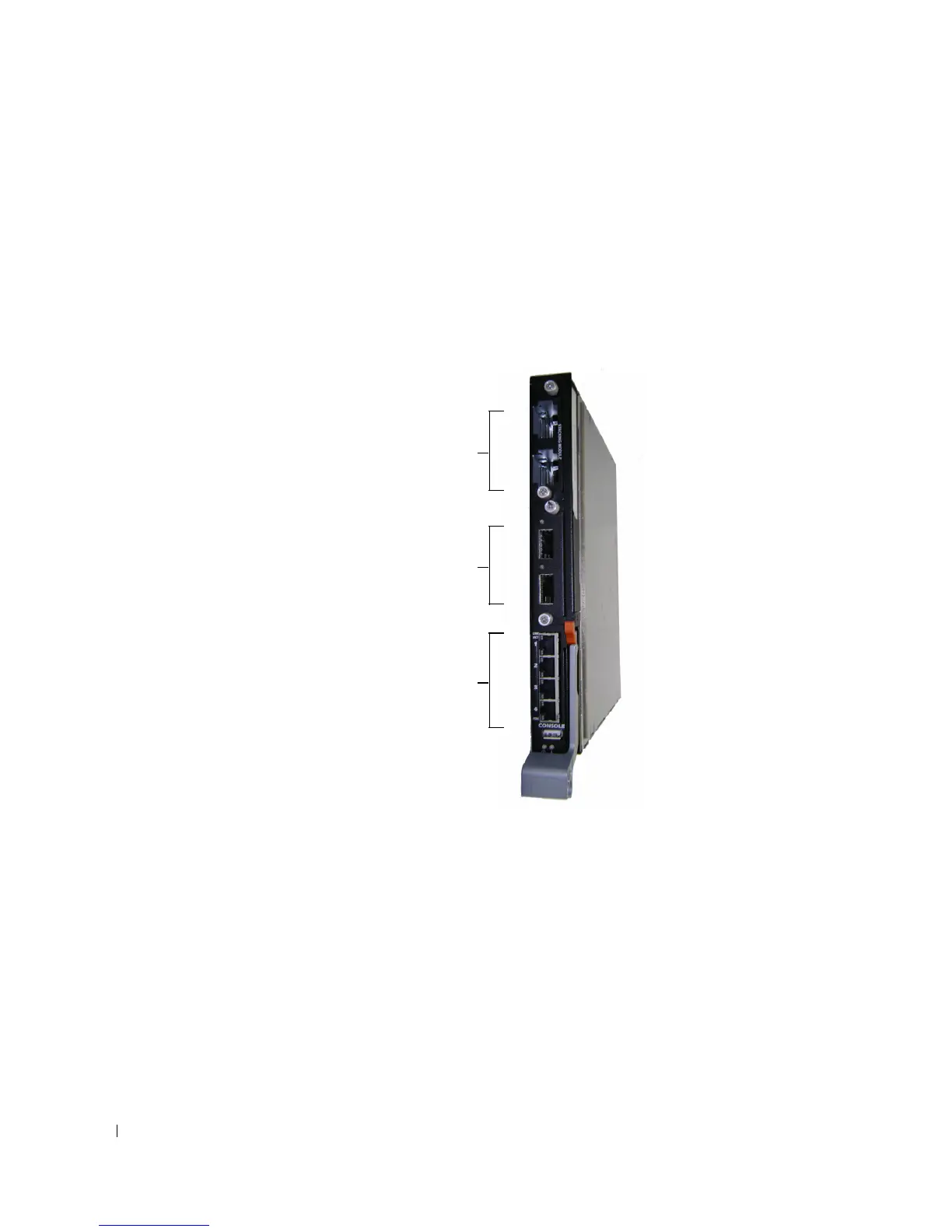
PowerConnect M6220 Front Panel
The PowerConnect M6220 front panel provides four 10/100/1000 Base-T RJ-45 ports. The front panel has
two 10-gigabit bays that can support Stacking, CX-4, SFP+, XFP, or 10GBase-T modules. Each module
provides support for 2 ports. The stacking module can only be used in Bay 1; the 10Gbase-T module can
only be used in Bay 2. The modules are sold separately. There are also 16 internal ports that connect to
each of the server blades.
Figure 4-3. PowerConnect M6220
• The switch automatically detects crossed and straight-through cables on RJ-45 ports.
• The 10/100/1000Base-T Auto-sensing RJ-45 ports support half- and full-duplex mode.
10 Gb Module
Stacking Module or
10 Gb Module
10/100/1000Base-T Auto-sensing
Full Duplex RJ-45 Ports



 To Next Page