Configuring Routing 547
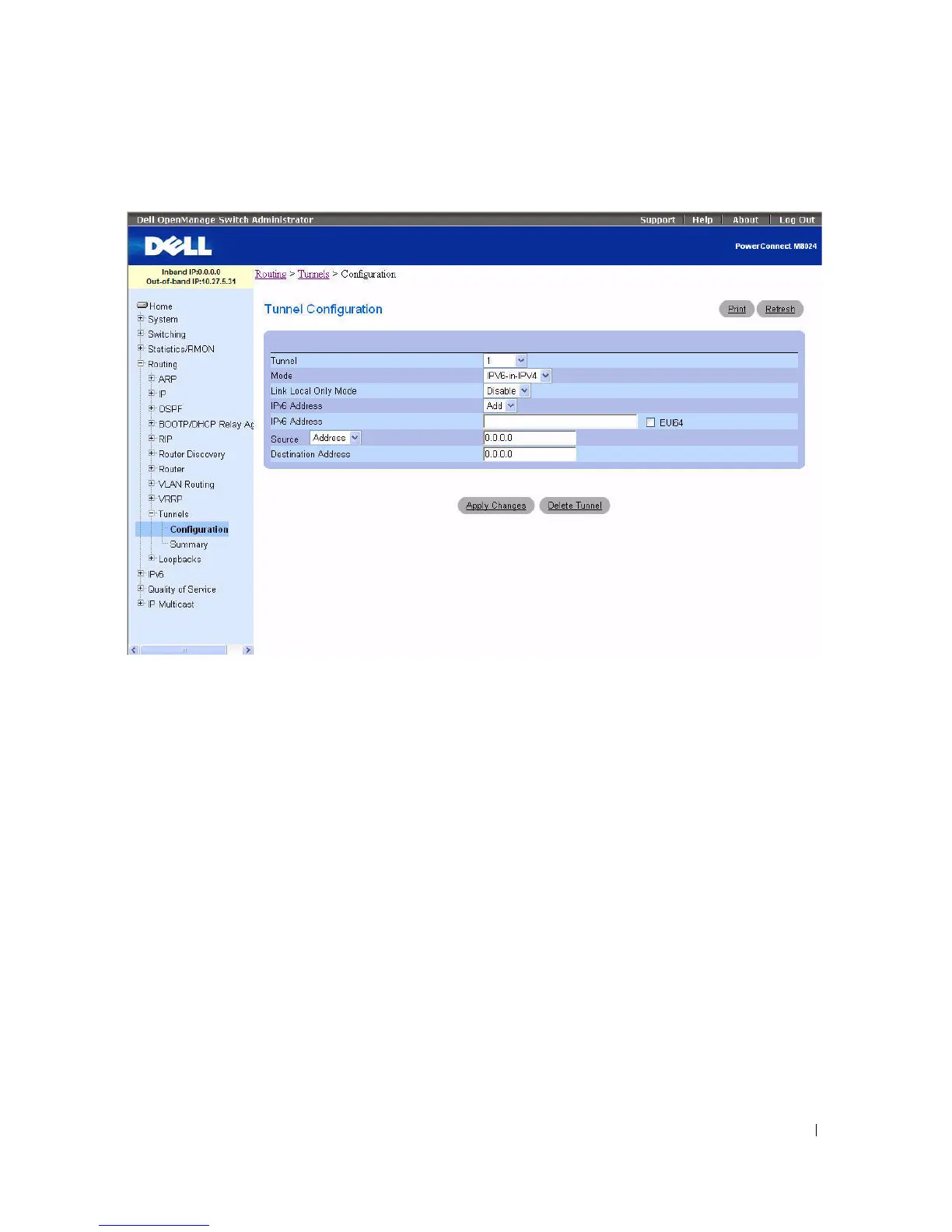
Figure 9-54. Tunnels Configuration - Entry
5.
Configure the fields as needed.
6.
Enter desired values in the remaining fields.
7.
Click
Apply Changes
.
The new tunnel is saved, and the device is updated.
Modifying an Existing Tunnel
1.
Open the
Tunnels Configuration
page.
2.
Specify the tunnel to modify in the
Tunnel
drop-down menu.
3.
Change field values as desired in the remaining fields.
4.
Click
Apply Changes
.
The new configuration is saved, and the device is updated.



 To Next Page