550 Configuring Routing
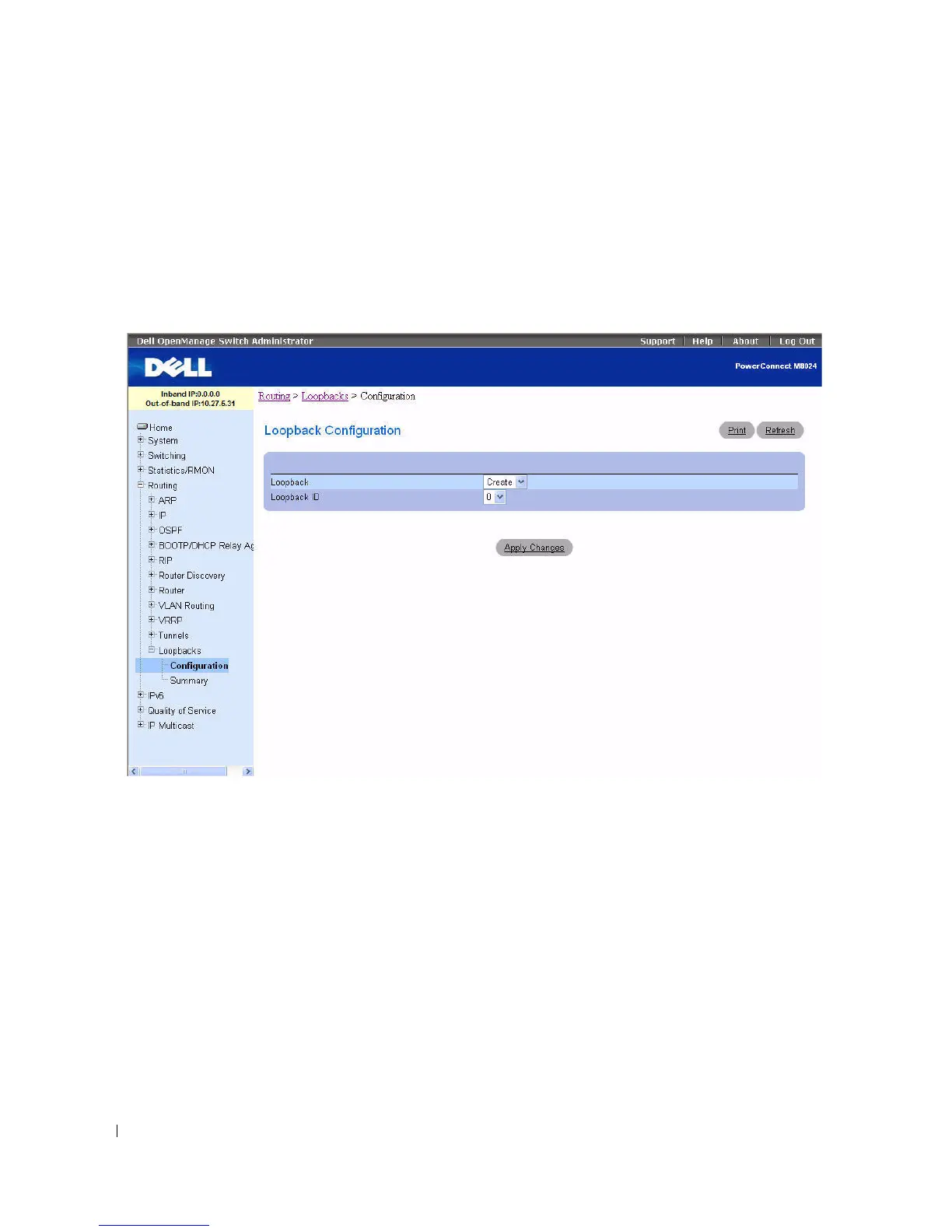
Loopbacks Configuration
Use the Loopbacks Configuration
page to create, configure, or remove loopback interfaces. You can also
set up or delete a secondary address for a loopback.
To display the page, click Routing > Loopbacks > Configuration in the tree view.
Figure 9-56. Loopback Configuration
The Loopbacks Configuration pages contain the following fields:
•
Loopback
— Use the drop-down menu to select from the list of currently configured loopback
interfaces. Create is also a valid choice if the maximum number of loopback interfaces has not been
created.
•
Loopback ID
— When Create is selected in the Loopback field, this list of available loopback ID's
displays.
•
Protocol
— Select IPv4 or IPv6 to configure the corresponding attributes on the loopback interface.
The protocol selected affects the fields that are displayed on this page.
•
Link Local Only Mode
— Enable IPv6 on this interface using the Link Local address. This option only
displays when the Protocol specified is IPv6, and is only configurable prior to specifying an explicit IPv6
address.



 To Next Page