Configuring Routing 553
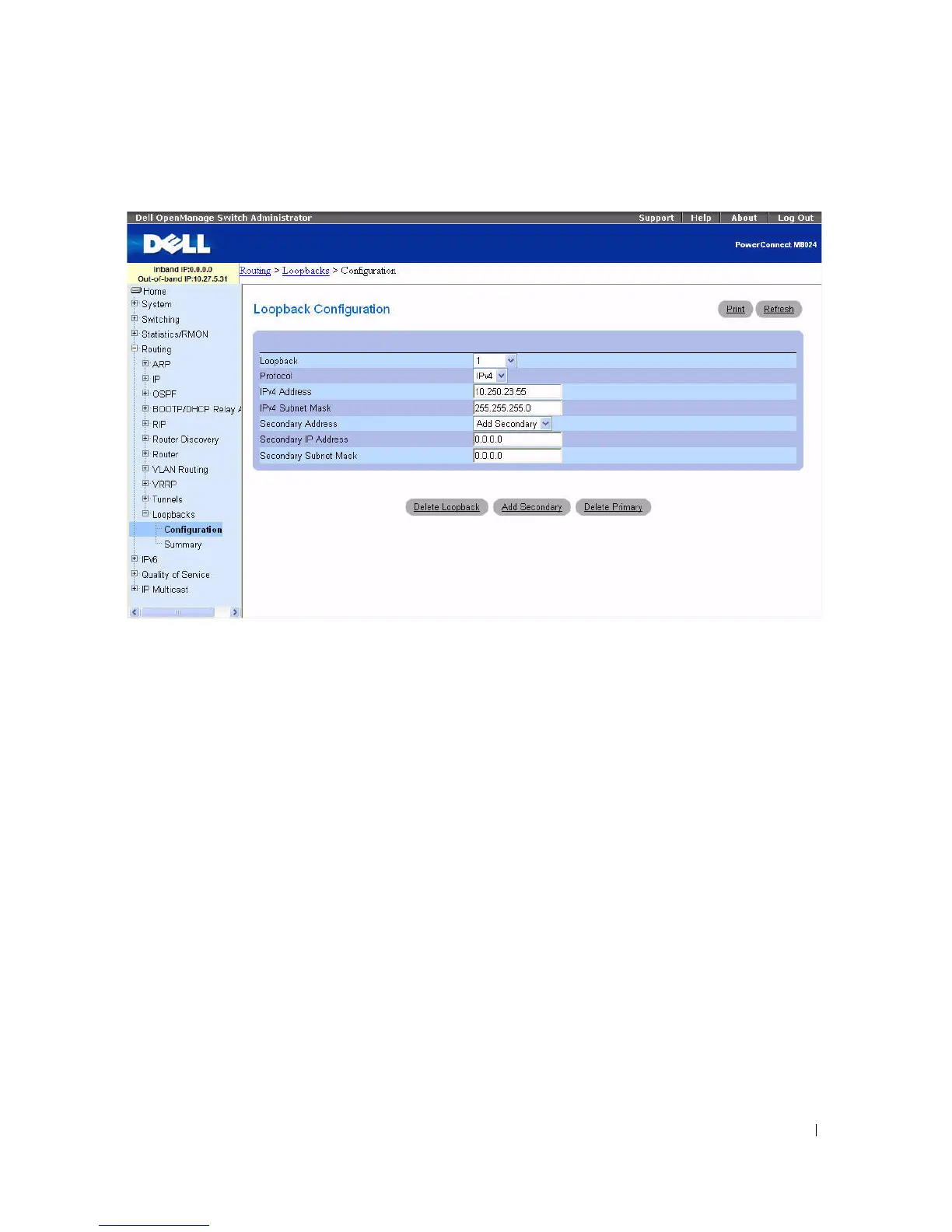
Figure 9-58. Loopback Configuration - Add Secondary Address
8.
Complete the
Secondary Address
,
Secondary IP Address
, and
Secondary Subnet Mask
fields.
9.
Click the
Add Secondary
button. The secondary address is saved, and the webpage reappears showing
the primary and secondary loopback addresses.
Creating a New Loopback (IPv6)
1.
Open the
Loopbacks Configuration
page.
2.
Select
Create
from the
Loopback
drop-down menu.
3.
Specify an ID to use in the
Loopback ID
field.
4.
Click Apply Changes.
The Loopback ID field goes away, and the remaining loopback fields display.



 To Next Page