Configuring IPv6 581
Configuring a DHCPv6 Interface for Server Interface Mode Using the CLI Commands
For information about the CLI commands that perform this function, see the following chapter in the
CLI Reference Guide
:
• DHCPv6 Commands
DHCPv6 Server Bindings Summary
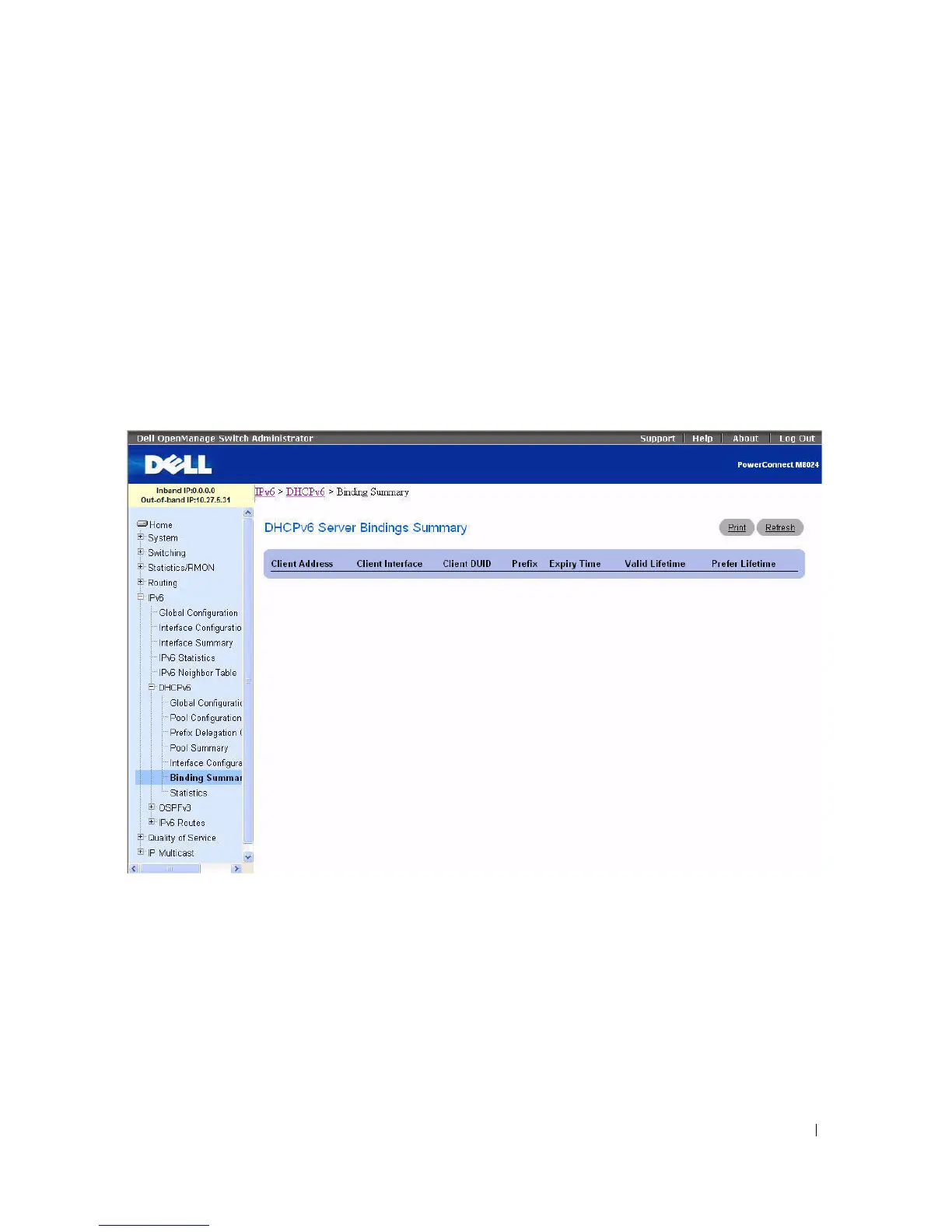
Use the Server Bindings Summary
page to display all DHCPv6 server bindings.
To display the page, click IPv6 > DHCPv6 > Bindings Summary in the tree view.
Figure 10-14. Server Bindings Summary
The Server Bindings Summary page contains the following fields:
•
Client Address
— Specifies the IPv6 address of the client associated with the binding.
•
Client Interface
— Specifies the interface number where the client binding occurred.
•
Client DUID
— Specifies client's DHCPv6 unique identifier.
•
Prefix
- Specifies the type of prefix associated with this binding.
•
Expiry Time
— Specifies the number of seconds until the prefix associated with a binding expires.
•
Va l id Lif e ti me
— Specifies the valid lifetime value in seconds of the prefix associated with a binding.



 To Next Page