632 Configuring Quality of Service
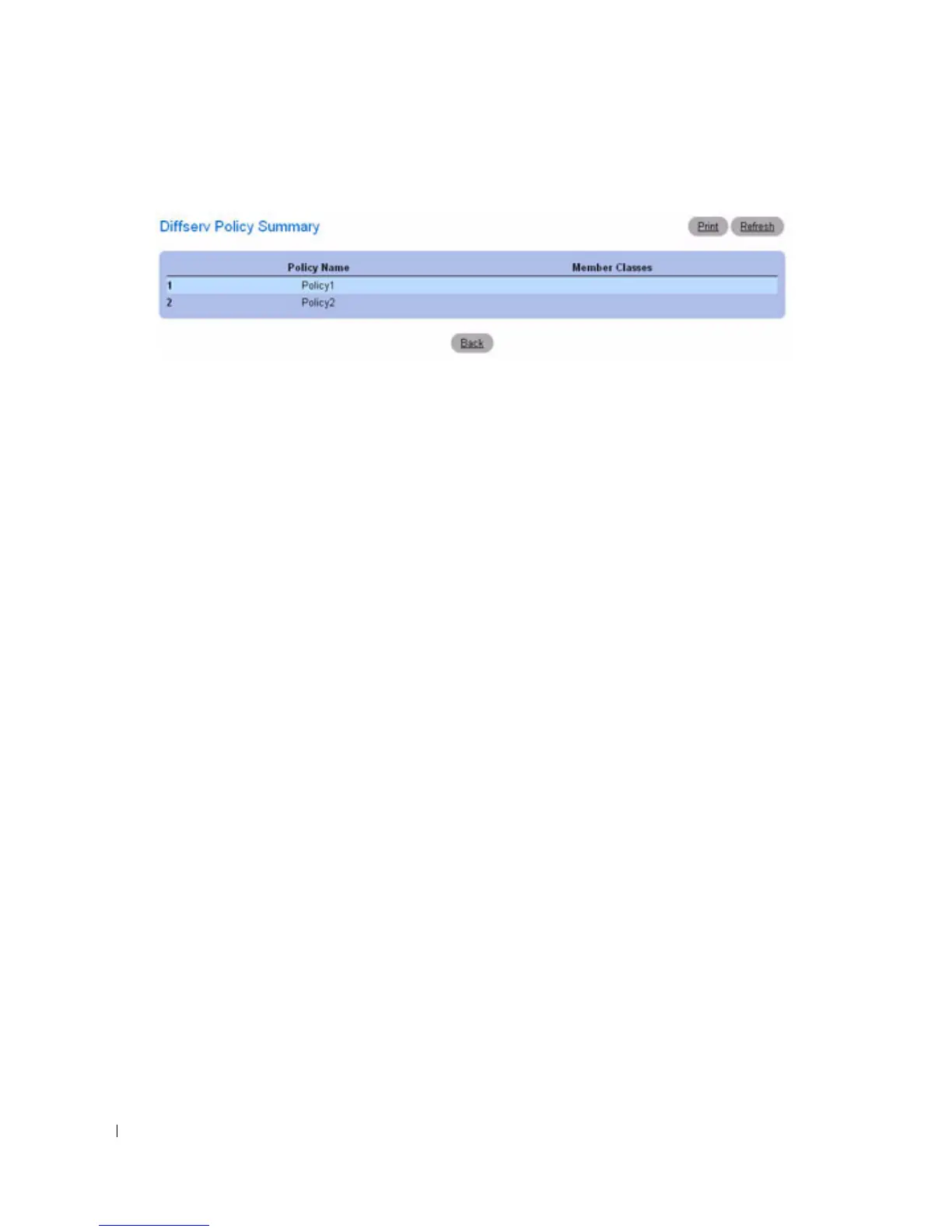
Figure 11-8. Diffserv Policy Summary
Removing a Policy Configuration
1.
Open the
Diffserv Policy Configuration
page.
2.
Select the policy name to be deleted from the
Policy Name
drop-down menu.
3.
Check the
Remove
check box.
4.
Click
Apply Changes
.
The associated policy configuration is removed, and the device is updated.
Defining Policy Configurations Using the CLI Commands
For information about the CLI commands that perform this function, see the following chapter in the
CLI Reference Guide:
• QoS Commands



 To Next Page