Configuring Quality of Service 641
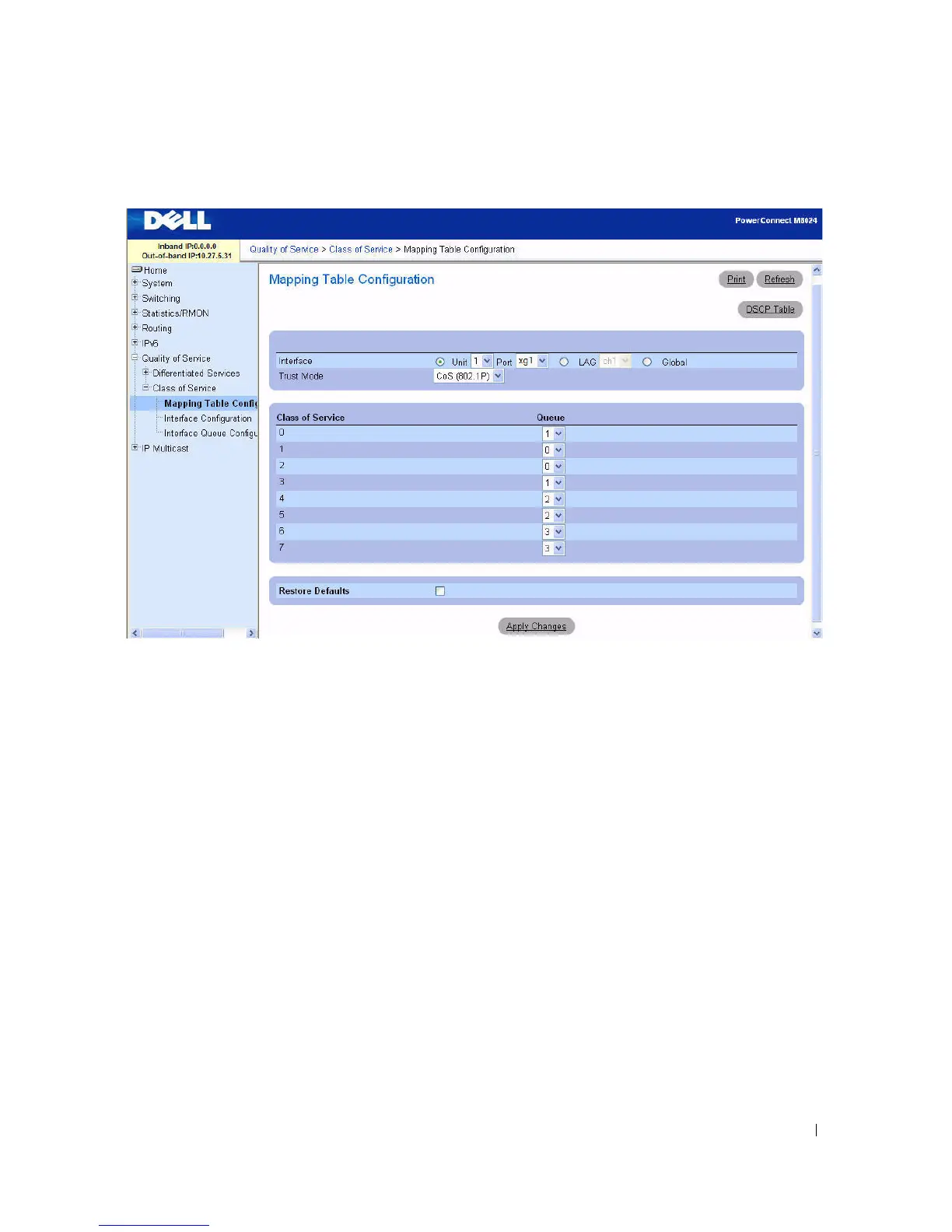
Figure 11-16. Mapping Table Configuration
—
CoS (802.1P)
CoS (802.1P) Trust Mode
The CoS (802.1P) Mapping Table Configuration page contains the following fields:
•
Interface
— Selects the interface to which the class of service configuration is applied. Select a unit
and port or LAG, or select Global to apply the class of configuration to all the interfaces.
•
Trust Mode
— Selects the trust mode to apply.
CoS (802.1P)
is the default.
•
Class of Service
— Lists each class of service on a separate line, so a separate queue can be assigned to
each class of service.
•
Queue
— Selects a queue for each
Class of Service
from the drop-down menu. Default queues are
displayed initially.
•
Restore Defaults
— Restores default queue values when checked and
Apply Changes
is clicked.



 To Next Page