650 Configuring Quality of Service
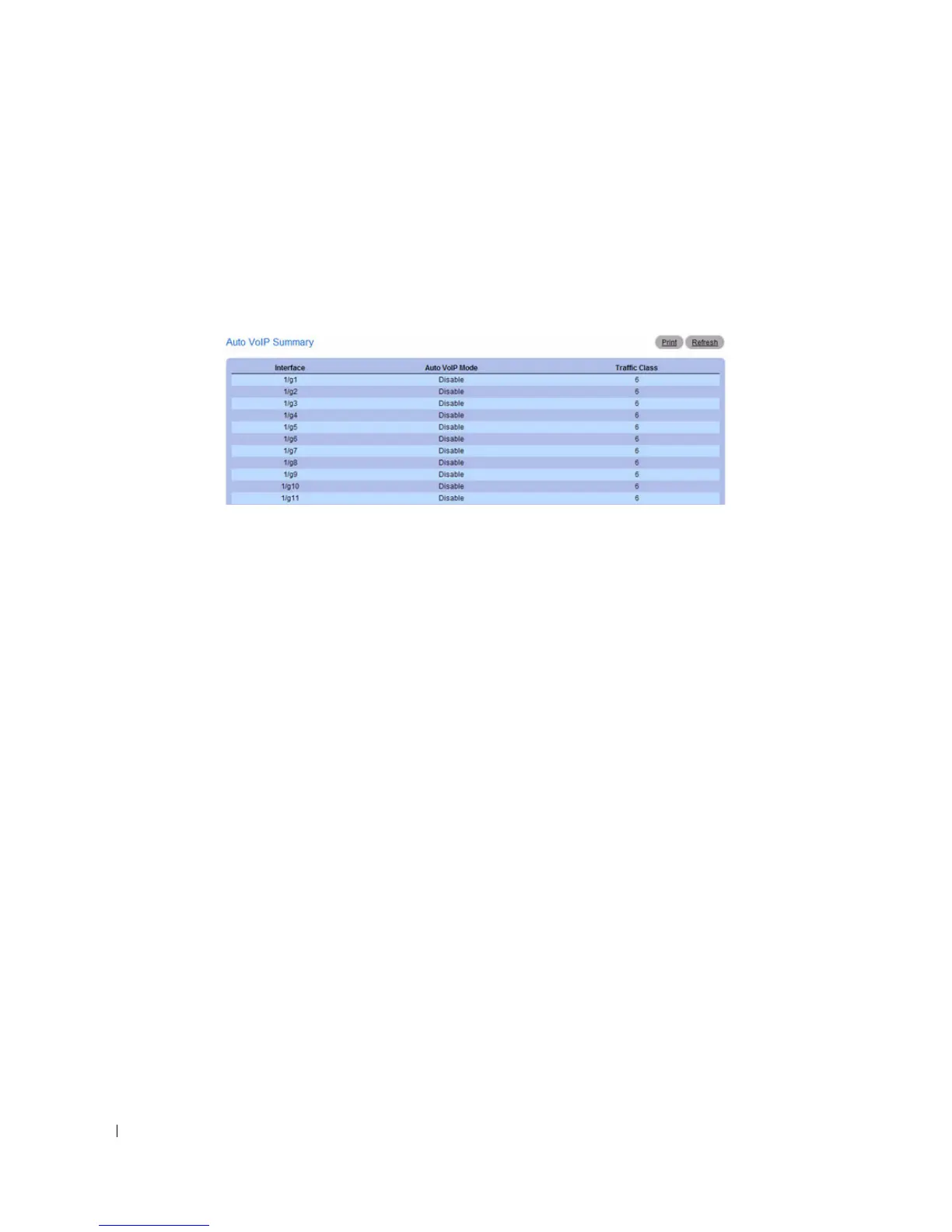
Viewing the Auto VoIP Summary Table
1.
Open the
Auto VoIP Interface Configuration
page.
2.
Click
Show All
.
The
Auto VoIP Summary
page opens.
Figure 11-23. Auto VoIP Summary
Configuring Auto VoIP Using the CLI Commands
For information about the CLI commands that perform this function, see the following chapter in the
CLI Reference Guide:
• QoS Commands



 To Next Page