Configuring IP Multicast 683
Next Hop Summary
Use the Next Hop Summary
page to display or print the next hop summary by Source IP.
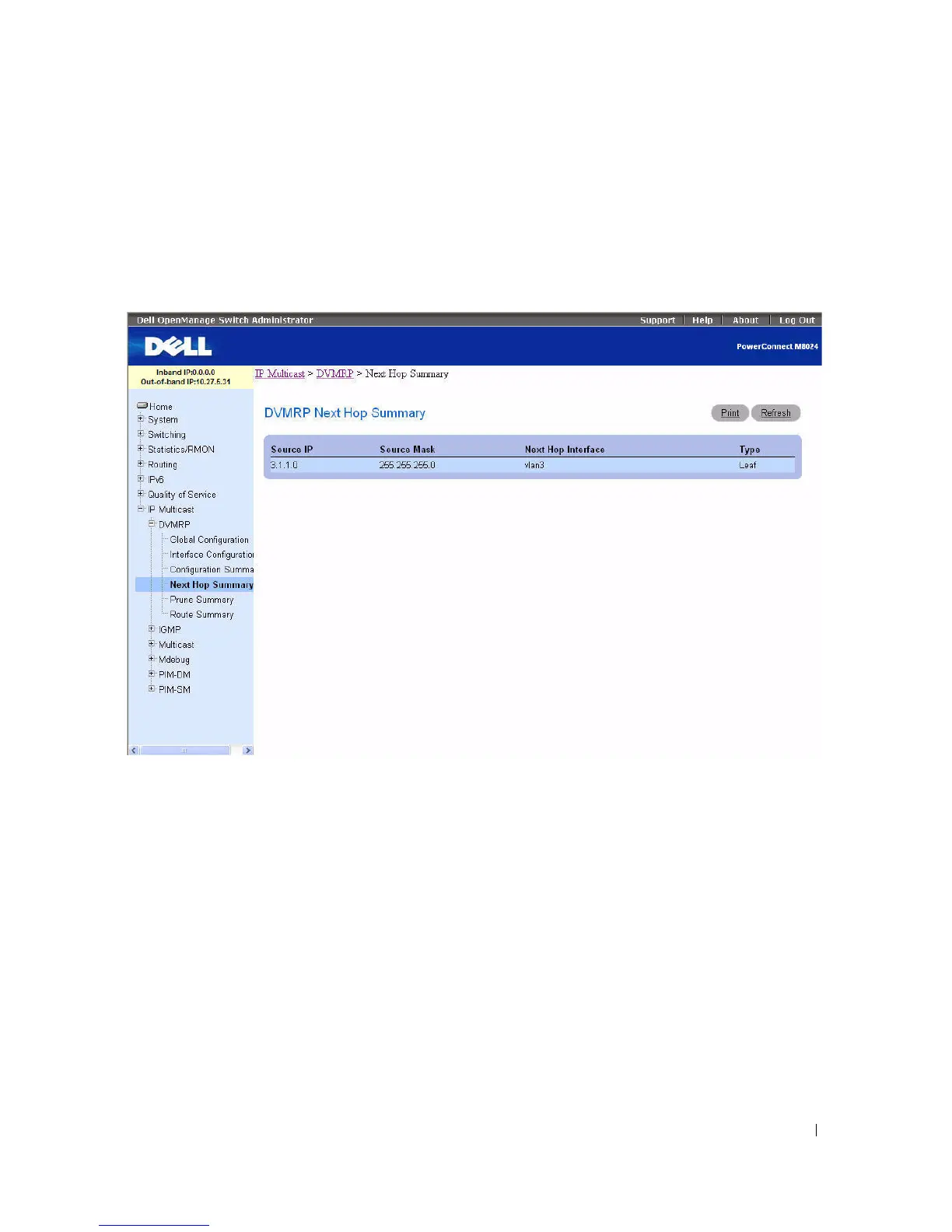
To display the page, click IP Multicast > DVMRP > Next Hop Summary in the tree view.
Figure 12-22. Next Hop Summary
The Next Hop Summary page displays the following fields:
•
Source IP
— Displays the IP address used with the source mask to identify the source network for this
table entry.
•
Source Mask
— Displays the network mask used with the source IP address.
•
Next Hop Interface
— Displays the outgoing interface for this next hop.
•
Ty p e
— Displays the next hop type. Leaf means that no downstream dependent neighbors exist on the
outgoing interface. Otherwise, the type is Branch.
Displaying the Next Hop Summary using the CLI Command
For information about the CLI commands that perform this function, see the following chapter in the
CLI Reference Guide:
• DVMRP Commands



 To Next Page