712 Configuring IP Multicast
Adding an SSM Range
Use the Add SSM Range page to add the Source-Specific Multicast (SSM) Group IP Address and Group
Mask (IPv4) or Prefix Length (IPv6) for the PIM router.
1.
Open the
SSM Range Configuration
page.
2.
Click
Add
.
The
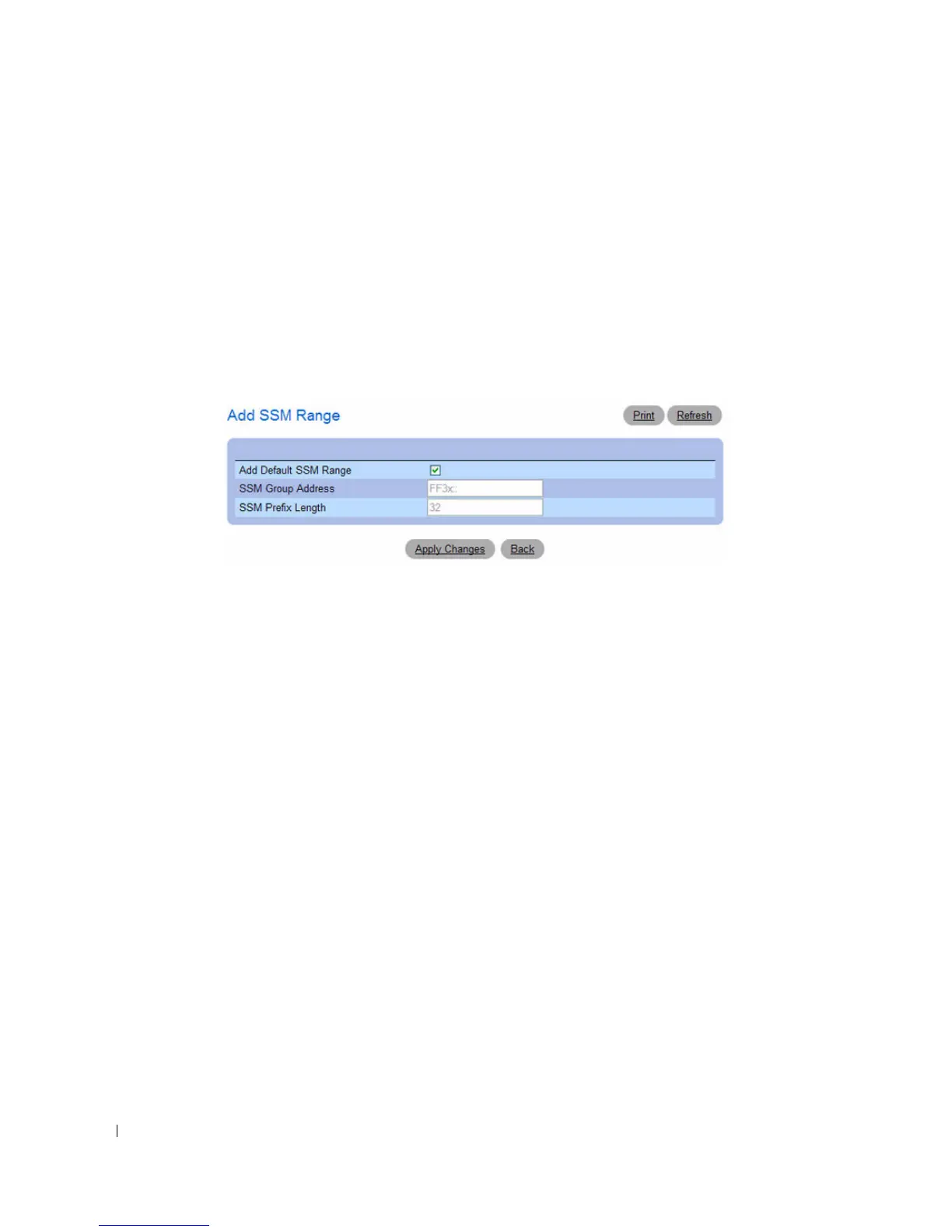
Add SSM Range
page displays.
Figure 12-43. Add SSM Range
3.
Click the Add Default SSM Range check box to add the default SSM Range. The default SSM Range
is ff3x::/32.
4.
Enter the
SSM Group IP Address.
5.
Enter the SSM Group Mask (IPv4) or SSM Prefix Length (IPv6).
6.
Click
Apply Changes
.
The new SSM Range is added, and the device is updated.



 To Next Page