Chapter 5 Set up the Storage Center Software
128 Storage Center SC8000 Controller Deployment Guide
Start the Storage Center Startup Wizard
Useawebbrowserona computerwithnetworkaccesstotheStorageCentertoaccess
StorageCenterSystemManagerandlaunchtheStartupWizard.
Prerequisites
YoumusthaveacomputerthathasconnectivitytotheStorageCentermanagement
interface.Thecomputermusthavethefollowingsoftwareinstalled:
Oneofthefollowingsupportedwebbrowsers(otherbrowsersandversionsmayhave
limitedcompatibility):
MicrosoftWindowsInternetExplorerVersions7,8,and9
MicrosoftWindowsInternetExplorer10onthedesktop(InternetExplorer10
Modernversionisnotsupported)
MozillaFirefoxonMicrosoftWindows
The32bit(x86)JavaRuntimeEnvironmentmustbeinstalledtorunStorageCenter
SystemManagerinany32‐bitbrowser.
Steps
1 Useasupportedwebbrowsertoconnecttotheeth0IPaddressorhostnameof
controller1.
2 Acknowledgeanysecuritymessages.
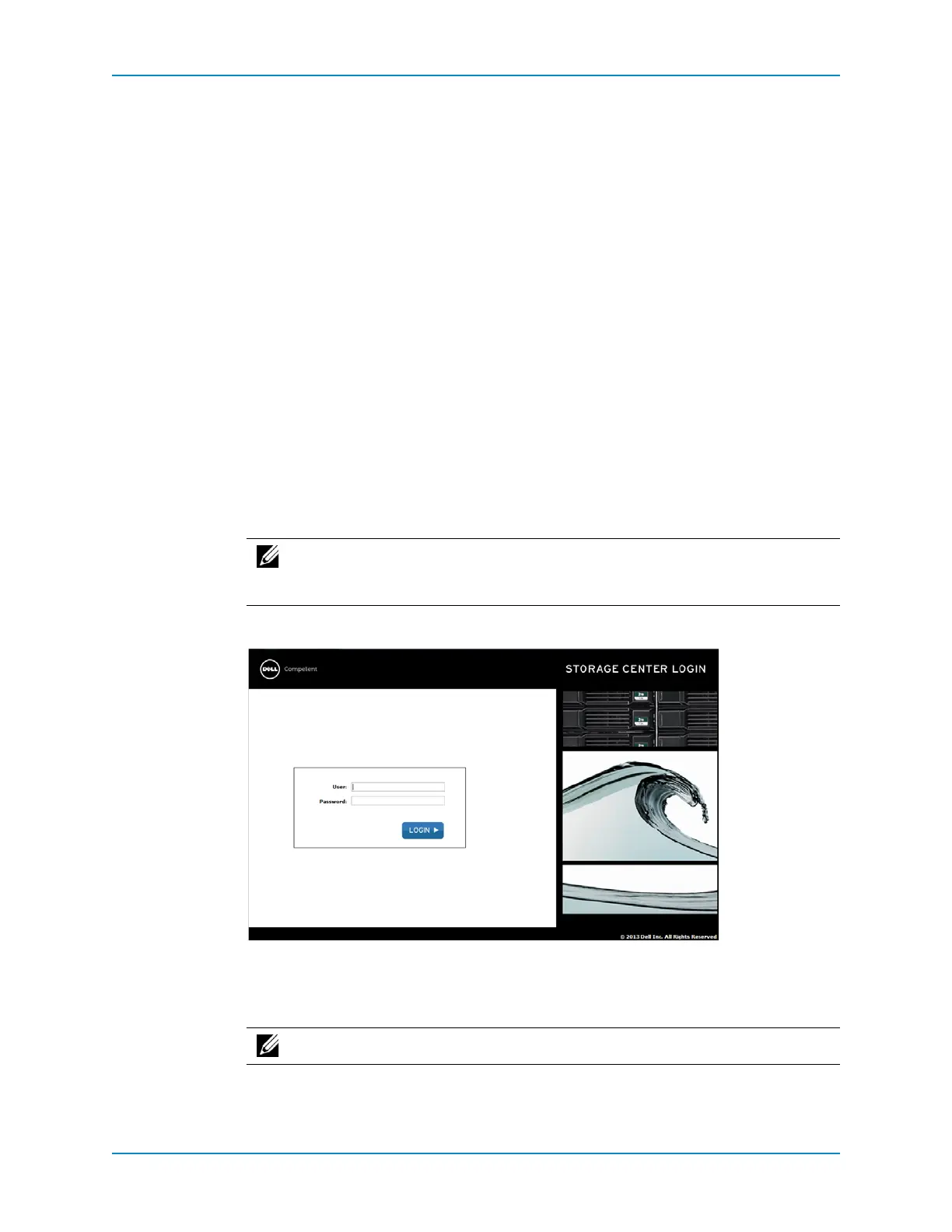
TheStorageCenterLoginpageappears.
3 Enterthedefaultusernameandpassword:
User:Admin
Password:mmm
4 ClickLogin.
Note: Messagesthatappearmaydifferdependingonthebrowserused.(Click
ContinuetothiswebsiteinInternetExploreroraddasecurityexceptionin
Firefox.)
Note: The usernameandpasswordarecase‐sensitive.



 To Next Page