Chapter 5 Set up the Storage Center Software
136 Storage Center SC8000 Controller Deployment Guide
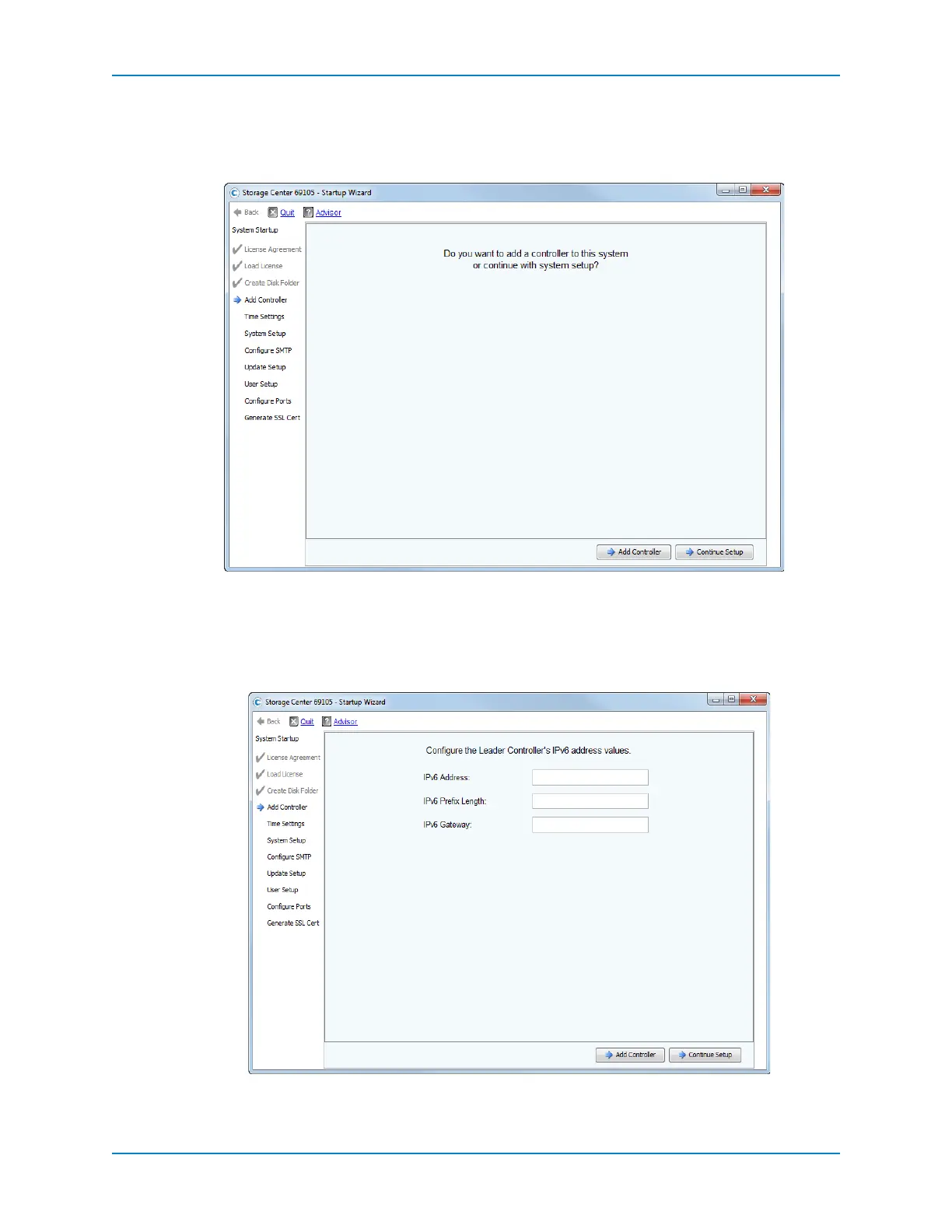
Add a Controller
UsetheAddControllerpagestoconfigurethesecondcontrollerandtoentertheIPv6
address,ifused,ontheleadercontroller.
1 ProceedbasedonthenumberofcontrollersintheStorageCenter.
Single‐controllerStorageCenter:ClickContinueSetup.TheTimeSettingspage
appears.
Dual‐controllerStorageCenter:ClickAddController.Thewizardpromptsyouto
enterIPv6addressinformationforthefirst(Leader)controller.



 To Next Page