Chapter 1 Introduction
24 Storage Center SC8000 Controller Deployment Guide
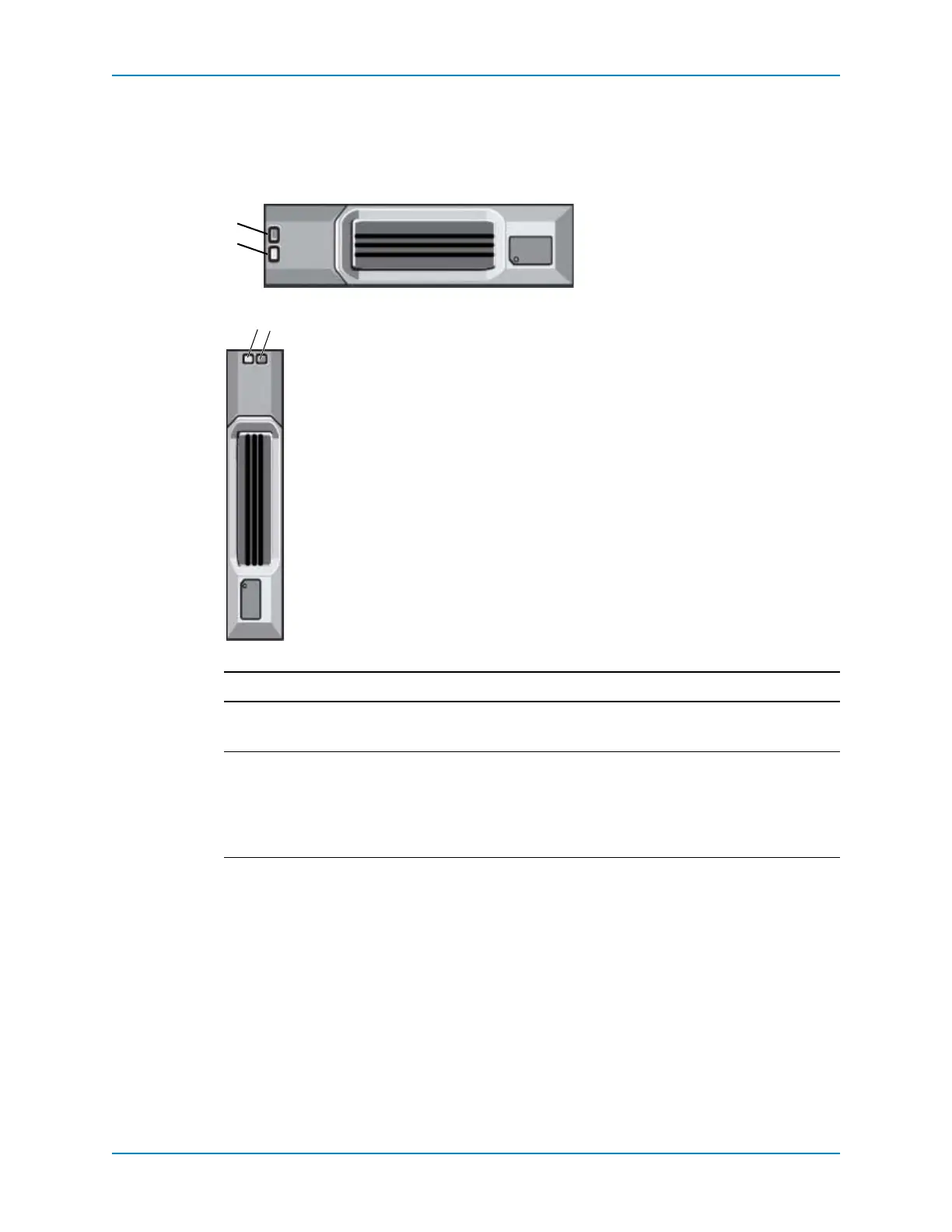
SC200/220 Enterprise Plus Drives
EnterprisePlusDrivescanonlybeinstalledinSC200/220enclosures.Drivesareinstalled
eithervertically(SC220)orhorizontally(SC200)intheenclosure.Indicatorsgivestatusand
activityinformationasdescribedbelow.
Figure 21. SC200 Hard Drive Indicators
Figure 22. SC220 Hard Drive Indicators
Item Name Indicator Code
1 Harddriveactivityindicator • Flashinggreen:Indicatesdriveactivity
• Steadygreen:Indicatesnodriveactivity
2 Harddrivestatusindicator • Steadygreen:Normaloperation
• Flashinggreen(on1sec/off1sec):Driveorenclosure
indicatorissettoOninSystemManager.(Withthe
enclosureindicator,alldriv es’faultLEDsflash.)
• Off
:Nopowertothedrive



 To Next Page