Chapter 5 Set up the Storage Center Software
142 Storage Center SC8000 Controller Deployment Guide
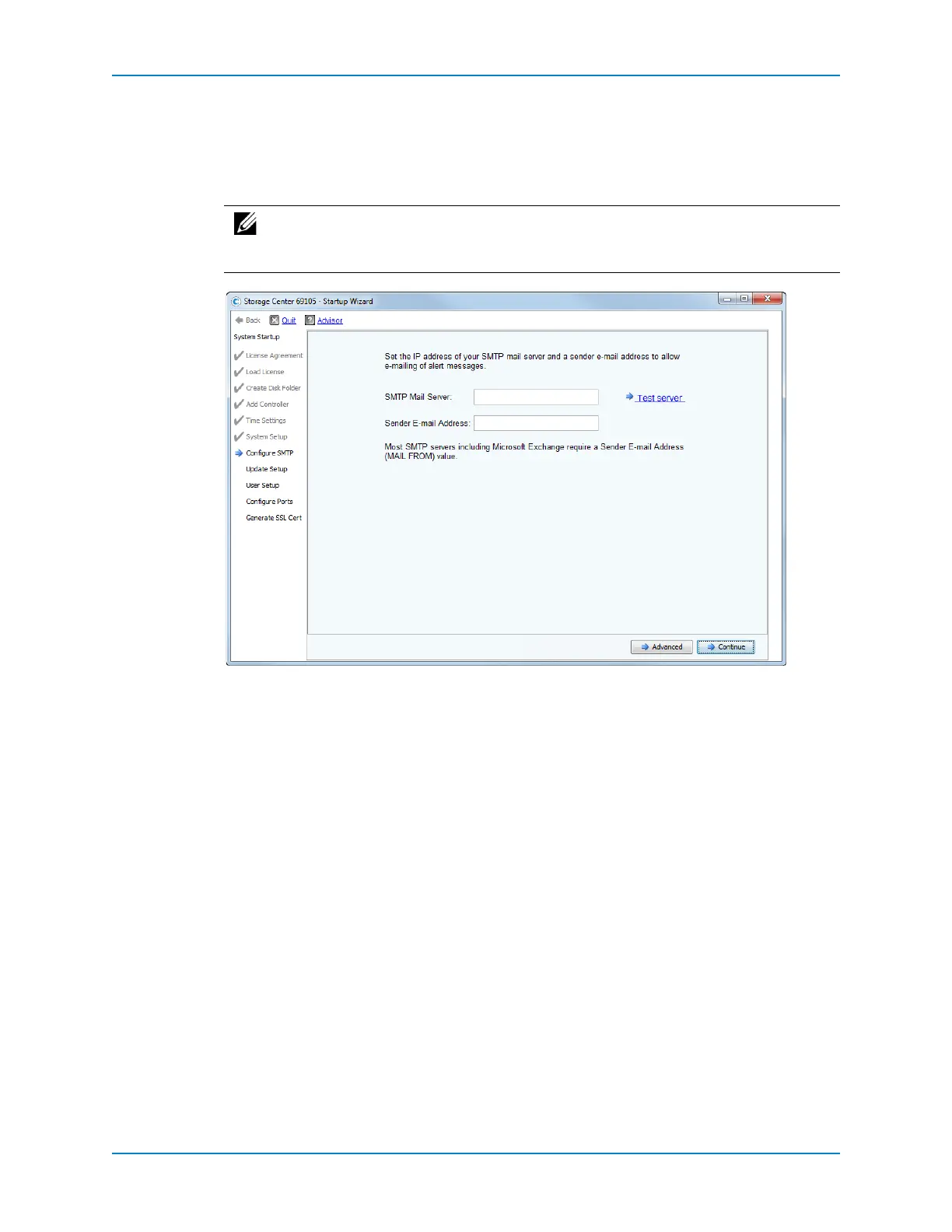
Configure SMTP
UsetheConfigureSMTPpagetoconfiguretheSMTPmailserverandthesenderemail
address.Thisconfigurationenablesalertmessageemailstobesenttouserswhohave
specifiedarecipientaddressintheircontactproperties.
1 IntheSMTPMailServerfield,entertheIPaddressorfullyqualifieddomain
nameof
theSMTPemailserver.ClickTestservertoverifyconnectivitytotheSMTPserver.
2 IntheSenderE‐mailAddressfield,entertheemailaddressofthesender.Thisaddress
isrequiredbymostSMTPserversandisusedastheMAILFROMaddressofemail
messages.
Note: ToconfigureSMTPlater,clickSkipSMTPConfiguration.SMTPsettingscan
beconfiguredlaterintheSystemManagerthroughtheStorageManagement
menu.



 To Next Page