Chapter 5 Set up the Storage Center Software
138 Storage Center SC8000 Controller Deployment Guide
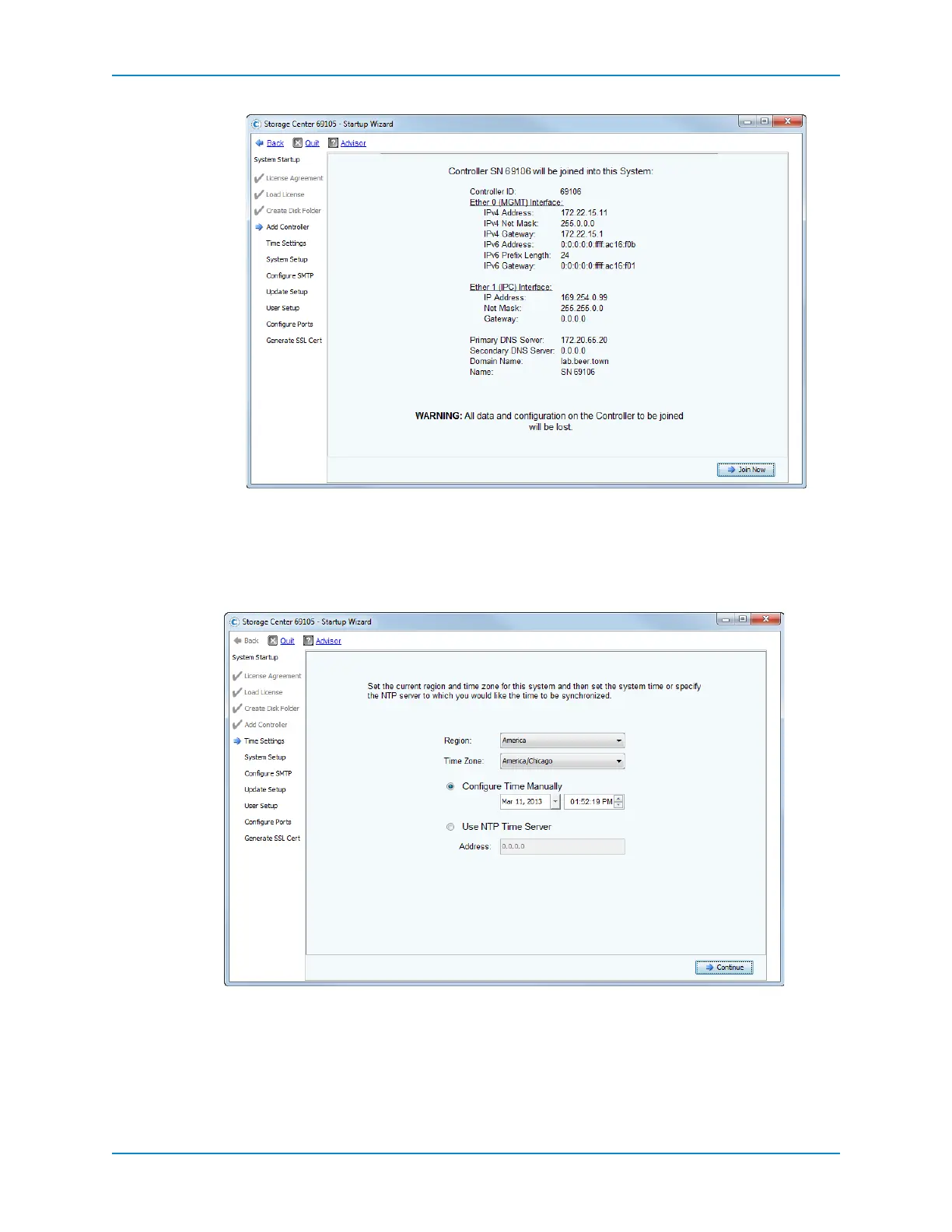
5 ClickJoinNow.Waitfortheprocesstocomplete andforthecontrollertoreboot,which
cantakeafewminutes.Whencomplete,theTimeSettingspageappears.
Set the Time
UsetheTimeSettingspageistosetthesystemtimefortheStorageCenter.
1 Setthe timezone.
a FromtheRegiondrop‐downmenu,selectthegeographicalregioninwhichthe
StorageCenterislocated.
b FromtheTimeZonedrop‐downmenu,selectthetimezoneinwhichtheStorage
Centerislocated.



 To Next Page