Chapter 3 Connect the Back End
60 Storage Center SC8000 Controller Deployment Guide
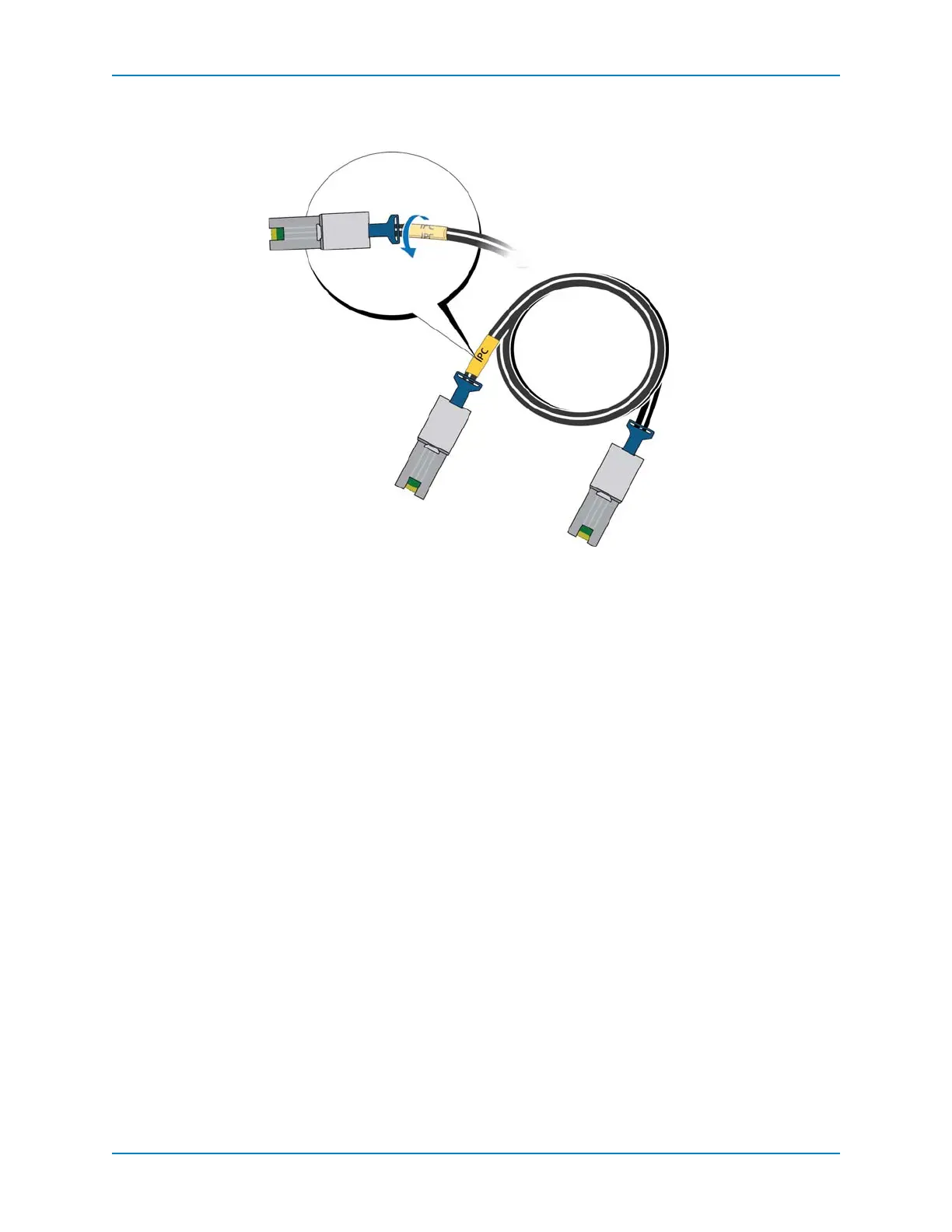
c Wrapthelabelaroundthecableuntilitfullyencirclesthecable.Thebottomofeach
pre‐madelabelisclearsothatitdoesnotobscurethetext.
Figure 59. Wrap Cable Label
d Applyamatchinglabeltotheotherendofthecable.
Connect SC200/SC220 Enclosures
ThissectionshowscommoncablingbetweentheSC8000controllerandSC200/220SAS
enclosures.LocatethescenariothatmostcloselymatchestheStorageCenteryouare
configuringandfollowtheinstructions,modifyingthemasnecessary.
AnSC200/SC220cablingchaincancontainupto168SASdrives,usingeithertypeof
enclosure.The
maximumnumberofanyonetypeofenclosureis:
SC200:14enclosures
SC220:7enclosures
EachSASIOcardsupportsuptotwochainsofenclosures.Allenclosuresattachedtothe
sameSASIOcardmustberunningatthesamespeed(all6Gbor3Gb).
SC200/220SASenclosurechainsarecabledasfollows.
SideA:EnclosuresareconnectedfromBporttoAport,usingthetopEMMs.
SideB:EnclosuresareconnectedfromAporttoBport,usingthebottomEMMs.



 To Next Page