Chapter 5 Set up the Storage Center Software
160 Storage Center SC8000 Controller Deployment Guide
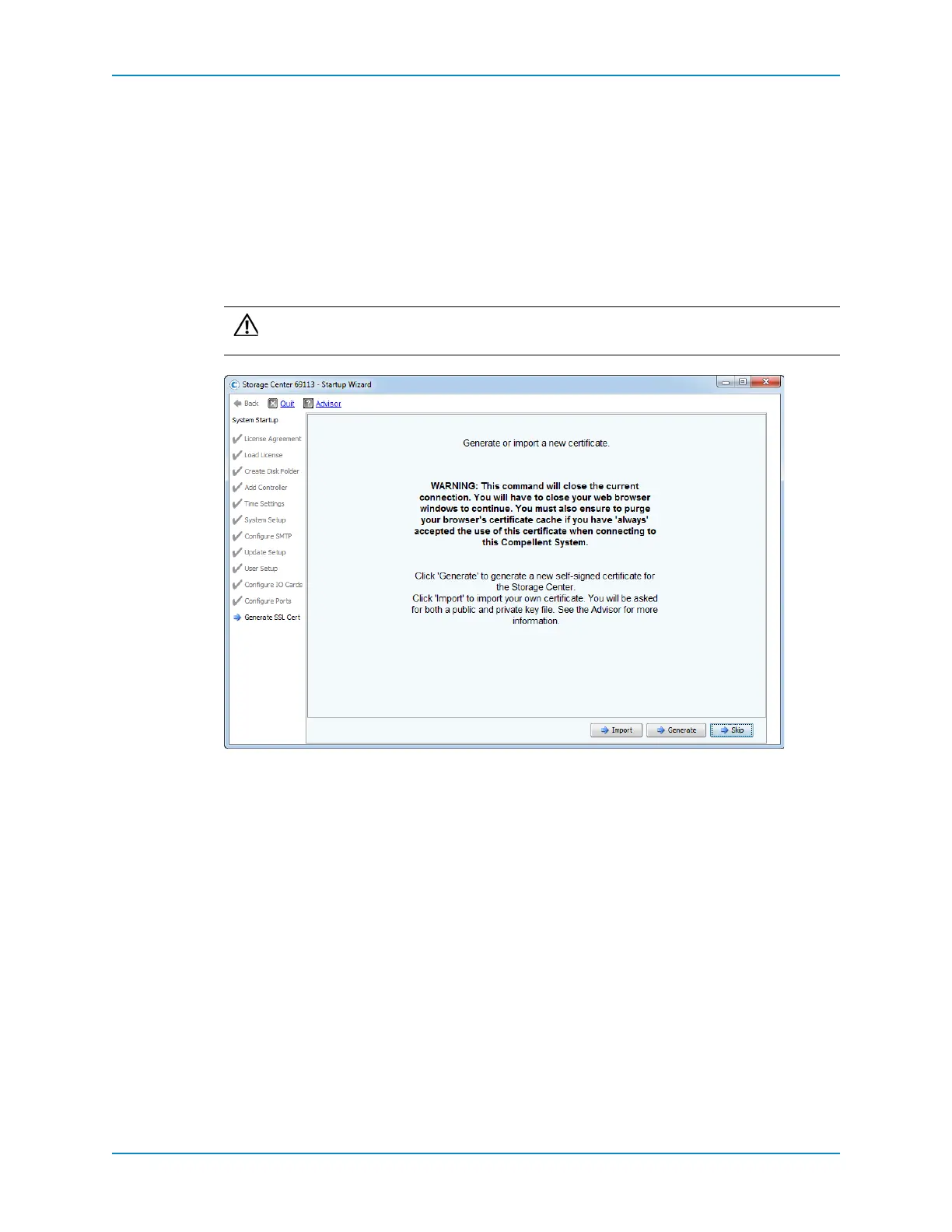
Generate SSL Certificate
UsetheGenerateSSLCertpagetogenerateanewSecureSocketLayer(SSL)certificateor
importanexistingcertificatefortheStorageCenter.TheSSLcertificatemustmatchthe
StorageCenterʹsIPAddressorDNShostname.
TheinitialcertificateshippedwiththeStorageCentermaynotmatchthe
IPaddressor
DNShostnameassignedtotheStorageCenter.Ifso,whenconnectingtoStorageCenter,a
messageisdisplayedidentifyingamismatchbetweenthecertificateandtheIPaddressor
DNShostnameoftheStorageCenter.Importorgenerateacertificatetocorrectthe
mismatch.
Import a Certificate
IfanSSLcertificatehasalreadybeengenerated,importthecertificate.
Prerequisites
Thepublickeyfilemustbeinx.509format.
Caution: DonotclickSkiptobypassthispage.ClickingSkipcanresultin
connectiondisruptionstoStorageCenterSystemManager.



 To Next Page