Complete the Startup Wizard
Dell Compellent 145
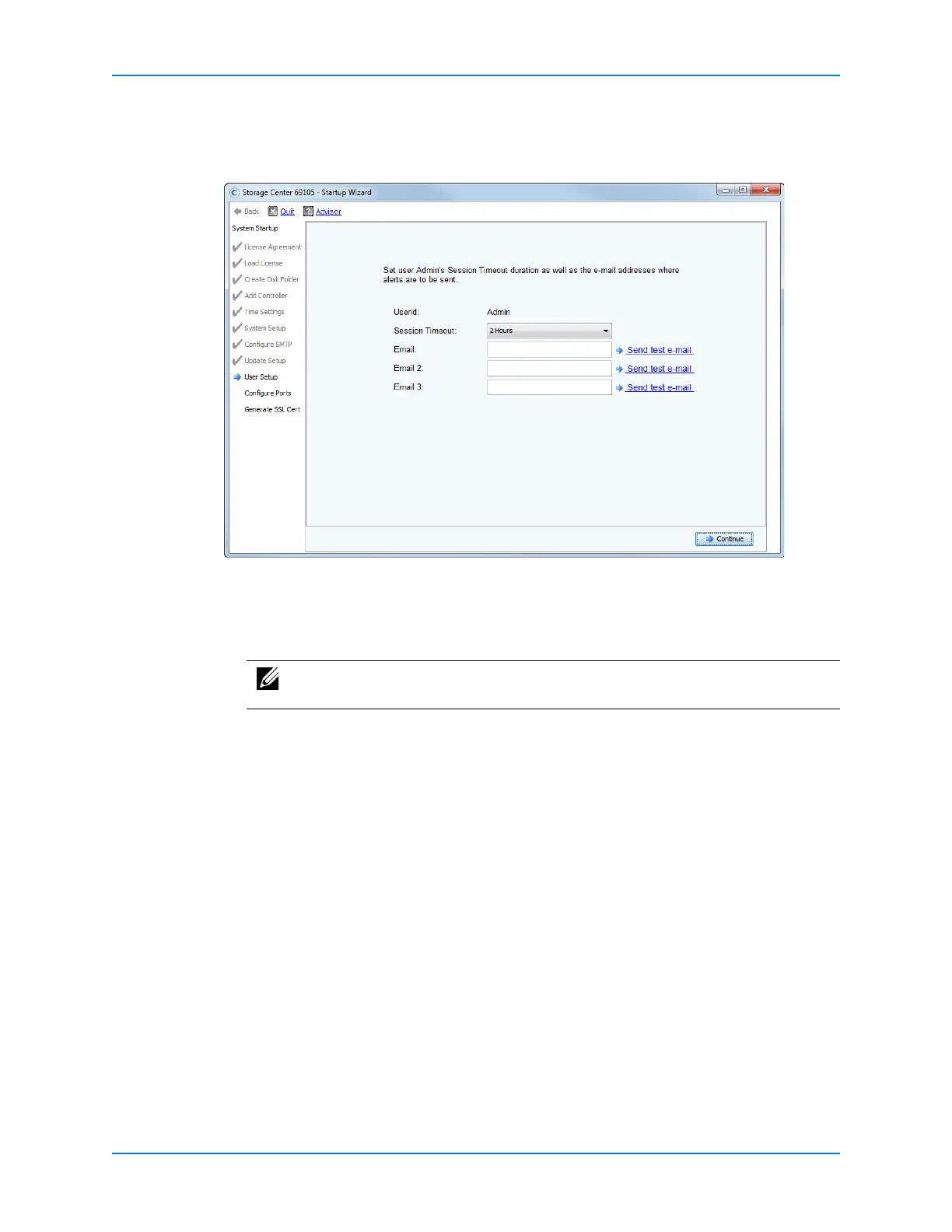
Set Admin Account
UsetheUserSetuppagetothesessiontimeoutandemailaddressesfortheAdmin
account.
3 FromtheSessionTimeoutdrop‐downlist,selectthesessiontimeout.
4 IntheEmail,Email2,andEmail3fields,enteremailaddressestowhichtheStorage
Centersendssystemalerts.
5 (Optional)ClickSendtest
e‐mailtomakesurethattheemailaddressesareaccurate.
6 ClickContinue.
IftheStorageCenterhasiSCSIIOcards,theConfigureIOCardspageappears.
IftherearenoiSCSIIOcards,theConfigurePortspageappears.
Note: Makesurethattheadministratorreceivesthetestemail(s).StorageCenter
usesemailtosendsystemalerts.



 To Next Page