Mount the Hardware in a Rack
Dell Compellent 45
Mount the Hardware in a Rack
DellCompellentrecommendsmountingthehardwareinaracktoensureracksafetyand
toallowforexpansion.
2U and 3U Enclosures
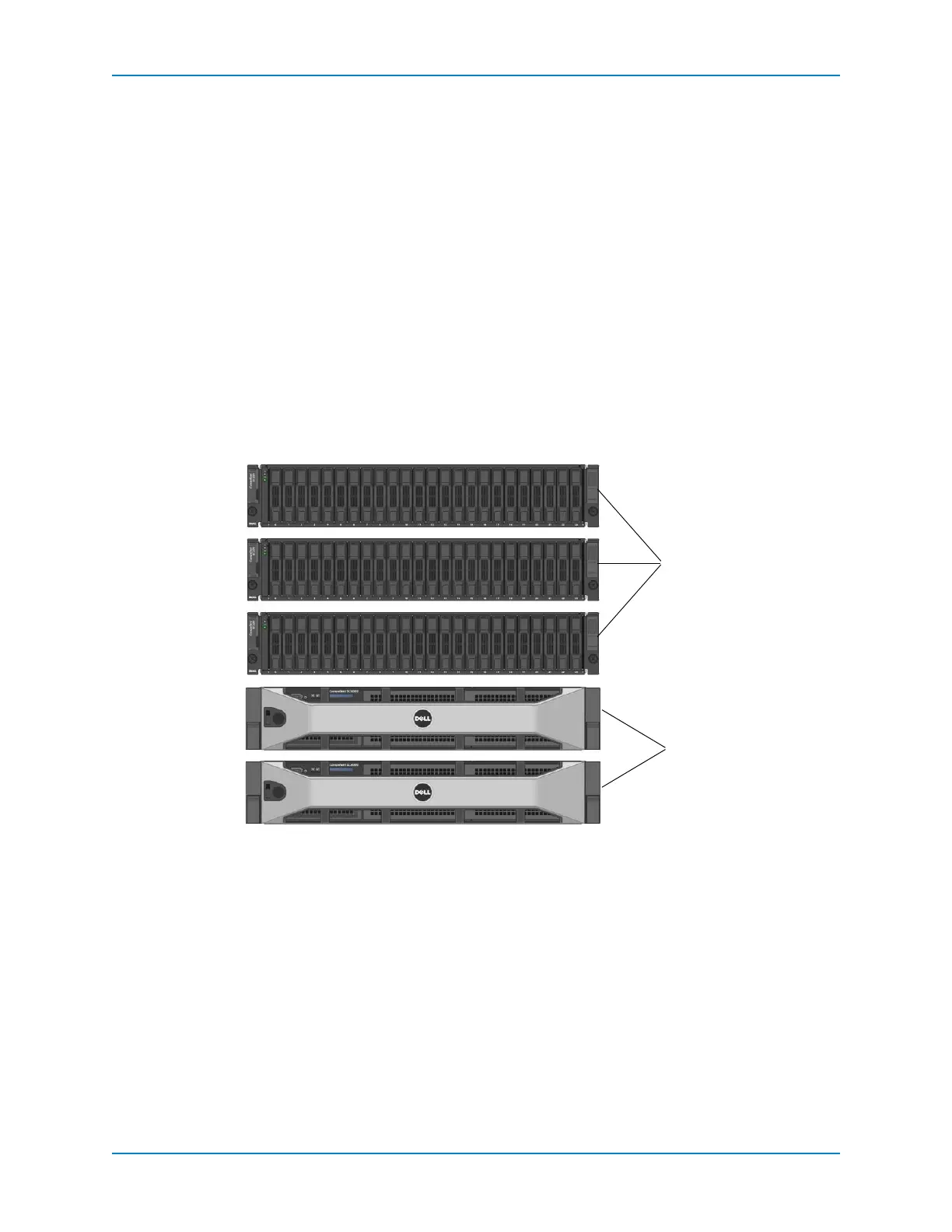
Install2Uand3Uenclosuresintheracktoallowforexpansionandsothattherackdoes
notbecometop‐heavy.Thiscanbeaccomplishedinoneoftwoconfigurations.
Installthecontrollersonthebottomoftherackandtheenclosuresabovethecontrollers.
Installthecontrollersinthemiddleoftherackandtheenclosuresaboveandbelowthe
controllers.
Steps
1 Mou n tthe controller(s)inarack.Seetheinstructionsincludedwiththerailkitfor
detailedsteps.
2 Mou n tthe enclosure(s)intherack.Seetheinstructionsincludedwiththerailkitfor
detailedsteps.
Figure 42. Recommended Mounting Order — 2U and 3U Enclosures
1 Controllers
2 Enclosures



 To Next Page