Chapter 5 Set up the Storage Center Software
132 Storage Center SC8000 Controller Deployment Guide
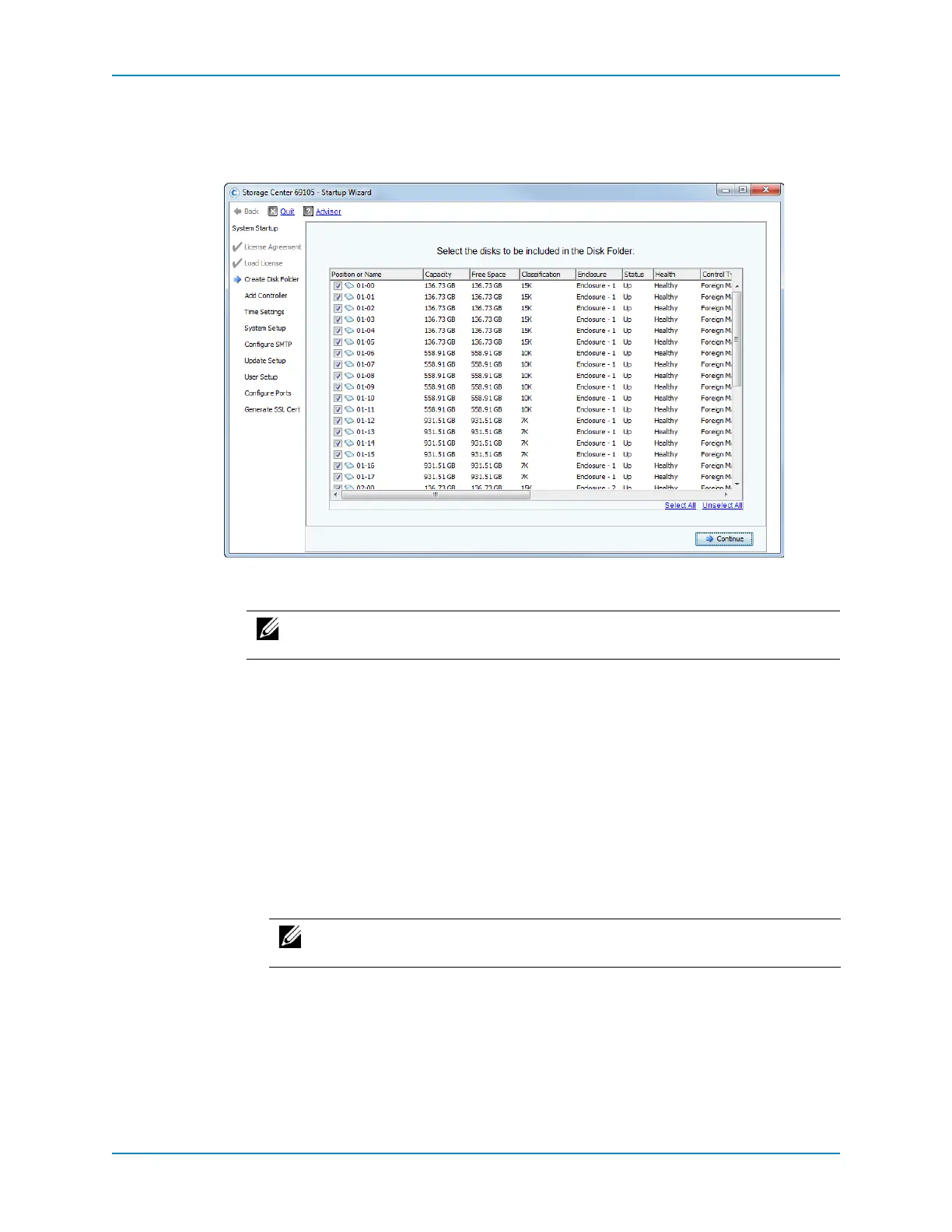
Create a Disk Folder
UsetheCreateDiskFolderpagestoassigndiskstoafolderinordertocreateasinglepool
ofstorageforvolumes.
1 Selectdisksforthediskfolder.Bydefault,theStartup Wizardselectsallavailable
disks.
a ScrollthroughthelistlookingattheEnclosurecolumnandthePositionor
Name
columntoverifythatalltheexpectedenclosuresanddisksarelisted.
Ifenclosuresordisksaremissing,theissuesmightbefixedbyfollowing
TroubleshootingEnclosuresonpage 205.
b (Optional)Fromthelistofdisks,selectdiskstoincludeinthediskfolder.Bydefault,
alldisksareselected.
Toexcludeindividualdisksfromthediskfolder,clearthecorrespondingcheck
boxes.
Toincludeindividualdisksinthediskfolder,clickUnselectAllandthenselect
theindividualdiskstoinclude.
Toselectalldisks,clickSelectAll.
c ClickContinue.TheStartupWizarddisplaysaprompttoselectdiskstodesignate
ashotspares.
Note: ASecureDatafoldercanonlycontainself‐encryptingFIPSdrives,which
areindicatedbyayellowlockicon.
Note: Dell Compellentrecommendsselectingallavailablediskstomaximize
thebenefitsofDataProgression.



 To Next Page