Chapter 5 Set up the Storage Center Software
140 Storage Center SC8000 Controller Deployment Guide
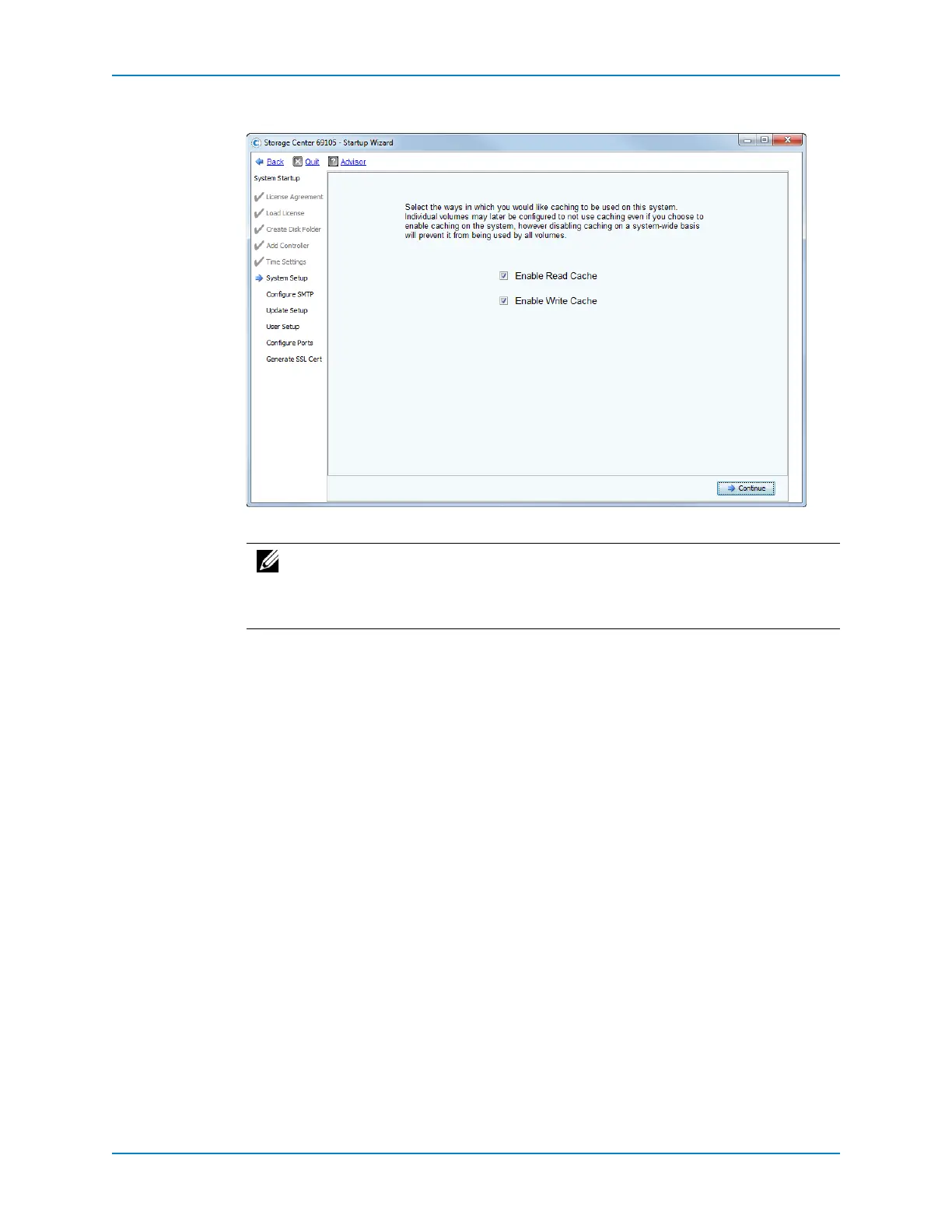
3 ClickContinue.Thewizardpromptsyoutoenableordisablethereadandwritecache.
4 Selectorclearthecheckboxestoenableordisablereadandwritecache.
5 ClickContinue.
IfaSecureDatafolderisusedwithFIPSSEDs,youarepromptedtoconfigureakey
managementserver.
ifstandarddrivesareused,theConfigureSMTPpageappears.
Note: Disablecache onlyifnovolumeswilleverusecache.Ifcacheisleft
enabledonthispage,itcanbe disabledlaterforindividualvolumes.Seethe
StorageCenterSystemManagerAdministrator’sGuideforinformationondisabling
cacheonavolume‐by‐volumebasis.



 To Next Page