Chapter 5 Set up the Storage Center Software
162 Storage Center SC8000 Controller Deployment Guide
Create a New Certificate
IfyoudonotalreadyhaveacertificatethatcontainstheStorageCenterhostnameorIP
address,generateonenow.
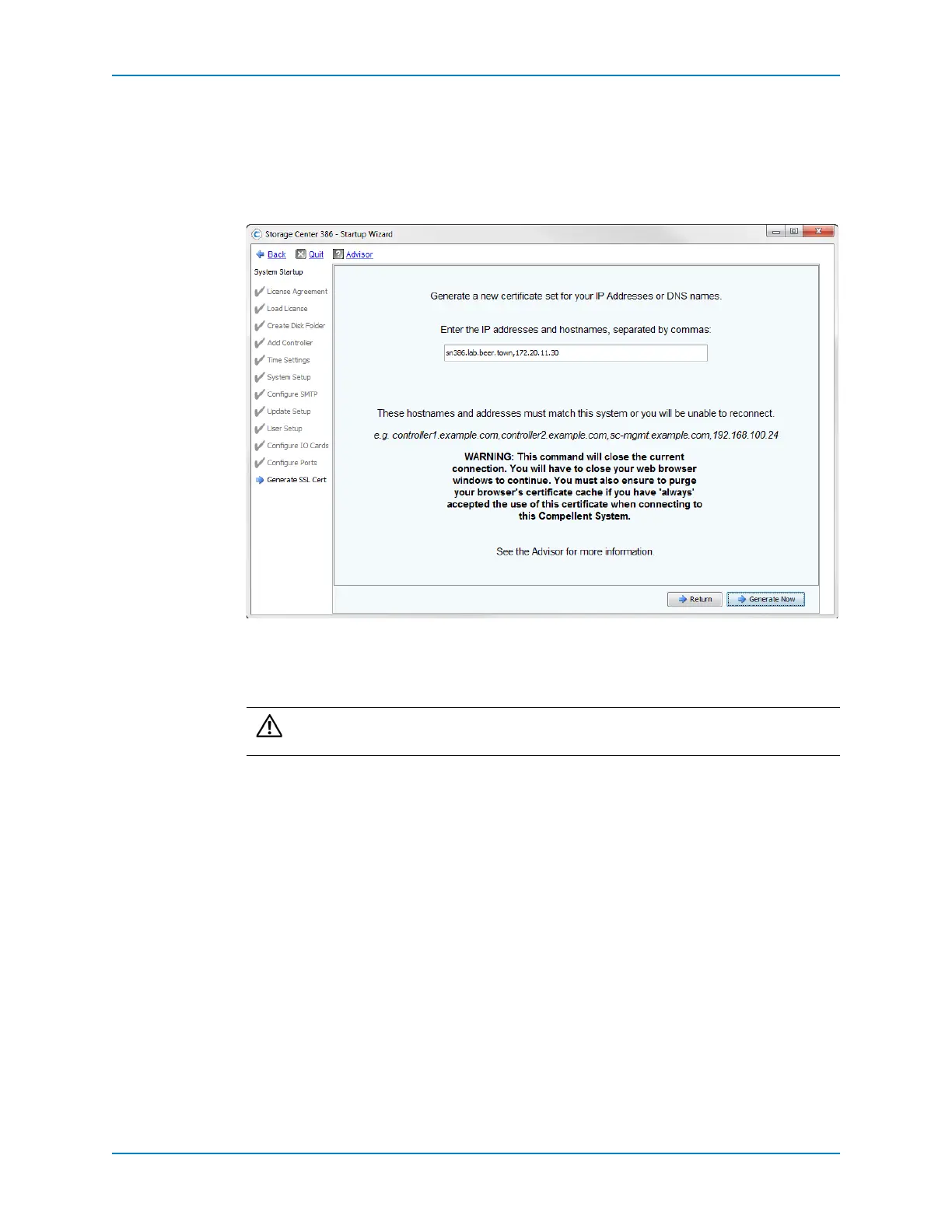
1 ClickGenerate.ThewizardpromptsyoutoentertheIPaddressesandhostnamesfor
theStorageCenter.
2 Inthetextfield,enterallDNShostname(s),IPv4address(es),and
IPv6address(es)for
thisStorageCenter,separatedbycommas.Thewizardprepopulatesthefieldwith
informationitknows,butitislikelythatmoresite‐specifichostnamesandaddresses
needtobeentered.
3 ClickGenerateNow.Anewcertificateisgeneratedandthesessionends.Tocontinue,
refreshthe
browserandlogontotheStorageCenteragain.
Caution: Thehostname(s)andaddress(es)mustmatchthisStorageCenteror
youwillnotbeabletoreconnecttoit.



 To Next Page