SC8000 Controller
Dell Compellent 11
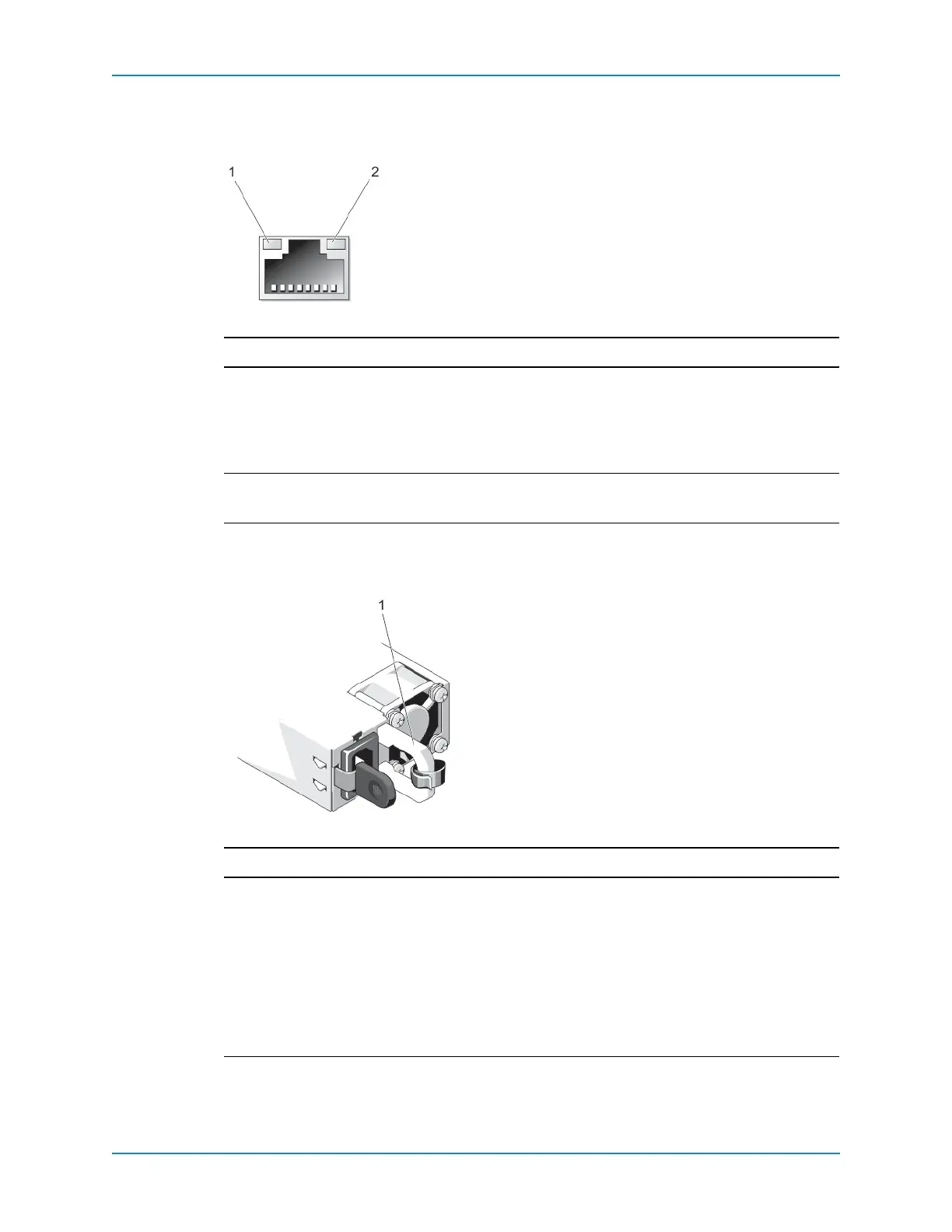
NIC Indicator Codes
TheembeddedEthernetconnectorsincludestatusindicators.
Figure 7. NIC Indicator
Power Indicator Codes
EachACpowersupplyhasanilluminatedtranslucenthandle.
Figure 8. AC Power Supply Status Indicator
Item Name Indicator Code
1Linkindicator • Off:TheNICisnotconnectedtothenetwork.
• Green:TheNICisconnectedtoavalidnetworkatitsmaximumport
speed(1Gbpsor10Gbps).
• Amber:TheNICisconnectedtoavalidnetworkatlessthanits
maximumportspeed.
2Activity
indicator
• Flashing:Indicatestransmit/receiveactivity.
• Steady:Indicatesvalidnetworkconnection.
Item Name Indicator Code
1ACpower
supplystatus
indicator/
handle
• Notlit:Powerisnotconnected.
• Green:Avalidpowersourceisconnectedtothepowersupplyandthe
powersupplyisoperational.
• Flashingamber:Indicatesaproblemwiththepowersupply.
• Flashinggreen:Whenhot‐addingapowersupply,thisindicatesthat
thepowersupplyismismatchedwiththeotherpowersupply(interms
ofefficiency,featureset,systemstatus,orsupportedvoltage).Replace
thepowersupplythathastheflashingindicatorwithapowersupply
thatmatchesthecapacityoftheotherinstalledpowersupply.



 To Next Page