89
Barcode Handy Terminal
“2: OPEN BAR SEETTINGS”: Setting “The FUNCTION TO ASSIGN SCAN SETTINGS WITH
THE SYSTEM SETTINGS”
1. Select “3: OPEN BAR SEETTINGS” at SET QRCODE and then
press the ENT key.
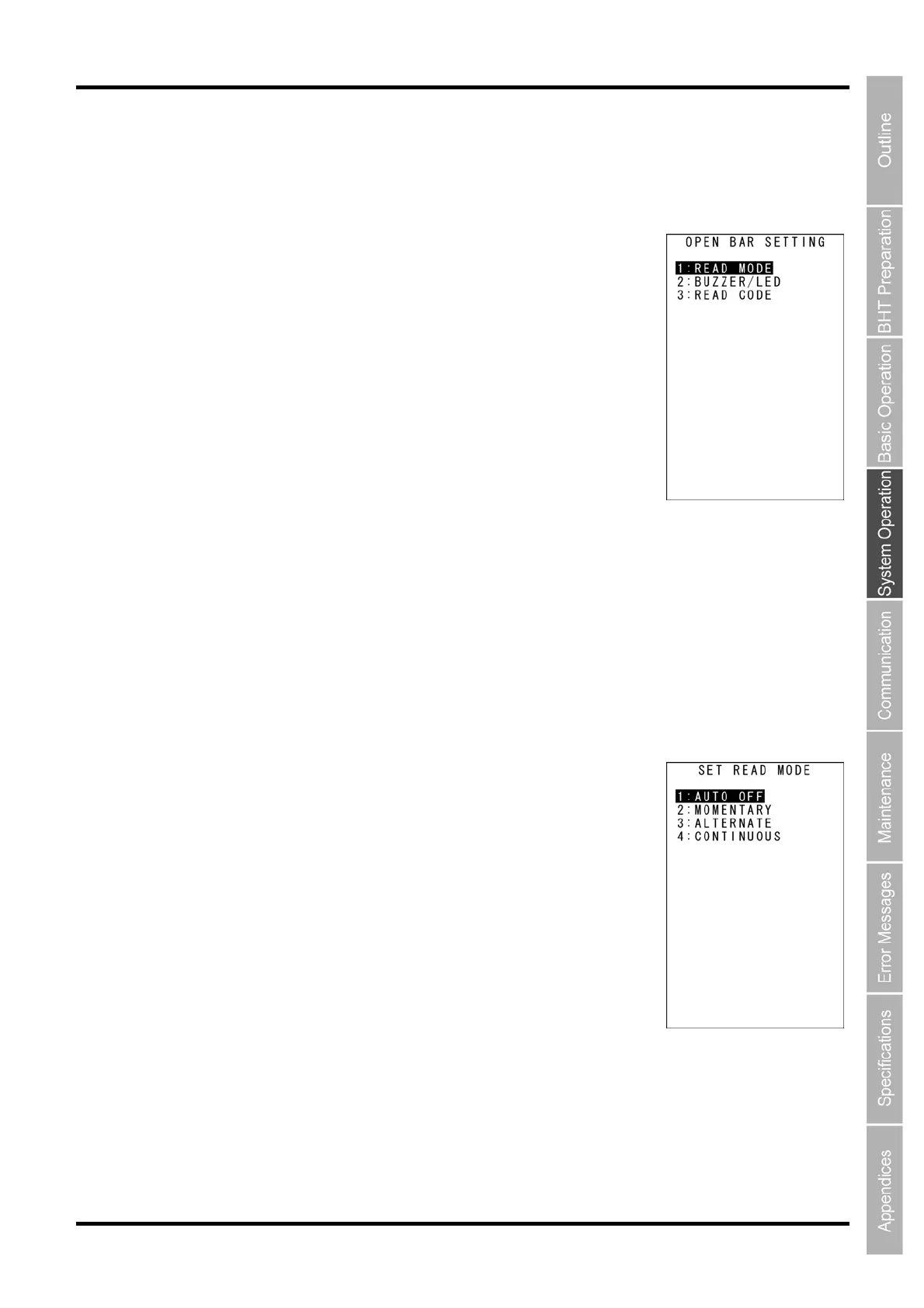
The OPEN BAR SETTING screen is displayed.
1: READ MODE: Read mode
The READ MODE screen is displayed
2: BUZZER/LED: Buzzer/LED control
The BUZZER/LED screen is displayed
3: READ CODE: Read code
The READ CODE screen is displayed
Refer to the following section for details of the above items.
2. Use the cursor keys ([▲] [▼]) or numerical keys ([1] [2] [3]) to select the item to be set and press
the ENT key.
3. Press the BS/C key to return to the SET QRCODE menu.
[1] Read mode
1. Select “1: READ MODE” at OPEN BAR SETTING and then press the
ENT key.
The
SET READ MODE screen is displayed.
The highlighted settings are the current settings.
“1: AUTO OFF”: Auto-off mode
If the trigger operation is not operated, it turnes off the illumination LED
after the certain amount of time.
“2: MOMENTARY”: Momentary mode
Only while you hold down the trigger swich, the illumination LED lights.
“3: ALTERNATE”: Alternate mode
The illumination LED is turned ON/OFF repeatedly, every time trigger switch
is pressed over.
“4: CONTINUOUS”: Continuous lighting mode
The illimination LED lights continiously.



 To Next Page