170
BHT-1300B series
[2] Site Survey Menu
1. Select “2: SITE SURVEY” at the RF MENU and then press
the ENT key.
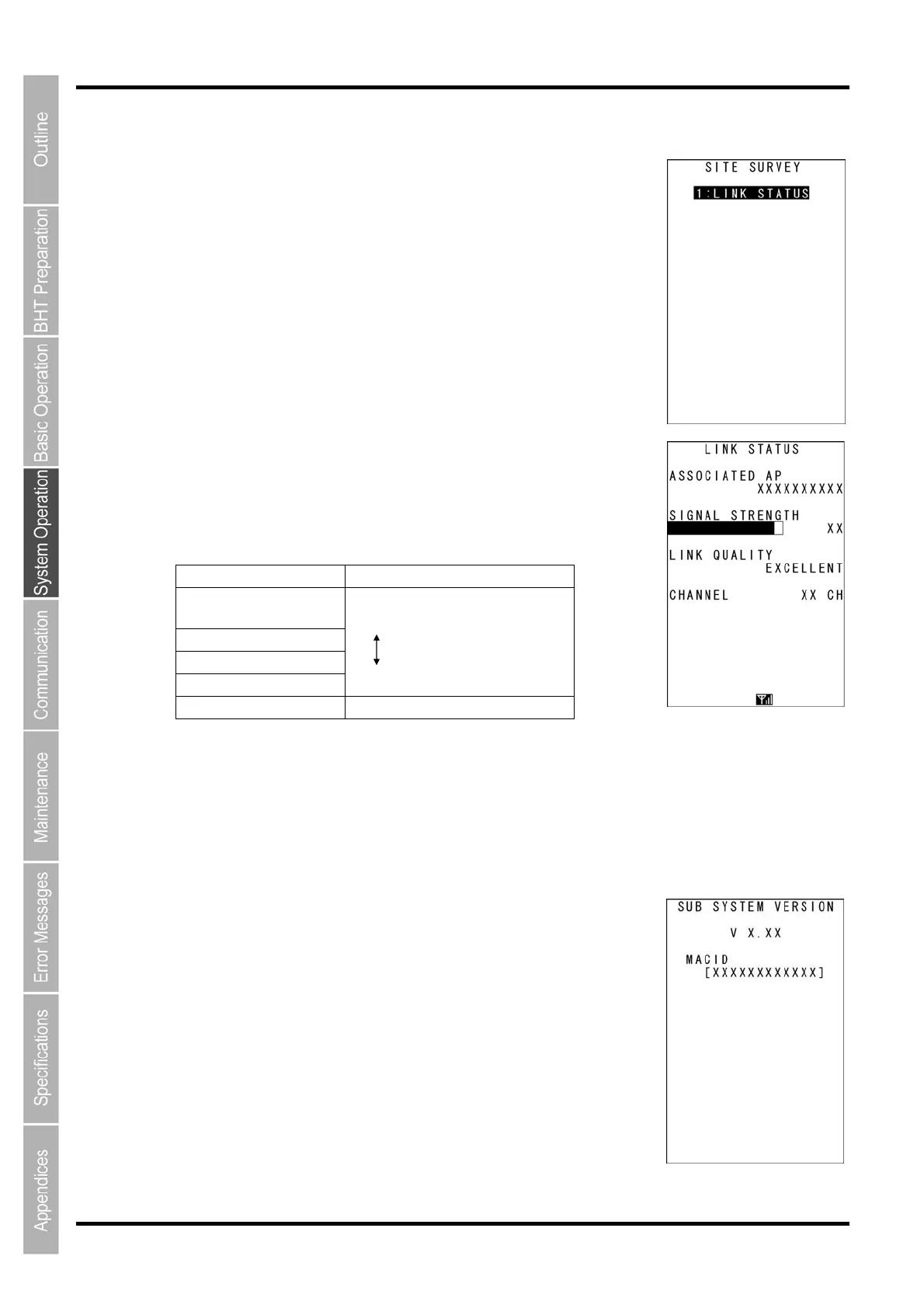
The SITE SURVEY screen on the right is displayed.
Press and hold the BS/C key to return to the RF MENU screen.
2. Press the ENT key.
The current communication status is displayed in real time.
[ASSOCIATED AP]:
Displays the MAC address of the wireless interface for the associated
access point.
[SIGNAL STRENGTH]:
Displays the signal strength of received packets.
[LINK QUALITY]:
Displays the overall communication quality with the access point.
Display Communication Status
EXCELLENT Excellent communication link
GOOD
FAIR
POOR Poor communication link
NOT ASSOCIATED Not associated with an access point
[CHANNEL]:
Displays the current communication channel.
Press and hold the BS/C key to return to the SITE SURVEY menu.
[3] RF Version
1. Select “3: VERSION” at the RF MENU and then press
the ENT key.
The screen on the right is displayed after information is acquired.
[V X.XX]: Wireless module firmware version
[MACID]: Wireless module MACID
Press and hold the BS/C key to return to the RF MENU.



 To Next Page