132
BHT-1300B series
◆ Media files (*.WAV)
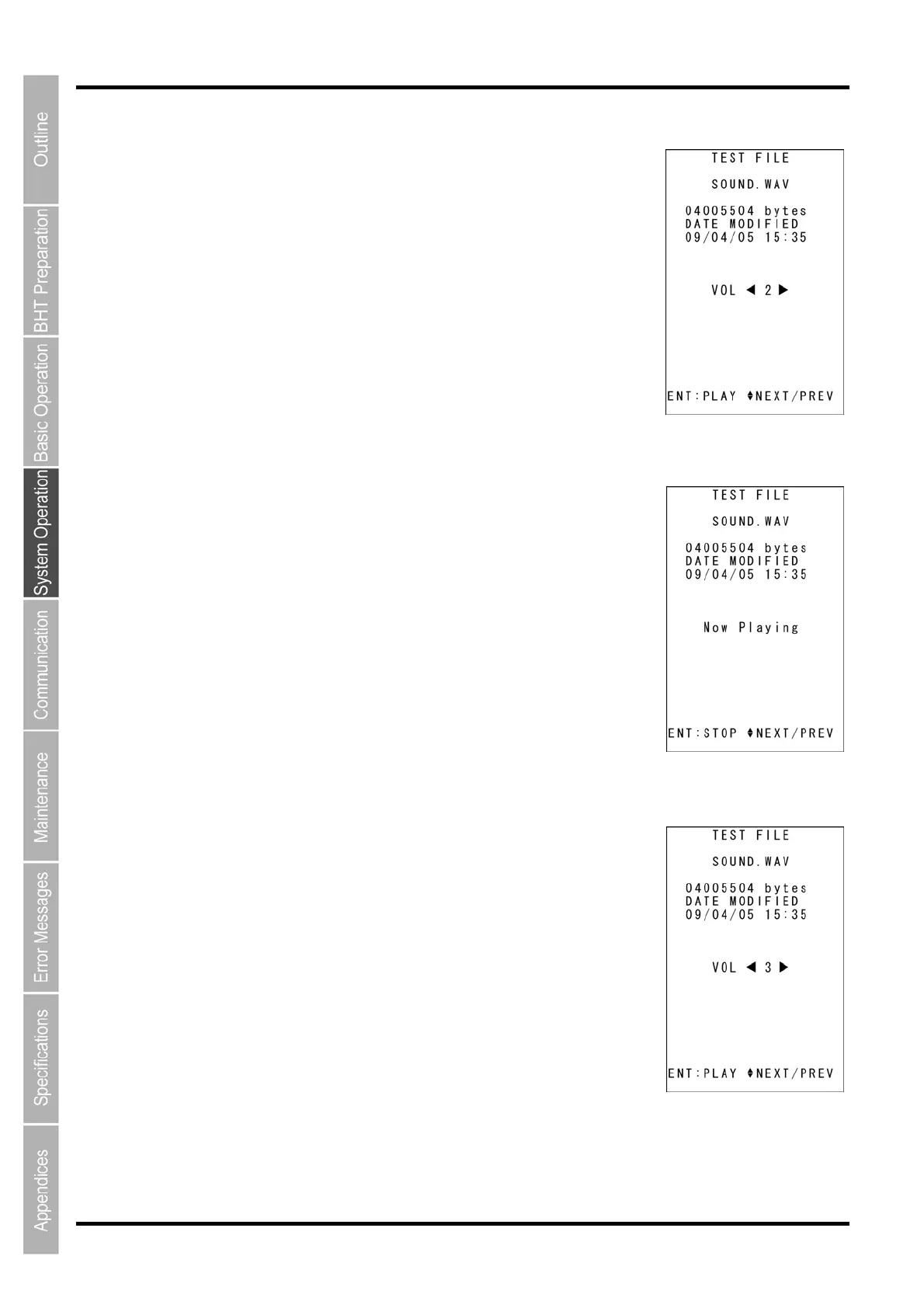
1. Use the cursor keys ([▲] [▼]) to select a *.WAV file, and then press the ENT
key.
The screen on the right will appear, displaying the file size and creation
date.
2. Press the F1 key to play the file.
Press the F1 key while the file is playing to stop the file, and return to the
previous screen.
Use the cursor keys ([◄] [►]) to adjust the volume. The volume can be
adjusted in four levels from 0 (minimum) to 3 (maximum.)



 To Next Page