197
Barcode Handy Terminal
4.5.17 Copying Files (FILE COPY Menu)
Copy the files from the flash ROM (internal memory) to the microSD card (SD) or vice versa according to
the following procedure.
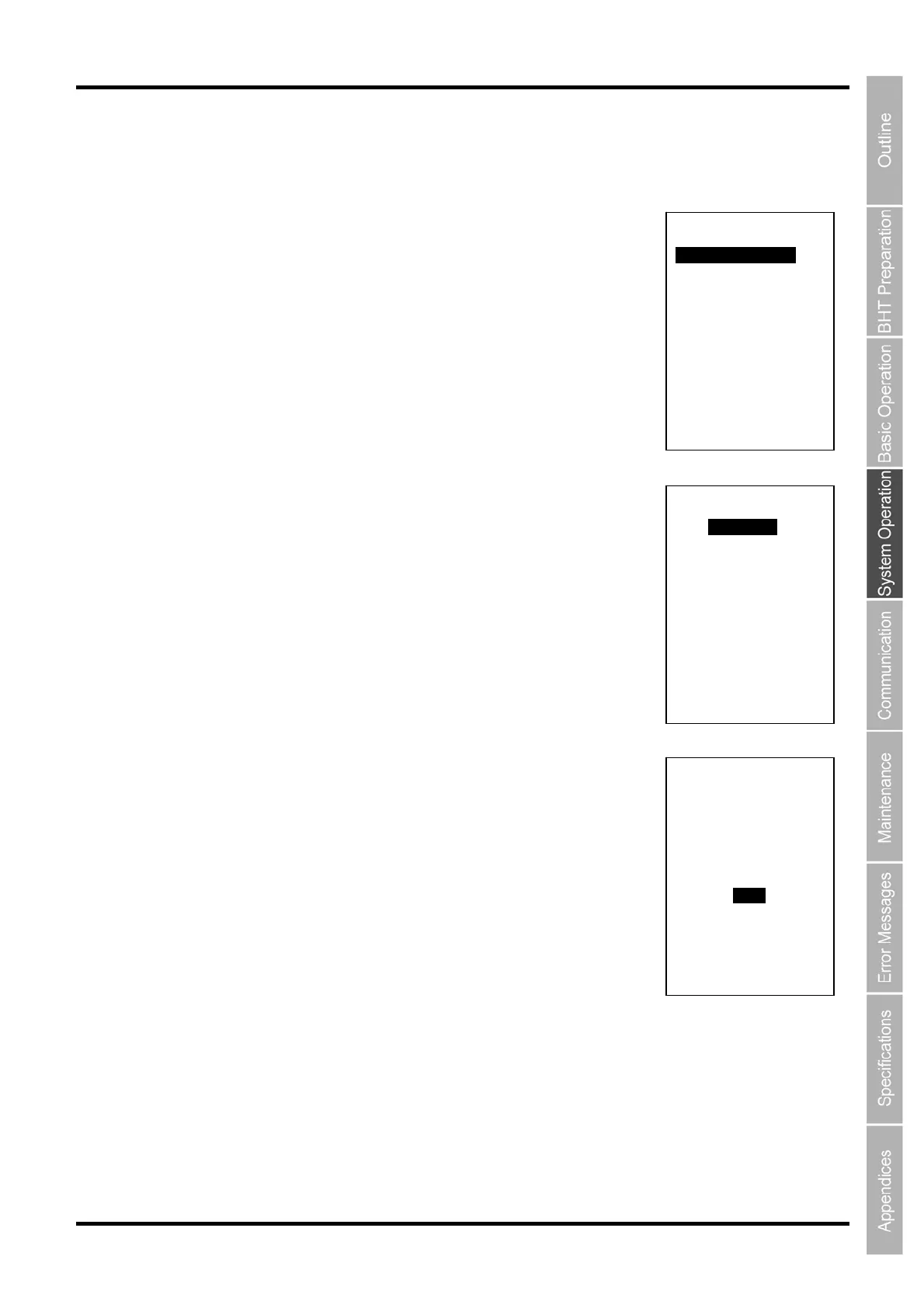
1. Press the 5 key while holding down the SF key at the SYSTEM MENU.
The memory selection menu screen on the right is displayed.
Press and hold the BS/C key to return to the SYSTEM MENU.
2. Highlight the item to be copied with the cursor keys ([◄] [►]) and
press the ENT key.
The FILE COPY menu on the right is displayed.
Press and hold the BS/C key to return to the memory selection menu.
3. Use the cursor keys ([▲] [▼]) to highlight the program to be copied.
4. Press the ENT key.
The FILE COPY screen on the right is displayed.
FILE COPY
XXXXX.XXX
Copy?
1:Yes 2:No
FILE COPY
XXXXX.XXX
YYYYY.YYY
ZZZZZ.ZZZ
FILE COPY
1:Internal --> SD
2:SD --> Internal



 To Next Page