54
BHT-1300B series
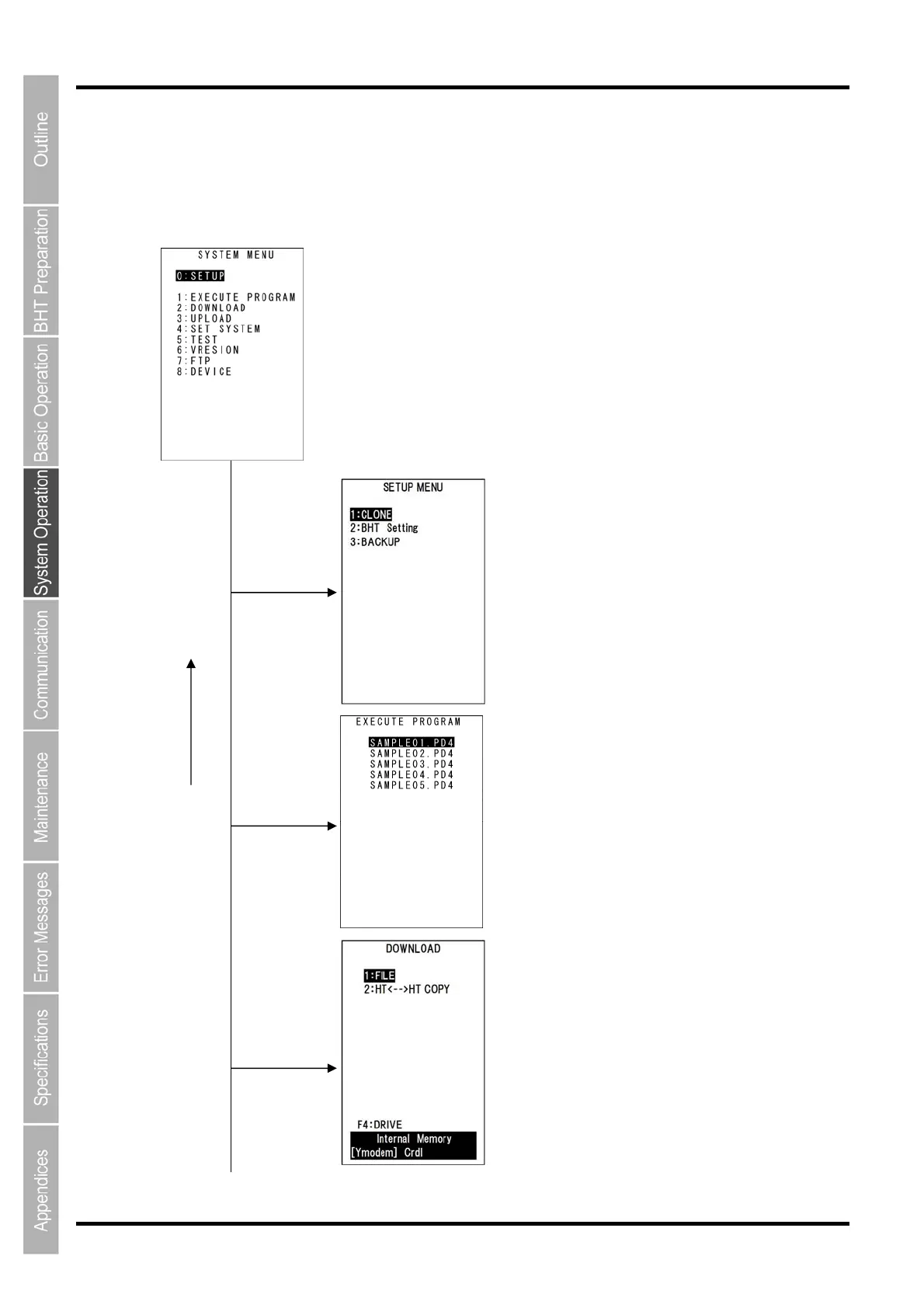
4.4.3 SYSTEM MENU Configuration
Menu Configuration for Items Displayed at the SYSTEM MENU Screen
Select the item with the numerical keys or cursor keys ([▲] [▼]) and press the ENT key.
SYSTEM MENU
Executing Programs
Refer to Chapter “4.5.2 Executing User Programs”.
Downloading
Refer to Chapter “4.5.3 Downloading Files”.
0 and ENT keys
1 and ENT keys
2 and ENT keys
BS/C
key
Setup Menu
Refer to Chapter “4.5.1 Excuting Setup”.



 To Next Page