103
Barcode Handy Terminal
“3: COM PORT”: Setting the communication port
1. Select “3: COM3” at the SET COMMUNICATION menu and then press
the ENT key.
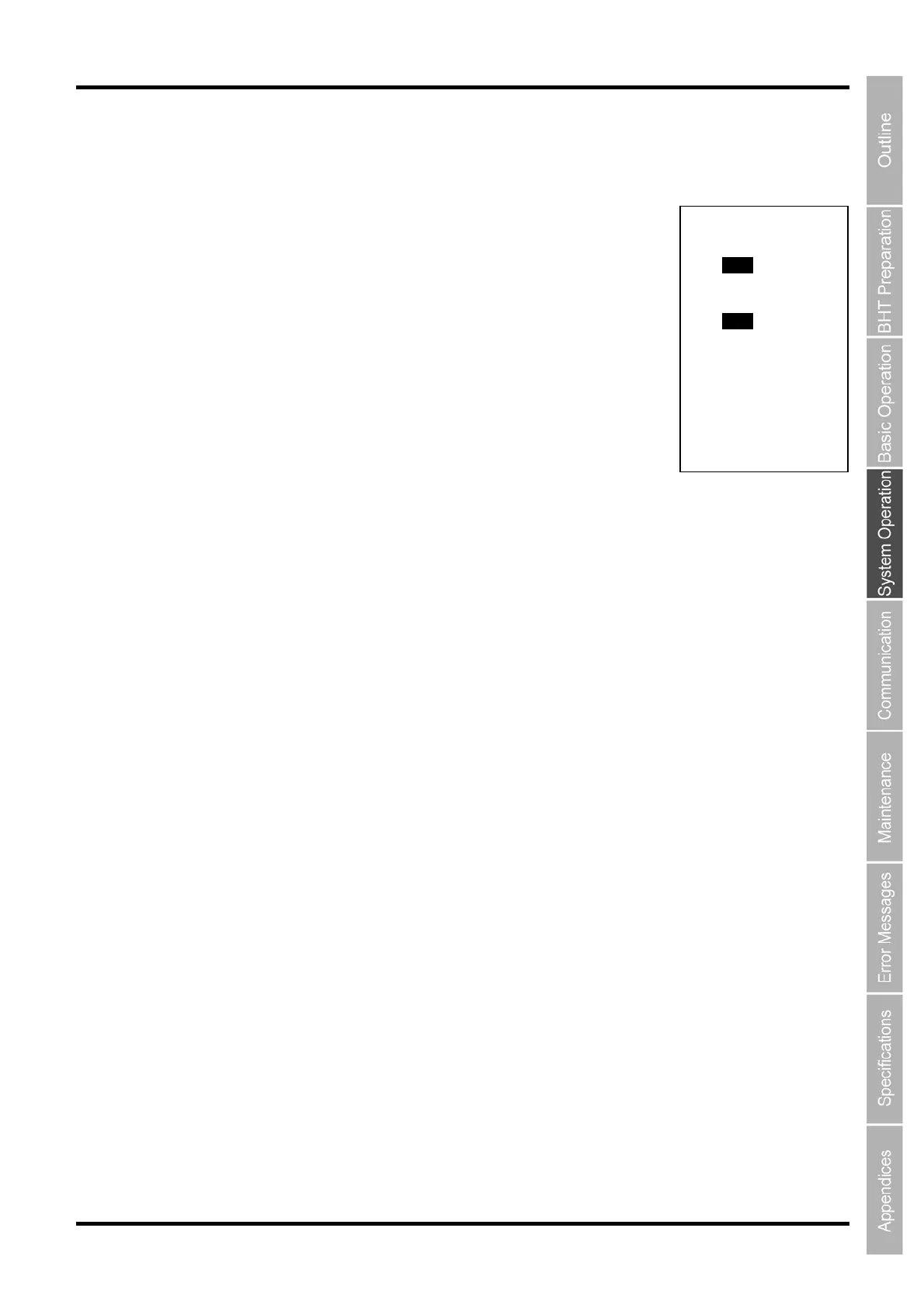
The DEFAULT SERIAL PORT menu screen on the right is displayed.
“1: BASIC”:
Sets the interface used by the user program (OPEN “COM:”) developed
with BHT-BASIC.
“COM1”: Uses Cradle (CU) or IrDA communication.
“COM2”: Uses USB communication.
“2: SYSTEM MODE”:
Sets the interface used for downloading or uploading the system mode.
“COM1”: Uses Cradle (CU) or IrDA communication.
“COM2”: Uses USB communication.
To make changes, use the cursor keys ([▲] [▼]) or numerical keys ([1] [2]) to highlight the item to be set,
highlight the setting value using the cursor keys ([◄] [►]), and then press the ENT key.
Press and hold the BS/C key to return to the SET COMMUNICATION menu.
DEFAULT SERIAL PORT
1:BASIC
COM1 COM2
2:SYSTEM MODE
COM1 COM2



 To Next Page