43
Barcode Handy Terminal
4.1.1 Selecting the Memory Area to be Initialized
1. Press the Power key ( ) while holding down the SF, M1 and 0
keys together.
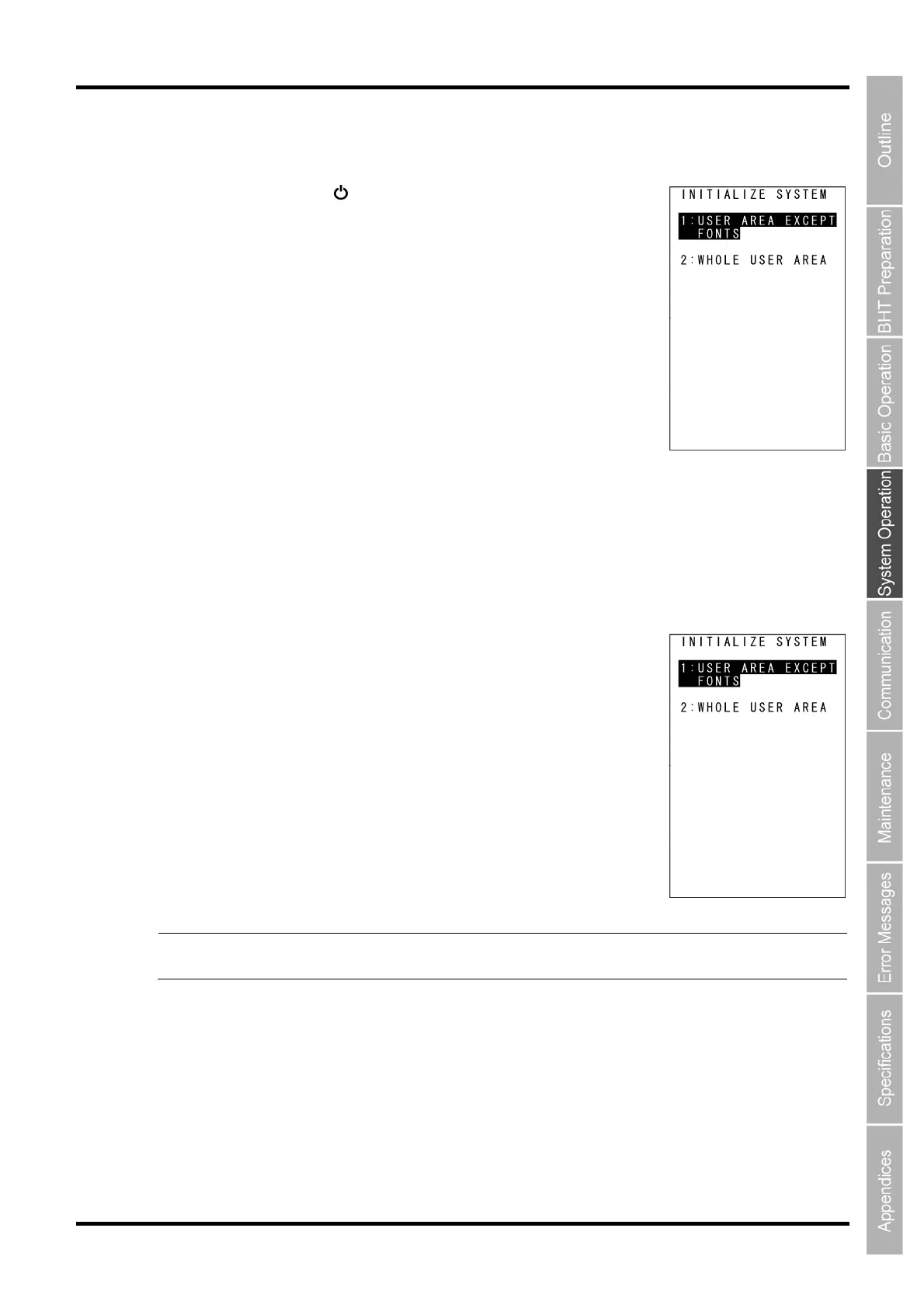
The screen on the right is displayed.
2. Select the memory area to be initialized.
(1) To exempt font files from deletion:
Ensure that “1:USER AREA EXCEPT FONTS” is selected and press the ENT key.
Go to “4.1.2 Selecting the Message Version (English, Japanese, Simplified Chinese, Traditional Chinese,
Korean or Thai)”.
(2) To delete font files:
Press the 2 key while holding down the SF key.
The screen on the right is displayed.
Next, press the 2 key, select “2: WHOLE USER AREA”, and press the ENT
key.
Go to “4.1.2 Selecting the Message Version (English, Japanese, Simplified
Chinese, Traditional Chinese, Korean or Thai)”.
“1: USER AREA EXCEPT FONTS”
The user area is initialized without deleting file fonts.
“2: WHOLE USER AREA”
The entire user area is initialized and therefore file fonts are also
deleted.
Point If a “Contact the administrator. (2XXX)” message appears when the BHT power is ON,
select ”2: WHOLE USER AREA”.



 To Next Page