100
BHT-1300B series
[5] Setting the communication environment
The communication environment settings following system initialization are follows.
Do not change these settings unless necessary.
Item Default
Interface to be used COM1 (Communication with the CU)
Communication protocol Ymodem protocol
Infrared interface port
TRANSMIT SPEED Baud rate 115200 bps
PROTOCOL Protocol options SERIAL No.: ON (Adds serial numbers to data
blocks.)
H. PARITY: ON (Adds horizontal parity.)
LINKUP TIME: 30 seconds
FIELD SPACE: Ignore (Trim)
USB interface port
PROTOCOL Protocol options SERIAL No.: ON (Adds serial numbers to data
blocks.)
H. PARITY: ON (Adds horizontal parity.)
LINKUP TIME: 30 seconds
FIELD SPACE: Ignore (Trim)
Use the following procedure if necessary to change the communication environment settings.
1. Select “5: COMMUNICATION” at the SET SYSTEM menu and then
press the ENT key.
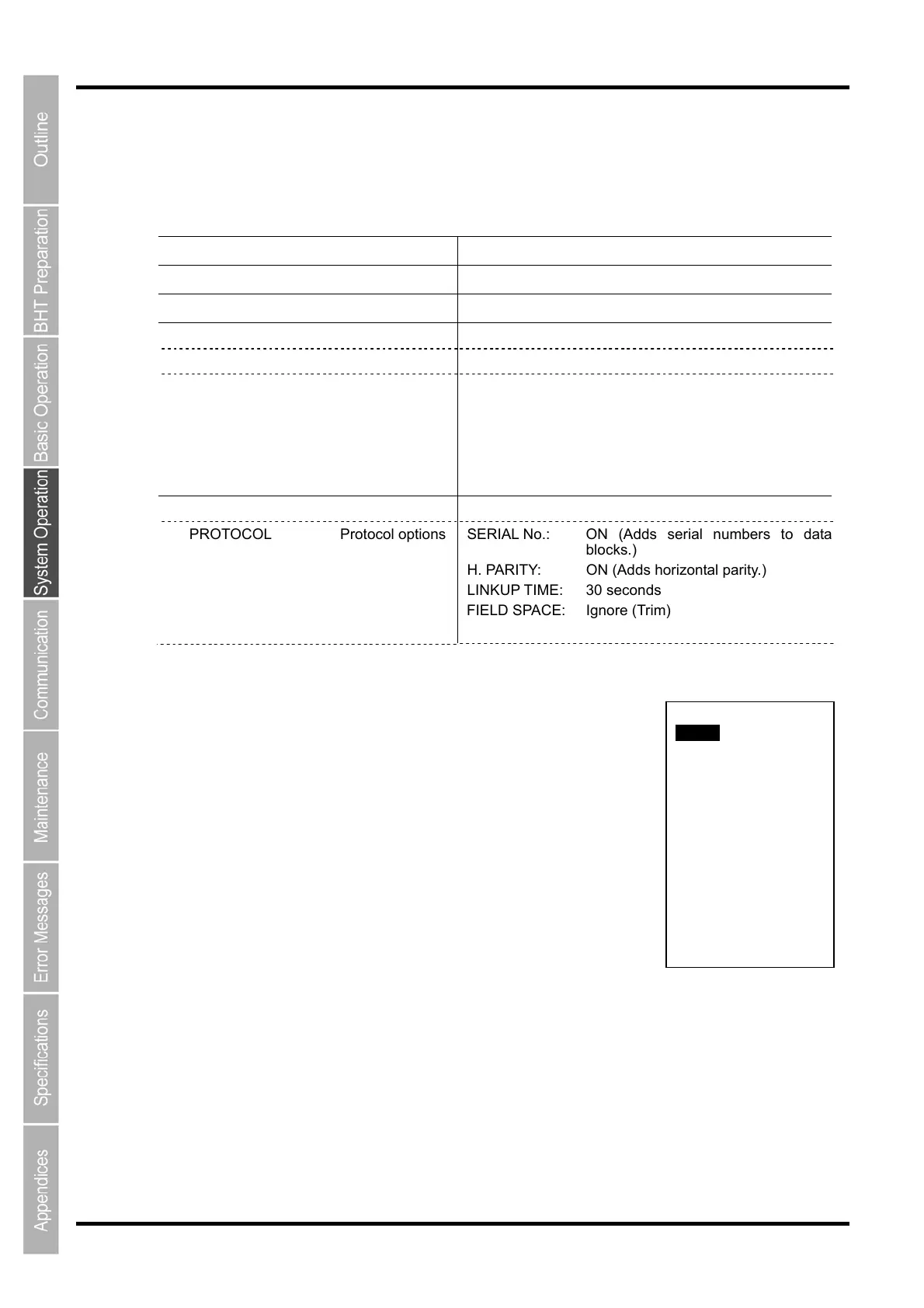
The SET COMMUNICATION menu screen on the right is displayed.
2. Use the cursor keys ([▲] [▼]) or numerical keys ([1] [2]) to highlight
the item to be set and press the ENT key.
“1: COM1”:
Changes the cradle (CU) or IrDA communication parameter settings.
“2: COM2”:
Change the USB communication parameter settings.
“3: COM PORT:
Changes the USB communication parameter settings.
4: PROTOCOL TYPE:
Changes the communication protocol settings.
5: OPEN ”COM:” DETAIL:
Changes the communication conditions used by the user program (OPEN “COM:”) developed with
BHT-BASIC.
Refer to the following section for details of the above items.
Press and hold the BS/C key to return to the SYSTEM MENU.
SET SERIAL PORT
1:COM1
2:COM2
3:COM PORT
4:PROTOCOL TYPE
5:OPEN”COM:”DETAIL



 To Next Page