23
Barcode Handy Terminal
2.5 About Easy Pack Ad for BHT-1300
The BHT-1300 is equipped with the simplified operating application “Easy Pack Ad for BHT-1300” for the BHT in the
factory default setting.
2.5.1 Features
This software can handle the following three tasks.
Collect
(data collection)
Repeatedly enters the data on the product number and its quantity and then saves that data in
the JISSEKI.CSV file.
1-to-1 Verify: Scans the data on the item and compares that data against the master data. If there is a
mismatch between these data sets, an error message is issued.
1-to-n Verify Scans the data on each of the “n” number of items and compare that data against the master
data. If there is a mismatch between these data sets, an error message is issued.
You can save the JISSEKI.CSV file in any folder with the drag-and-drop function in Windows Explorer if the BHT is
connected to your PC via the USB cable. See Chapter 5.4 “USB Communication”.
2.5.2 How to Start
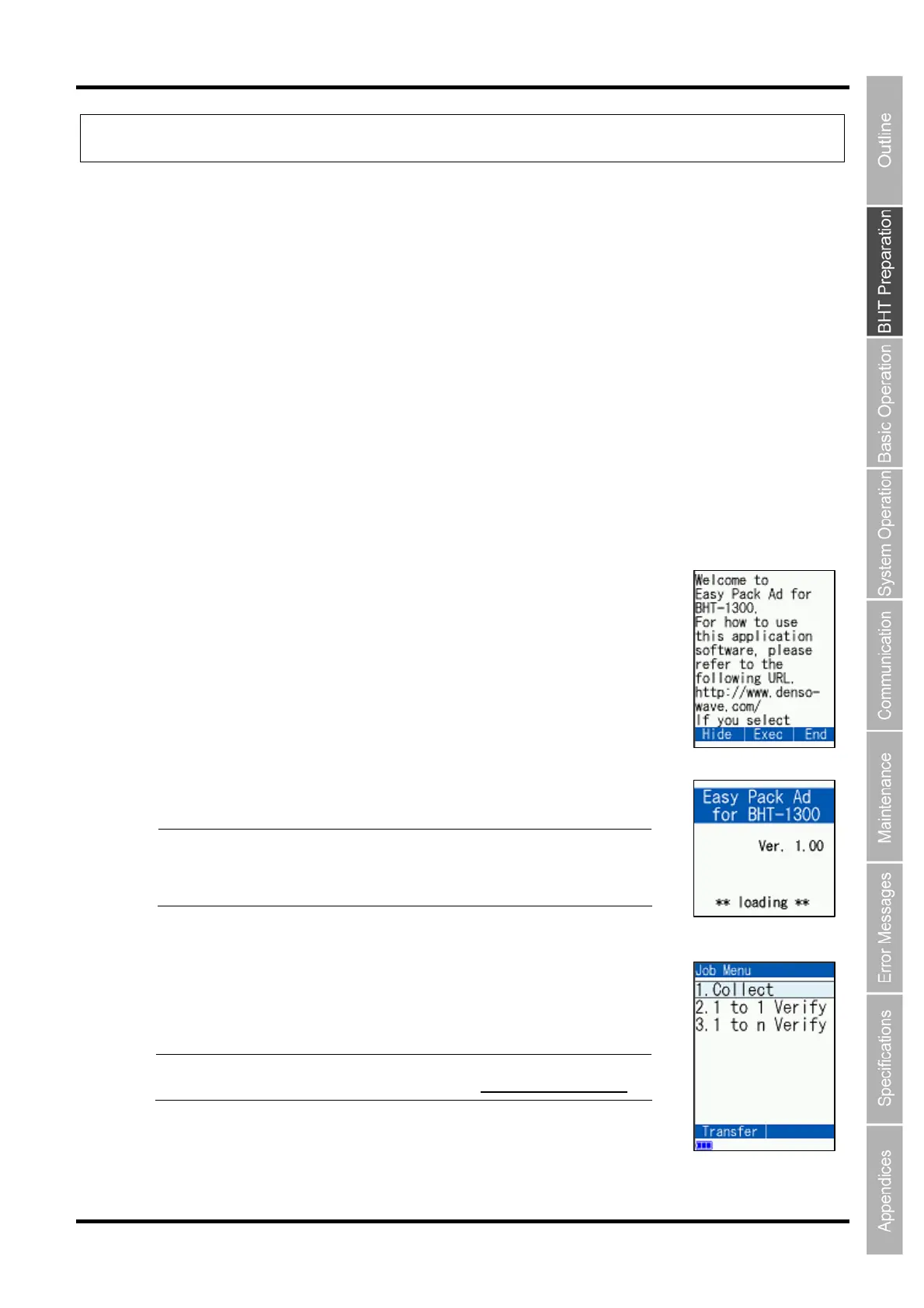
1. In Step 4 in Chapter 2.4, select “1: Easy Pack Ad” and press the ENT
key.
The screen on the right is displayed.
2. Press the SCAN key to start Easy Pack Ad for BHT-1300.
The screen on the right is displayed.
Point You can also use the M1 key to start Easy Pack Ad fo
BHT-1300, but the screen in Step 1 is not shown on the screen
when you operate next time. To turn off Easy Pack Ad, press
the M2 key.
3. The screen on the right is displayed on completion of the reading.
Point For how to use Easy Pack Ad for BHT-1300, refer to its manual
available from our QBdirect website (
http://www.qbdirect.net/).



 To Next Page